
Image to Video AI
Upload a photo, describe the motion, get a video.
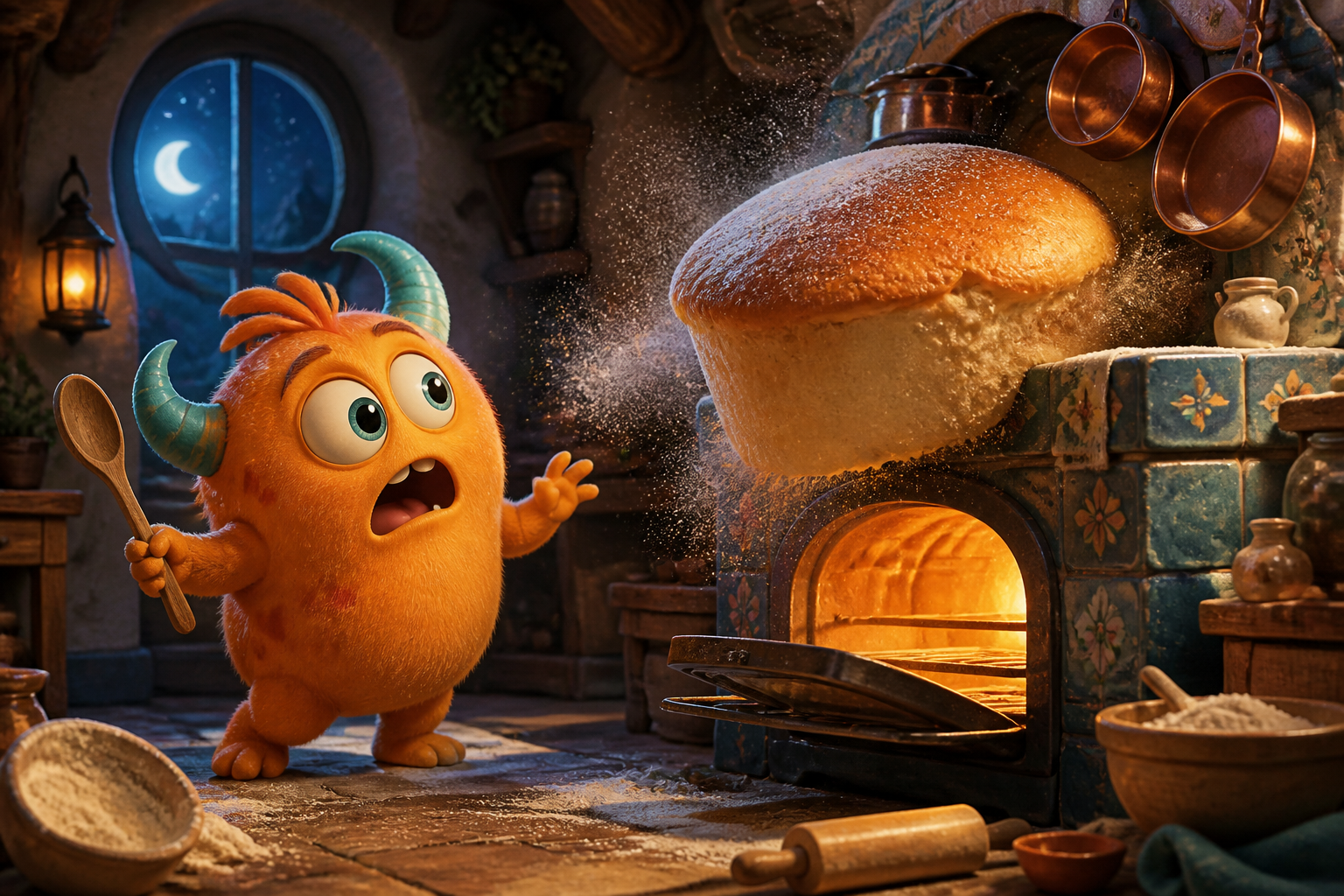 monster-bakery.pngUpload first frame
Examples
What is Image to Video AI?
Image to video keeps what is in your photo — the person, product or scene — and adds motion: a camera push-in, a turn of the head, wind in the trees, a product rotating on a table. Upload one image as the first frame, optionally a second as the last frame, and describe what happens in between.
All current image-to-video models are here under one credit balance: Kling 3.0, Seedance 2.5 and 2.0, Veo 3.1, Wan 3.0 and MiniMax H3. The credit cost for your length and resolution is shown before you generate.
Also searched as: image to video · photo to video ai · add image to video · animate photo ai · picture to video
How it works
- 1Upload a photo (add a second one to set the last frame).
- 2Describe the motion and choose a model, length and resolution.
- 3Generate, preview and download the MP4.
Frequently asked questions
Sharp, well-lit images with a clear subject. Faces should be visible; busy backgrounds can drift.
Yes — write it in the prompt: “slow dolly in”, “orbit around the subject”, “static camera, only the water moves”.
Generation is paid per use with credits, with no subscription required. The credit cost is shown before you generate, and results have no watermark. Browsing all effects and examples is free. New accounts do not receive signup credits, and there is no trial.
Clips are exported silent so you can add licensed music where you post. Some models can generate audio on request.