
AI Double Chin Remover
Upload a photo, get the same photo with a defined jawline.
Also searched as: remove double chin from photo · double chin remover · slim face filter · jawline editor
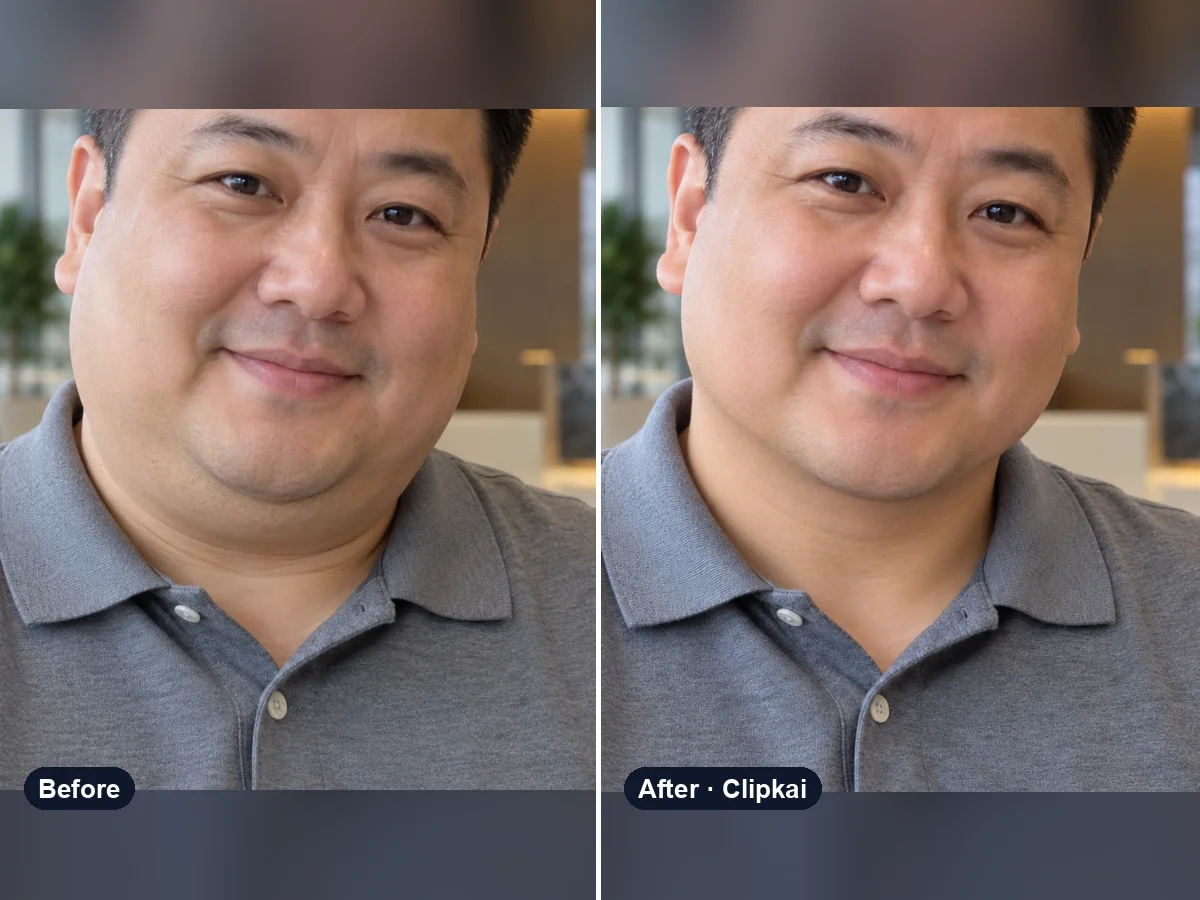
Make yours: AI Double Chin Remover
What is AI Double Chin Remover?
A low camera angle or a head tilted down is all it takes to add a double chin. The AI double chin remover redraws the area under your chin and gently slims the lower face, so you get a clean jawline — the way you would look from a more flattering angle.
Only the chin, jawline and lower cheeks change. Your eyes, smile, hair, outfit, body and background stay exactly as they were, and nothing gets the warped look of liquify tools.
How it works
- 1Upload a clear photo.
- 2Press Generate — the credit cost is shown on the button.
- 3Preview the result and download it in full quality.
Photo tips
- One person, face clearly visible and well lit.
- Front-facing or slight angle works best.
- Avoid heavy beauty filters; they confuse the edit.
- Only upload photos you have the right to use.
What the AI keeps
- Identity, eyes and smile
- Hair, outfit, body and background
What the AI changes
- Double chin and jawline
- Slightly slimmer lower face
Price
Each image costs 16 credits, shown on the button before you confirm. If a generation fails, the credits go back to your balance automatically.
See plans and credit packsFrequently asked questions
Results are AI-generated and can vary between runs. Trend names belong to their respective owners; templates on this site are independent and unaffiliated.
You may also like
View all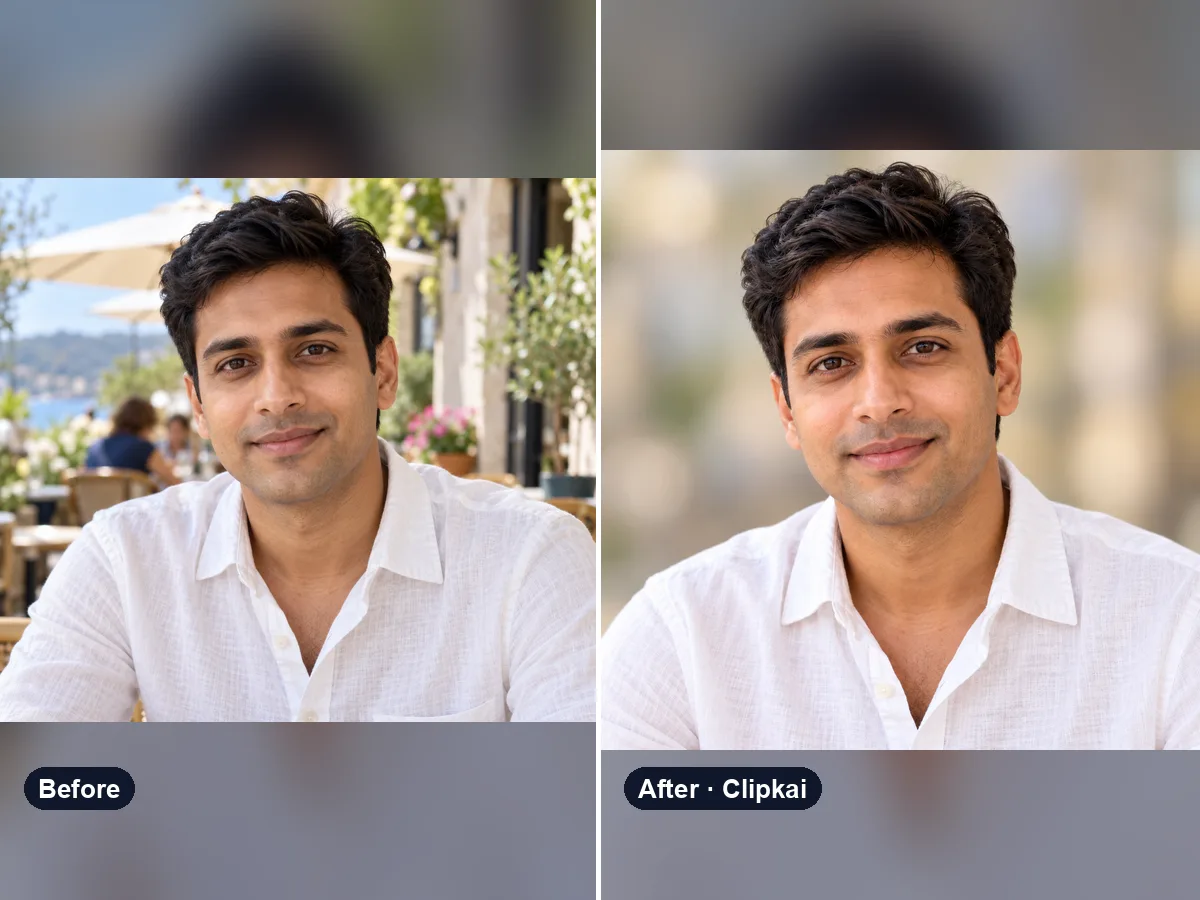
AI Profile Picture Maker
Upload a selfie, get a polished, centered profile picture.
16 credits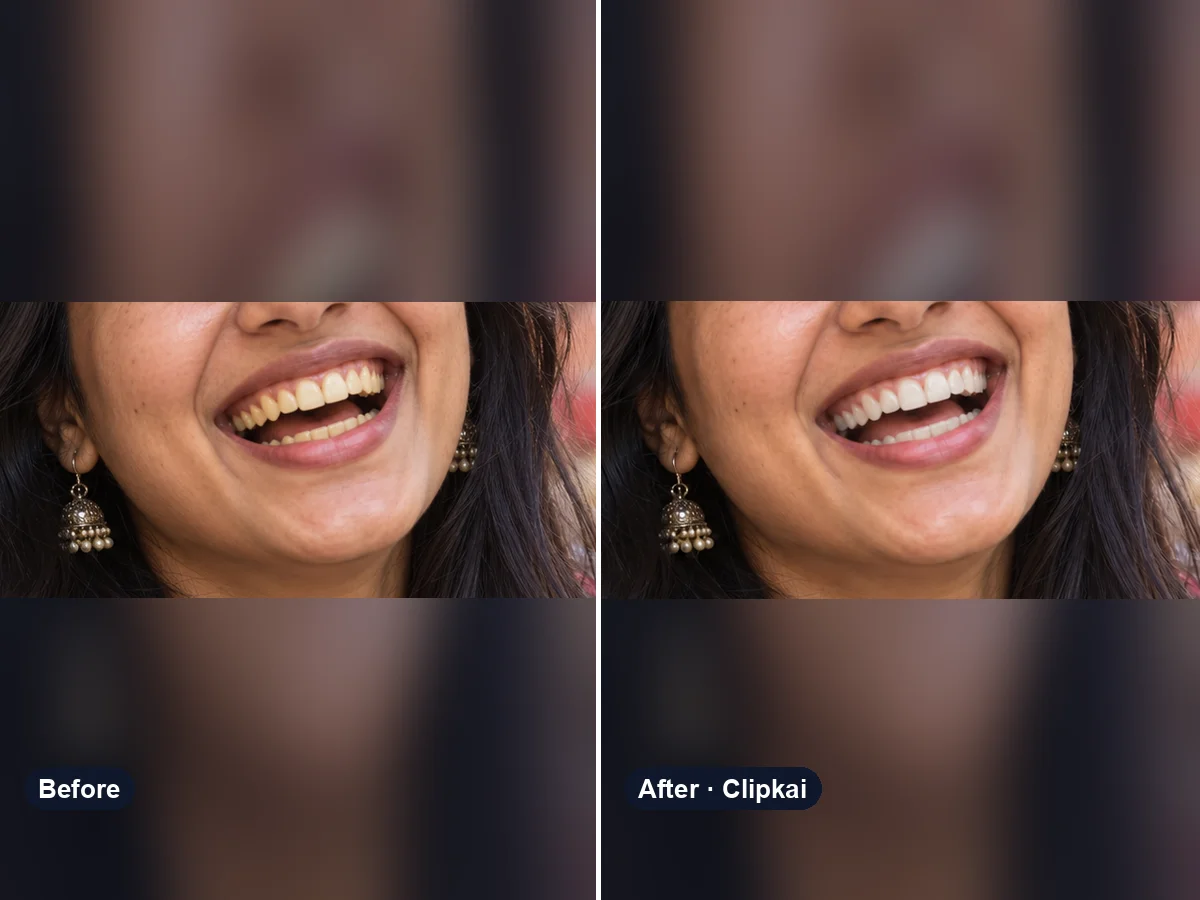
Teeth Whitening Photo Editor
Upload a smiling photo, get naturally whiter teeth.
16 credits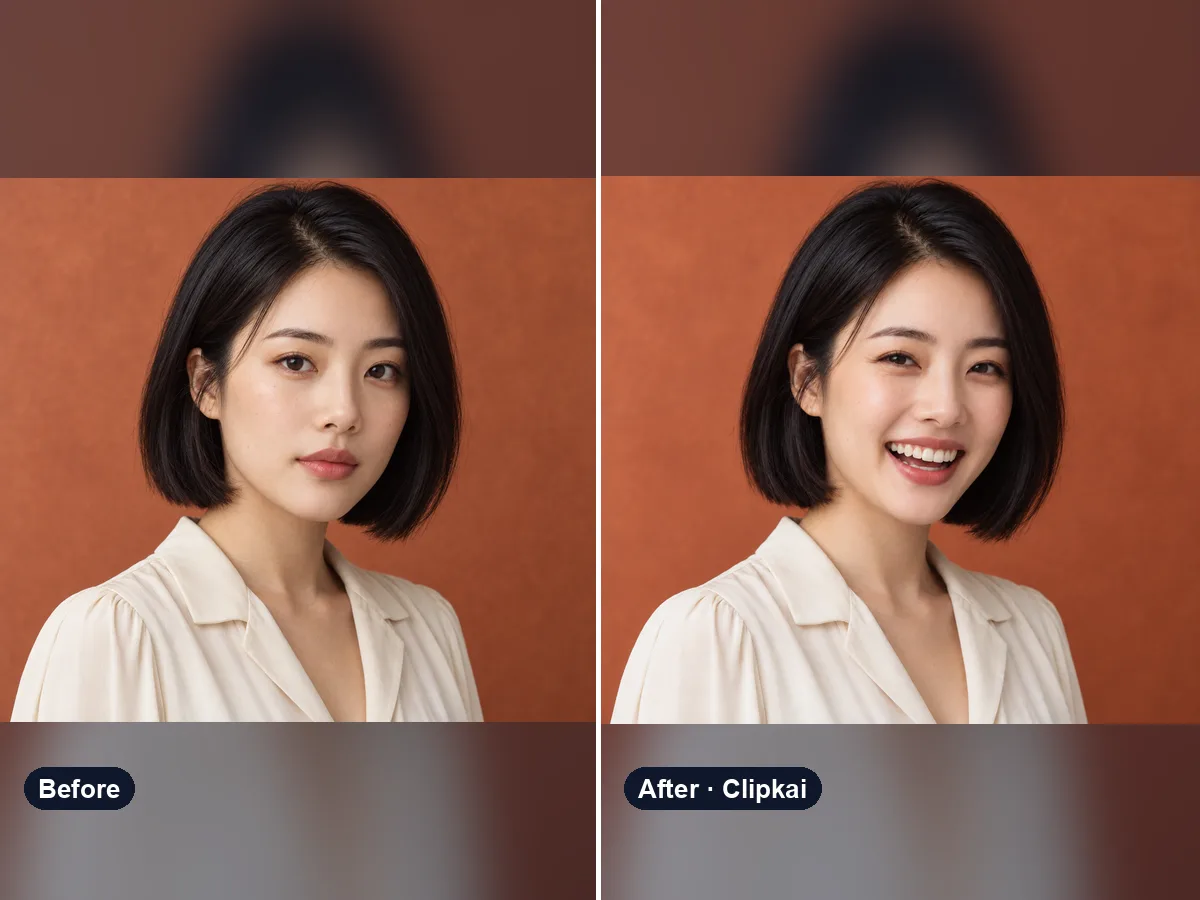
AI Smile Generator
Upload a photo, get the same photo with a natural smile.
16 credits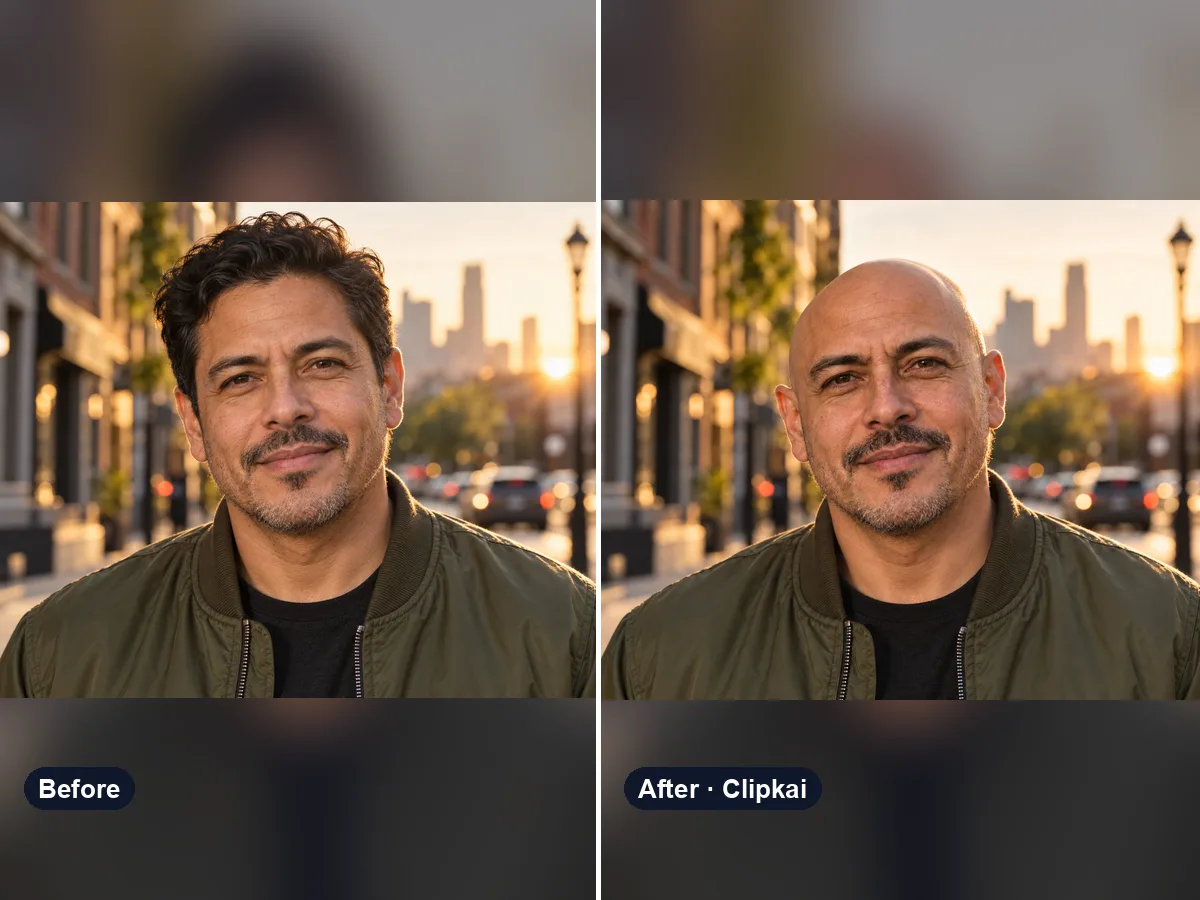
AI Bald Filter
One photo in, a realistic bald version of you out.
16 credits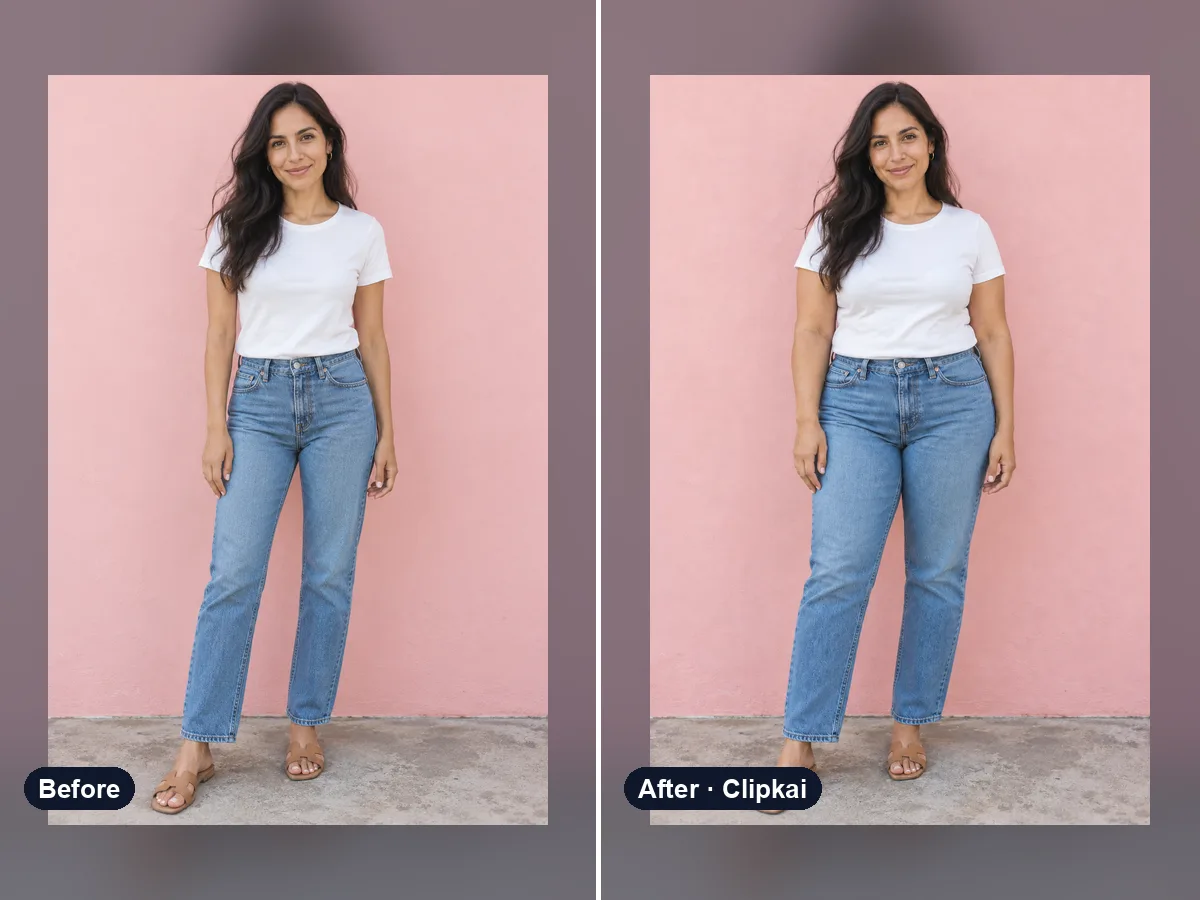
AI Fat Filter
One photo in, a realistic heavier version out.
16 credits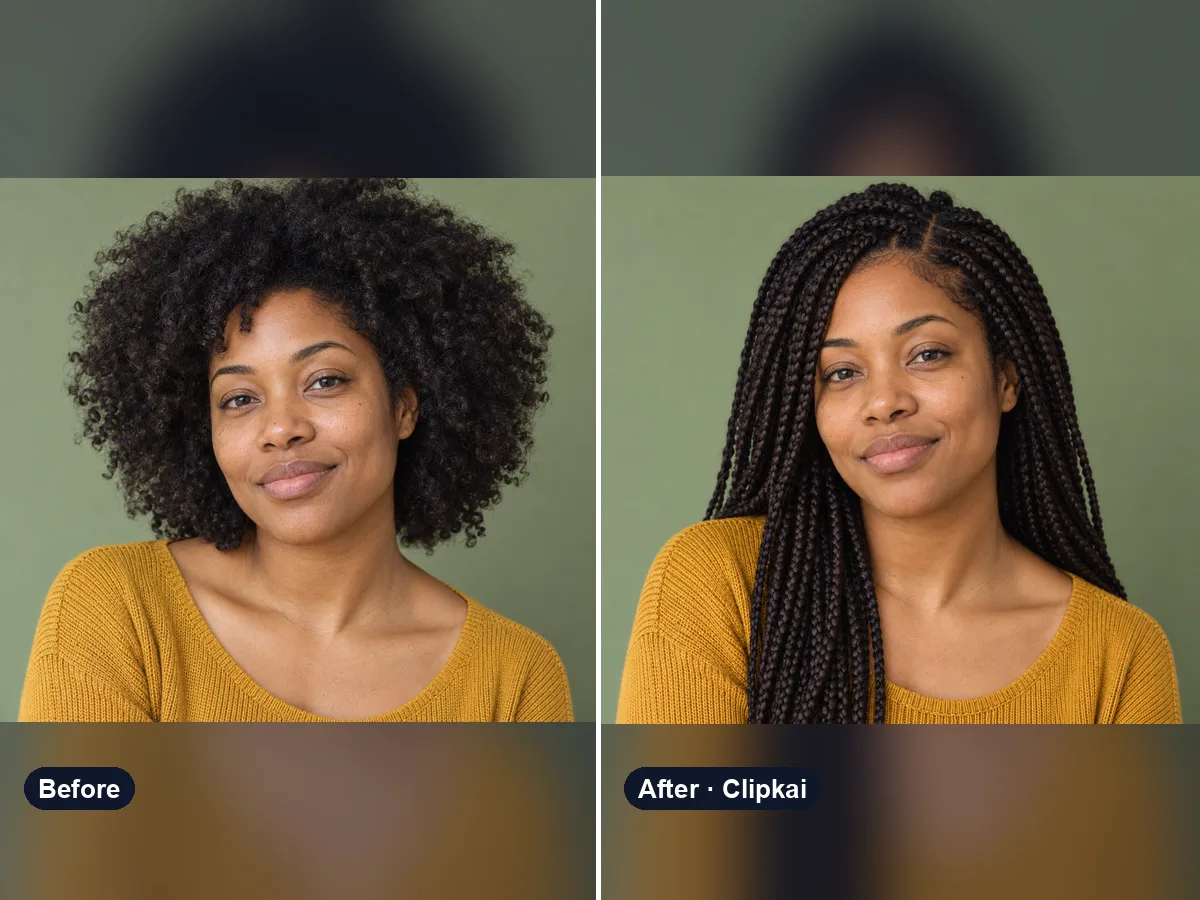
AI Hairstyle Changer
Upload a selfie, describe a style, see your new hair.
16 credits