
Add a Santa Hat to Your Photo
Upload a photo, get the same photo with a realistic Santa hat on.
Add a Santa Hat to Your Photo costs 12 credits per image and is usually ready in under a minute. Credits come in one-time packs with no subscription, and there is no free trial.
Also searched as: add santa hat to photo · santa hat filter · christmas hat photo · put santa hat on picture
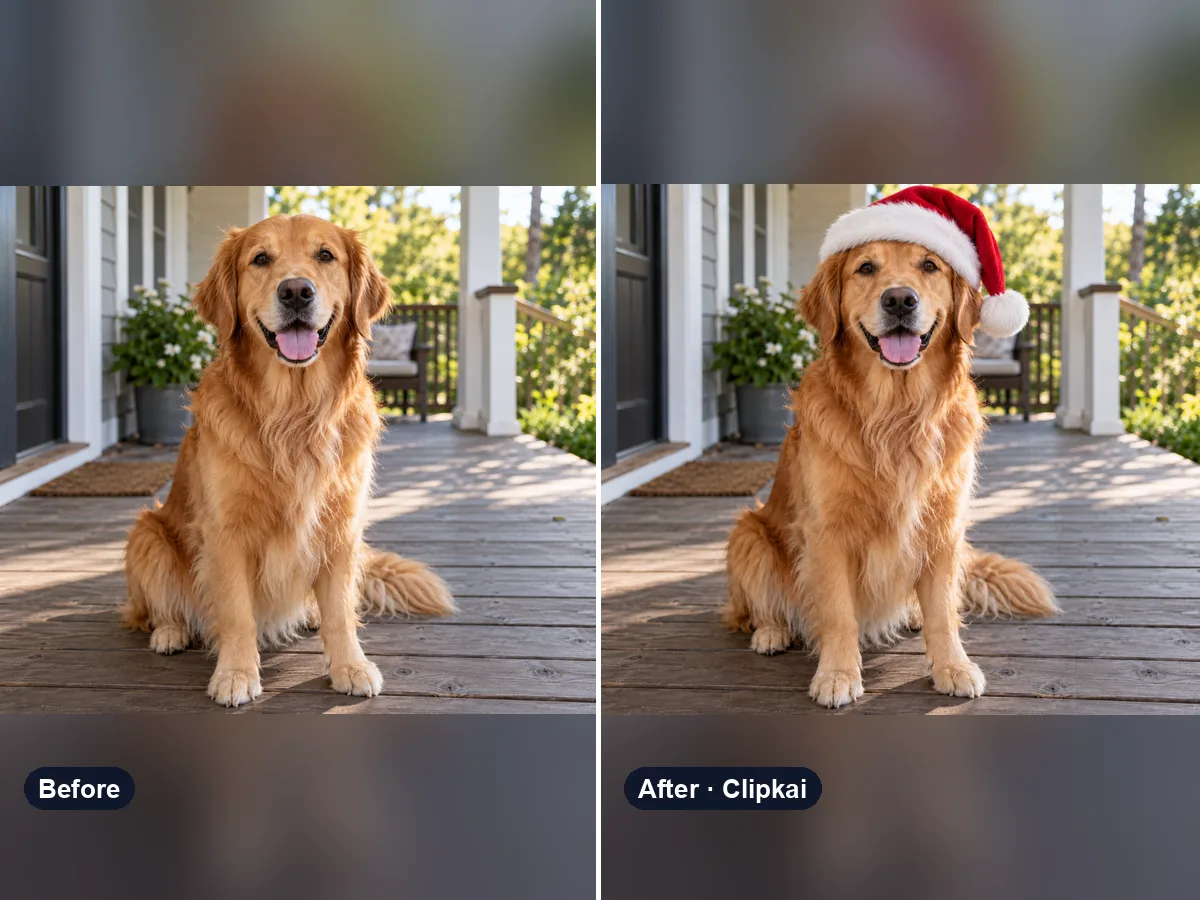
Make yours: Add a Santa Hat to Your Photo
What is Add a Santa Hat to Your Photo?
Put a Santa hat on your profile picture, a family snap or your dog for the holidays. The hat is sized and angled to your head, the fabric and fur trim pick up the light in the photo, and your hair tucks under it naturally — no sticker look.
Want something else festive? Ask for an elf hat, reindeer antlers or a green Grinch-style hat in the note.
How it works
- 1Upload a clear photo.
- 2Press Generate — the credit cost is shown on the button.
- 3Preview the result and download it in full quality.
Photo tips
- One person, face clearly visible and well lit.
- Front-facing or slight angle works best.
- Avoid heavy beauty filters; they confuse the edit.
- Only upload photos you have the right to use.
What the AI keeps
- Face, expression and outfit
- Background and lighting
What the AI changes
- A Santa hat is added
- Hair under the hat
Price
Each image costs 12 credits, shown on the button before you confirm. If a generation fails, the credits go back to your balance automatically.
See plans and credit packsFrequently asked questions
Results are AI-generated and can vary between runs. Trend names belong to their respective owners; templates on this site are independent and unaffiliated.
You may also like
View allAI Image Describer
Upload a picture, get a description, a prompt or alt text.
Describe This Outfit with AI
Upload a photo, get the outfit described piece by piece.
AI Animal Generator
Describe an animal and a style; get the picture in about a minute.
AI Family Crest Generator
Describe the symbols and colors that stand for your family; get a crest in about a minute.
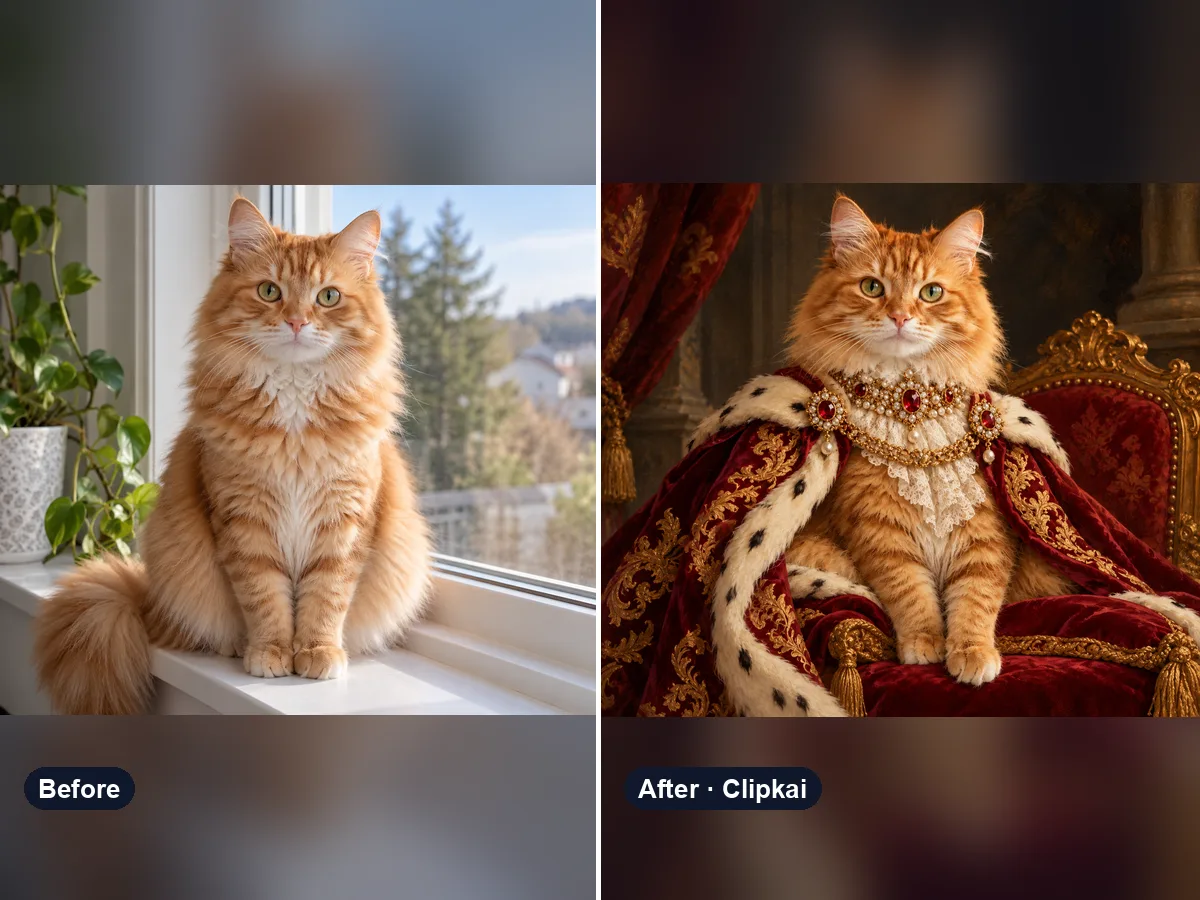
AI Pet Portrait Generator
Upload your pet, get a royal portrait.
12 credits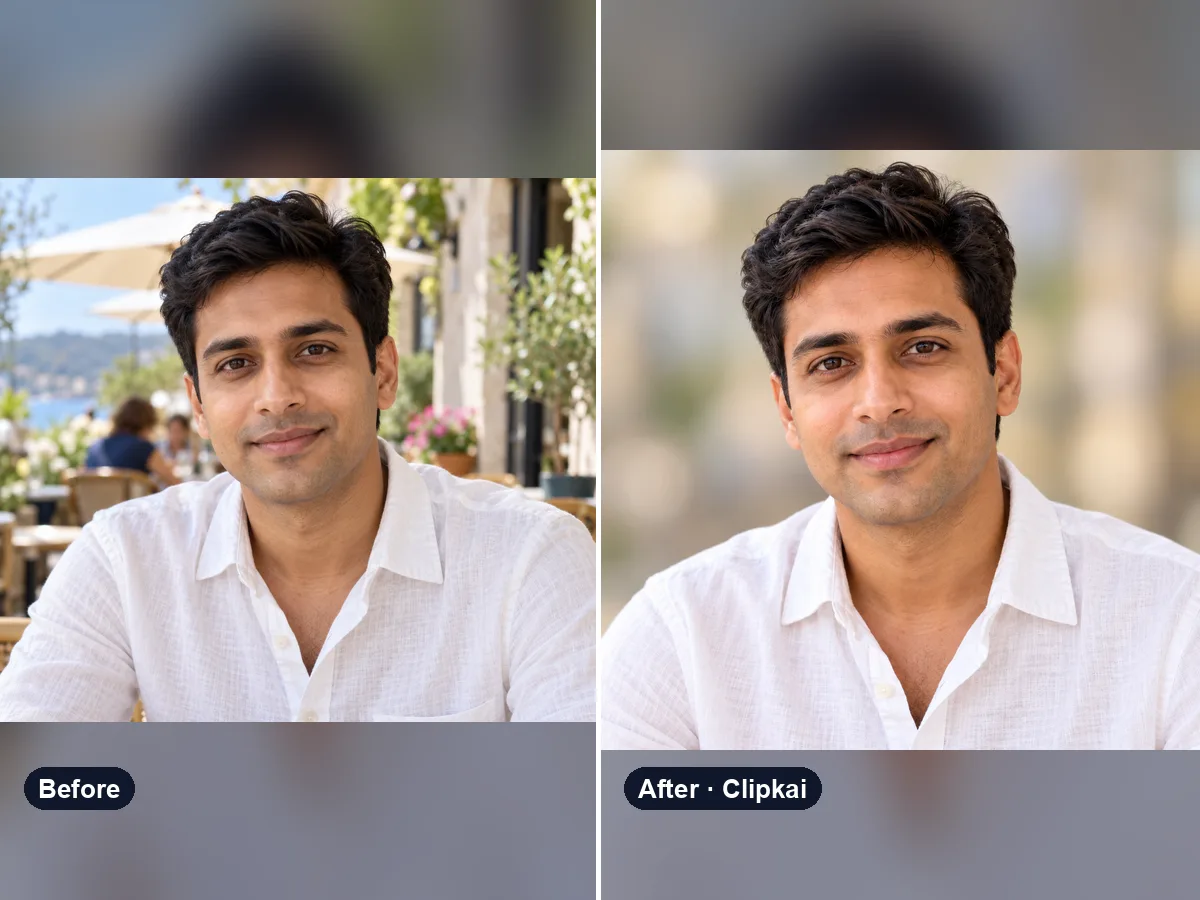
AI Profile Picture Maker
Upload a selfie, get a polished, centered profile picture.
12 credits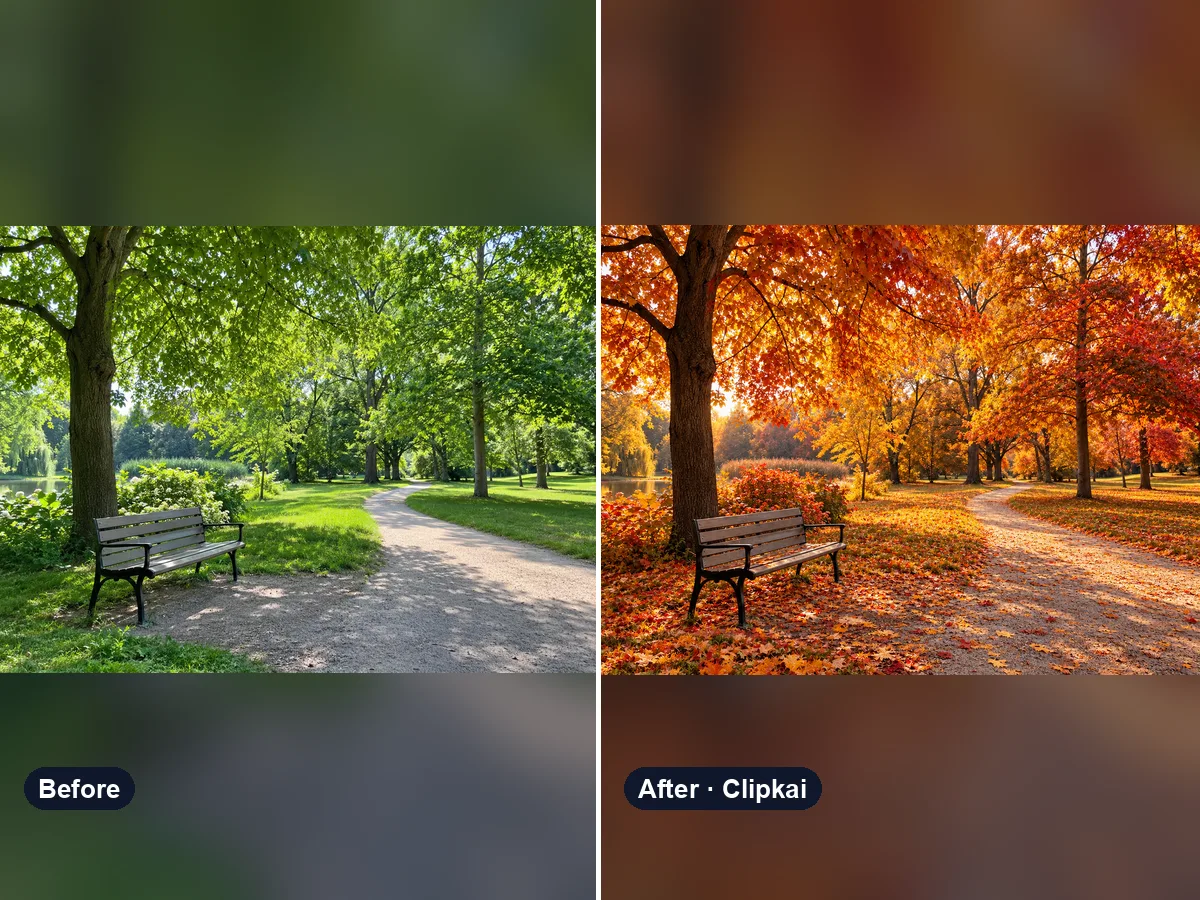
AI Autumn Filter
Upload a summer photo, get the same place in full autumn color.
12 credits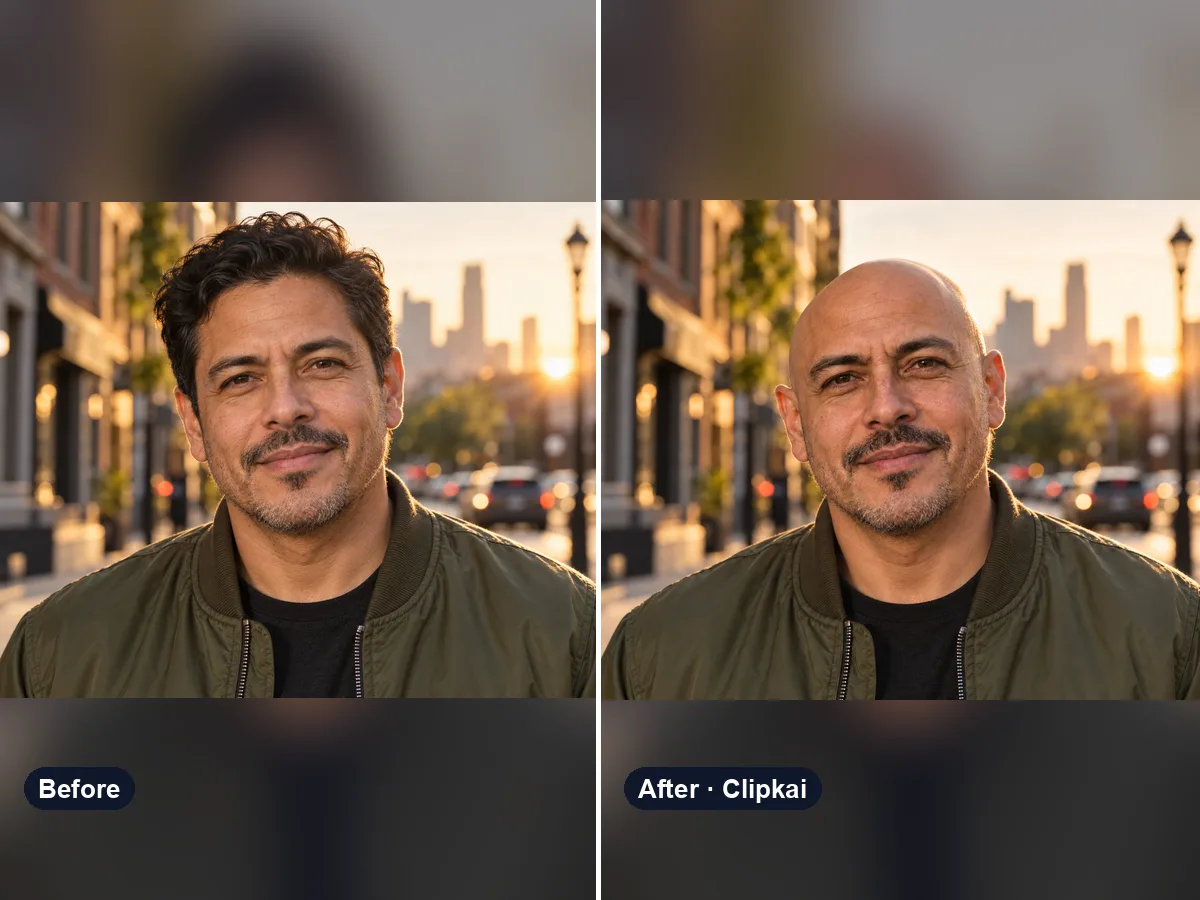
AI Bald Filter
One photo in, a realistic bald version of you out.
12 credits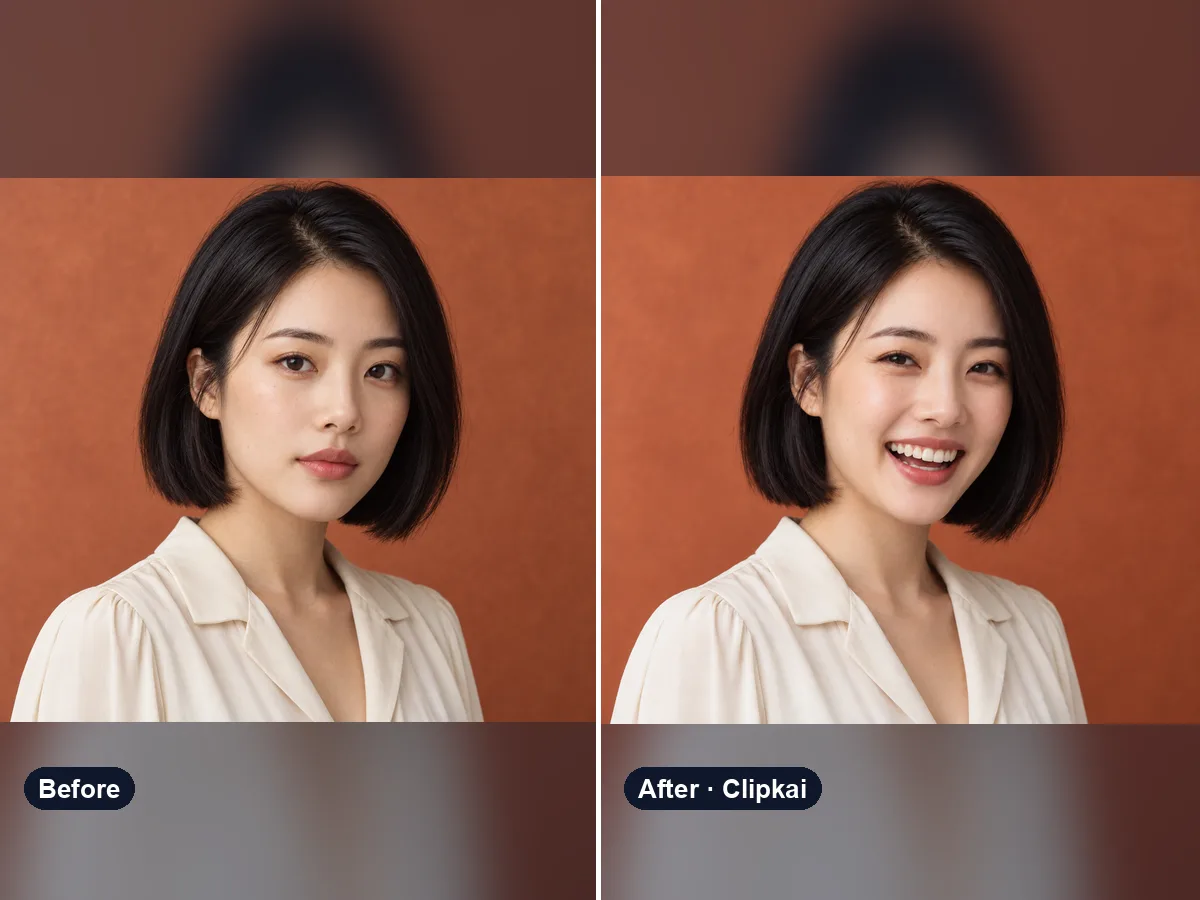
AI Smile Generator
Upload a photo, get the same photo with a natural smile.
12 credits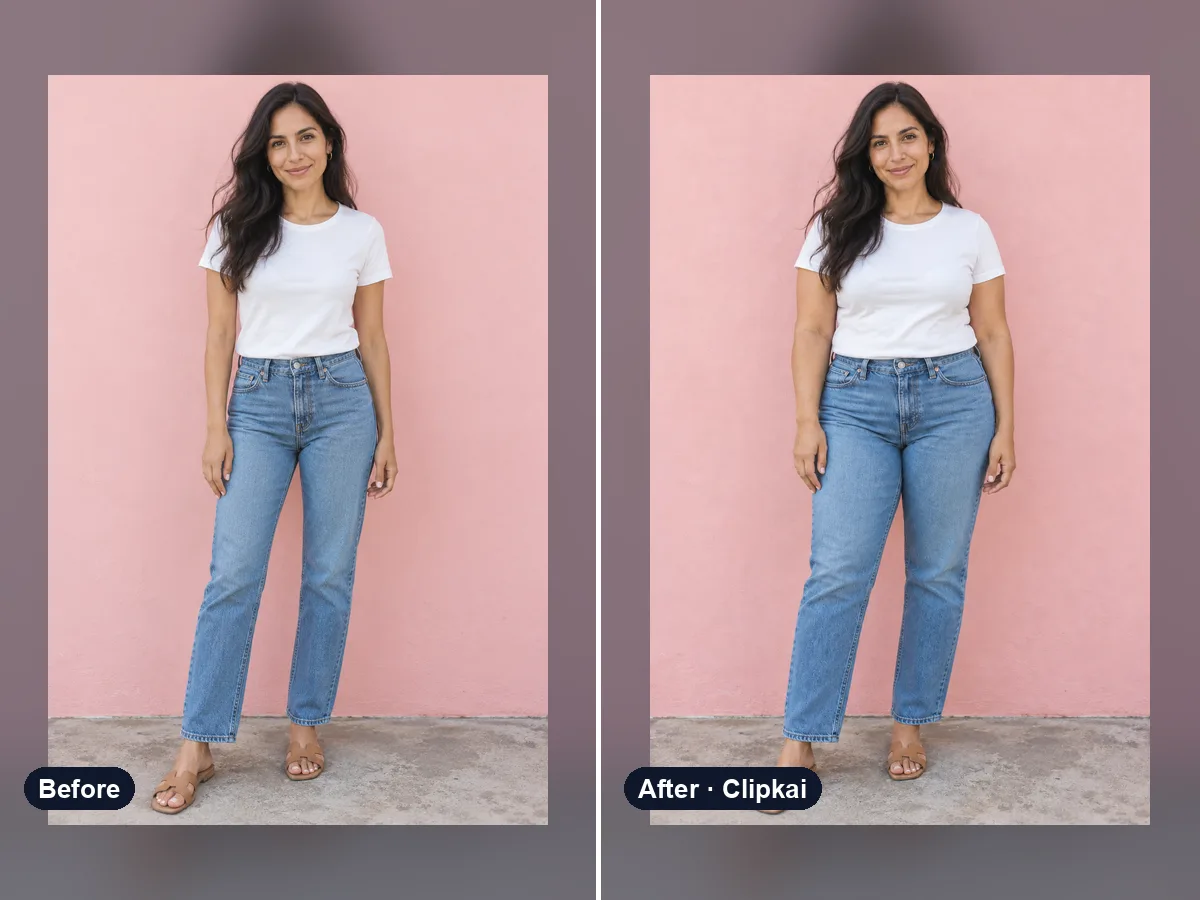
AI Fat Filter
One photo in, a realistic heavier version out.
12 credits