
Photo to Pixel Art Generator
Upload a photo, get a retro pixel-art version of it.
Photo to Pixel Art Generator costs 12 credits per image and is usually ready in under a minute. Credits come in one-time packs with no subscription, and there is no free trial.
Also searched as: pixel art generator · generate pixel art · photo to pixel art · image to pixel art · 8 bit photo filter
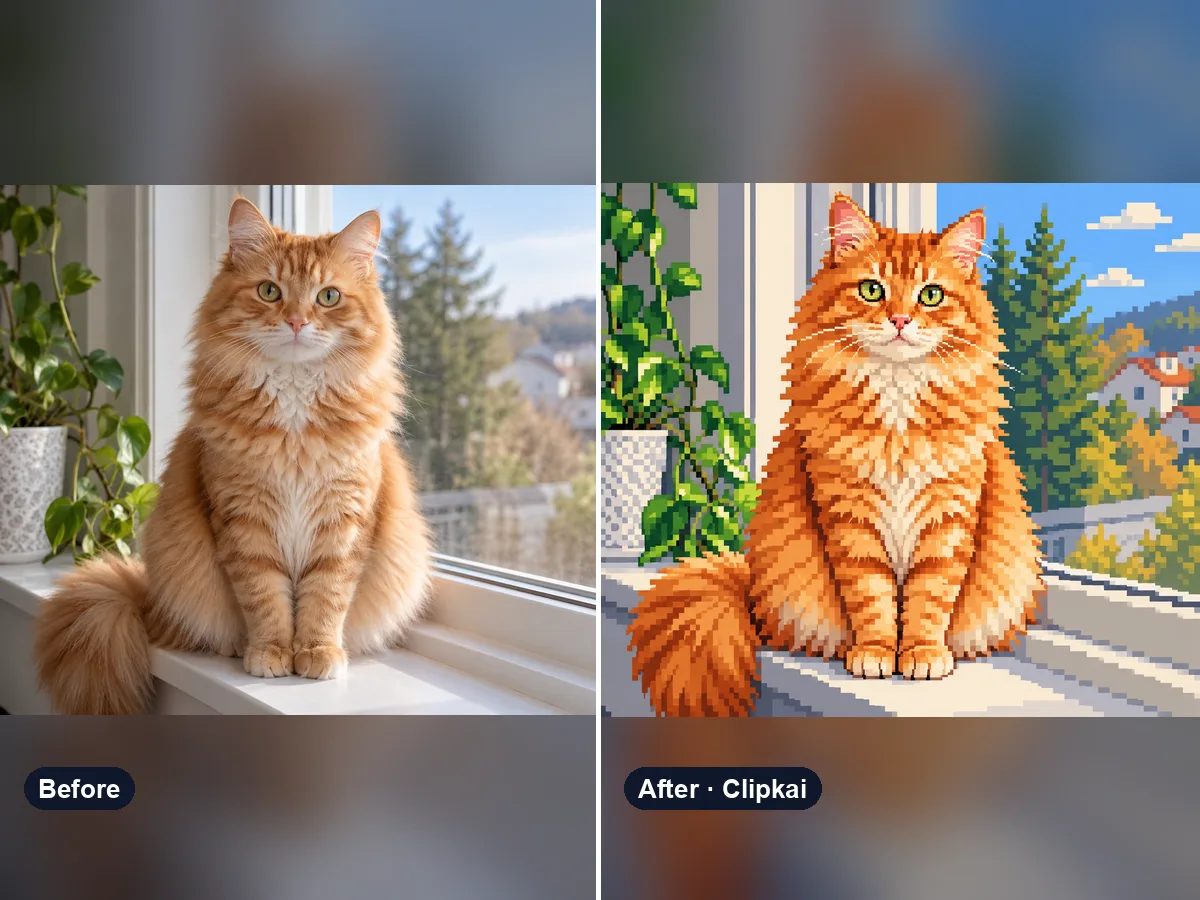
Make yours: Photo to Pixel Art Generator
What is Photo to Pixel Art Generator?
Turn a selfie, pet, car or landscape into pixel art that looks like it came from a classic video game — a visible square grid, a small color palette and clean hard edges, not a blurry mosaic.
The default is a detailed 16-bit style. Write “8-bit”, “Game Boy green” or “isometric” in the note for other looks.
How it works
- 1Upload a clear photo.
- 2Press Generate — the credit cost is shown on the button.
- 3Preview the result and download it in full quality.
Photo tips
- Use the highest-resolution version you have.
- JPG, PNG or WebP up to 10 MB.
- Only upload images you have the right to edit.
What the AI keeps
- Subject, pose and composition
- Recognizable features and colors
What the AI changes
- Rendering becomes a pixel grid
- Palette is reduced
Price
Each image costs 12 credits, shown on the button before you confirm. If a generation fails, the credits go back to your balance automatically.
See plans and credit packsFrequently asked questions
Results are AI-generated and can vary between runs. Trend names belong to their respective owners; templates on this site are independent and unaffiliated.
You may also like
View allAI Image Describer
Upload a picture, get a description, a prompt or alt text.
Describe This Outfit with AI
Upload a photo, get the outfit described piece by piece.
AI Animal Generator
Describe an animal and a style; get the picture in about a minute.
AI Family Crest Generator
Describe the symbols and colors that stand for your family; get a crest in about a minute.
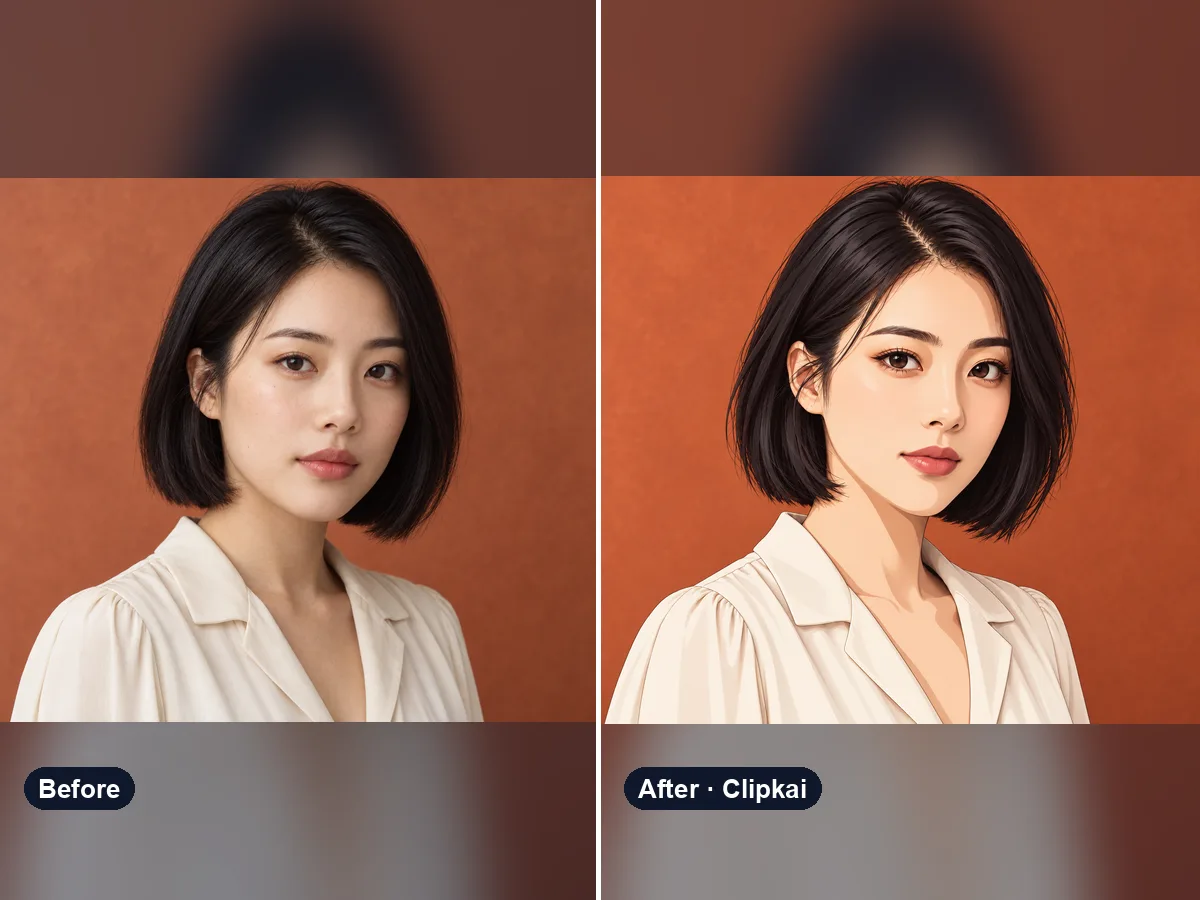
Photo to Anime Converter
Upload a photo, get an anime version of you.
12 credits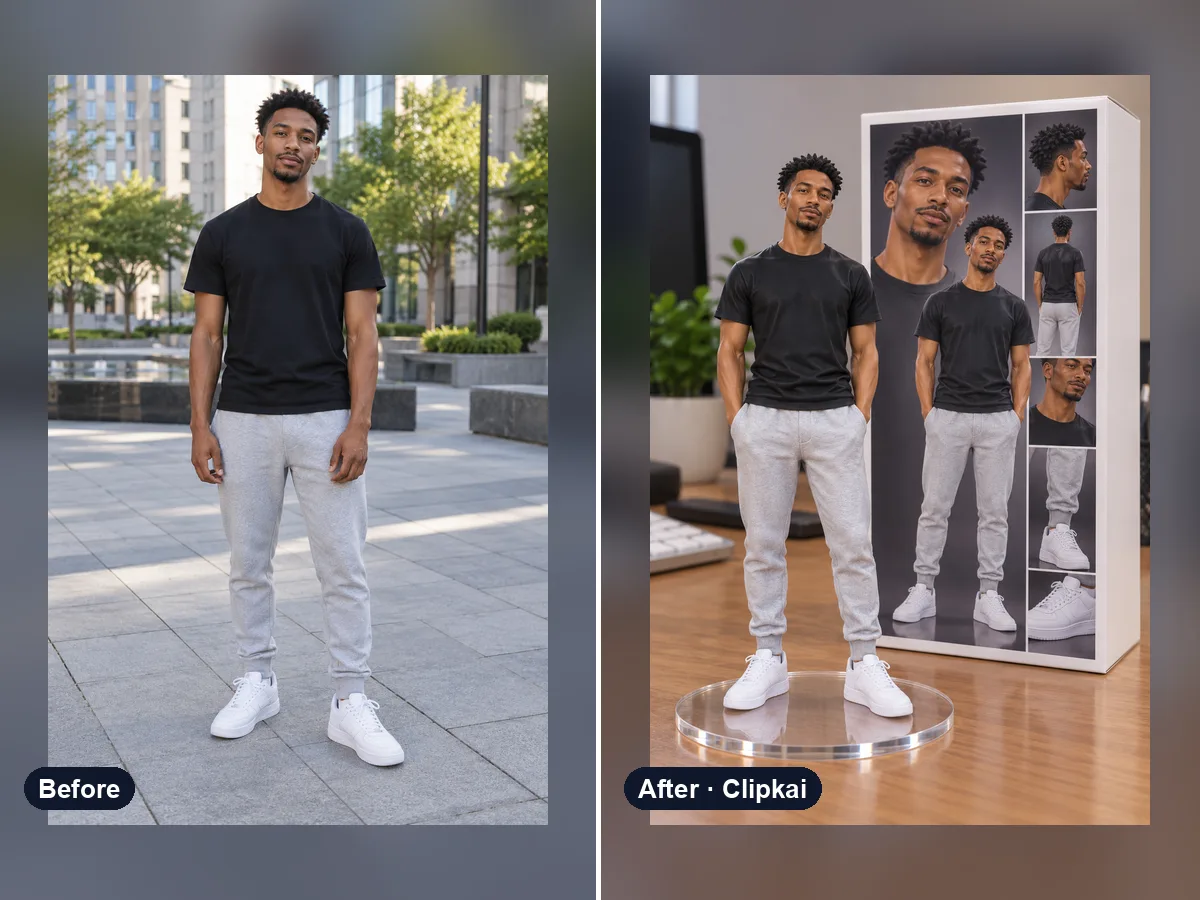
AI Figurine & Action Figure Generator
One photo in, a collectible figure of you out.
12 credits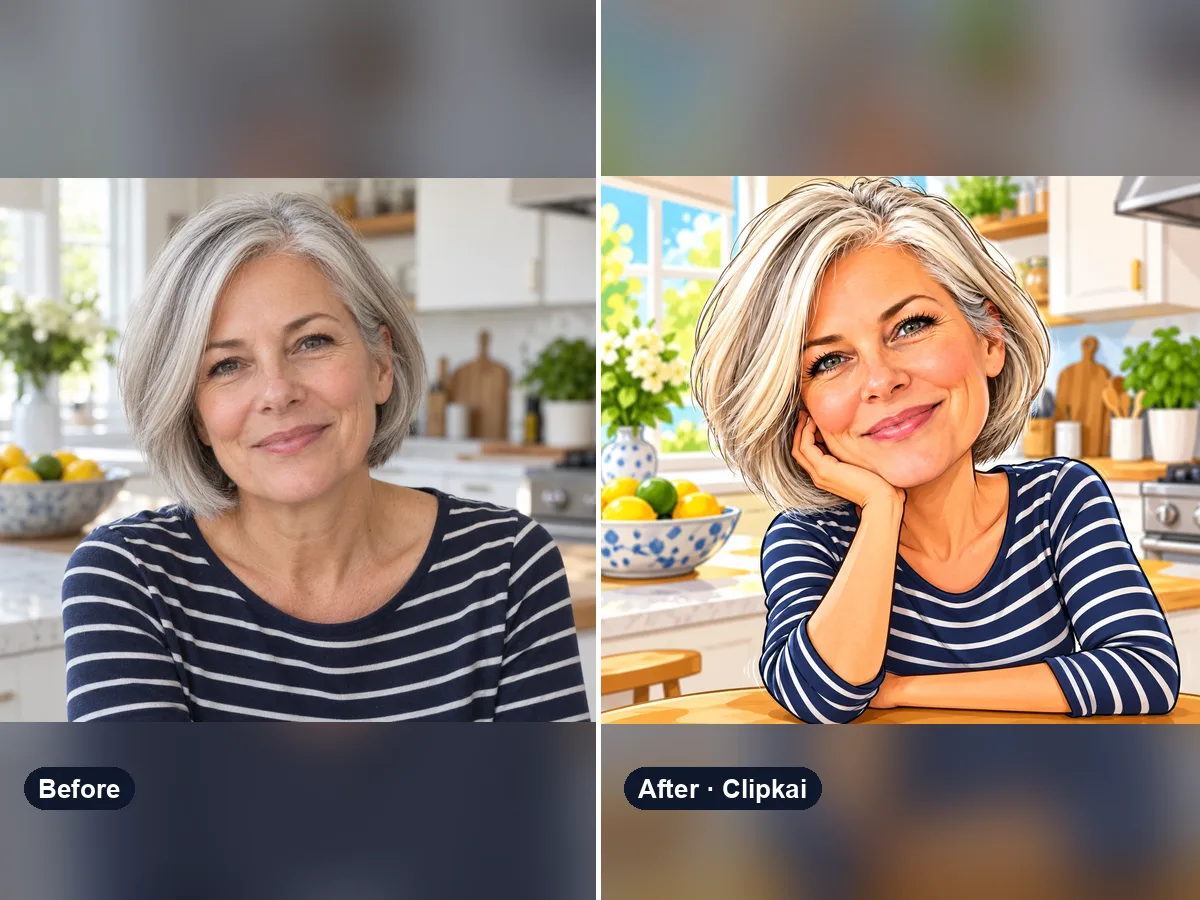
Funny AI Image Generator
One photo in, a hilarious caricature that is still you out.
12 credits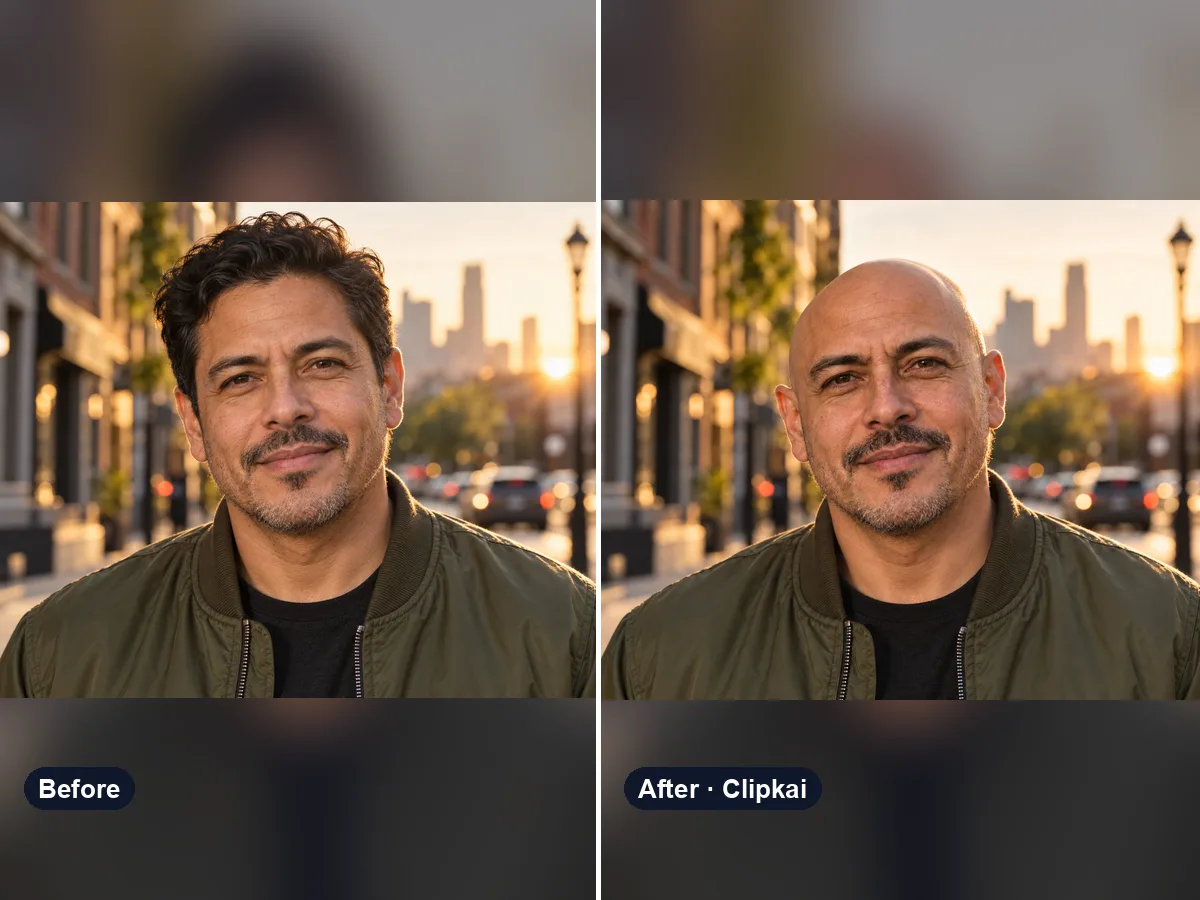
AI Bald Filter
One photo in, a realistic bald version of you out.
12 credits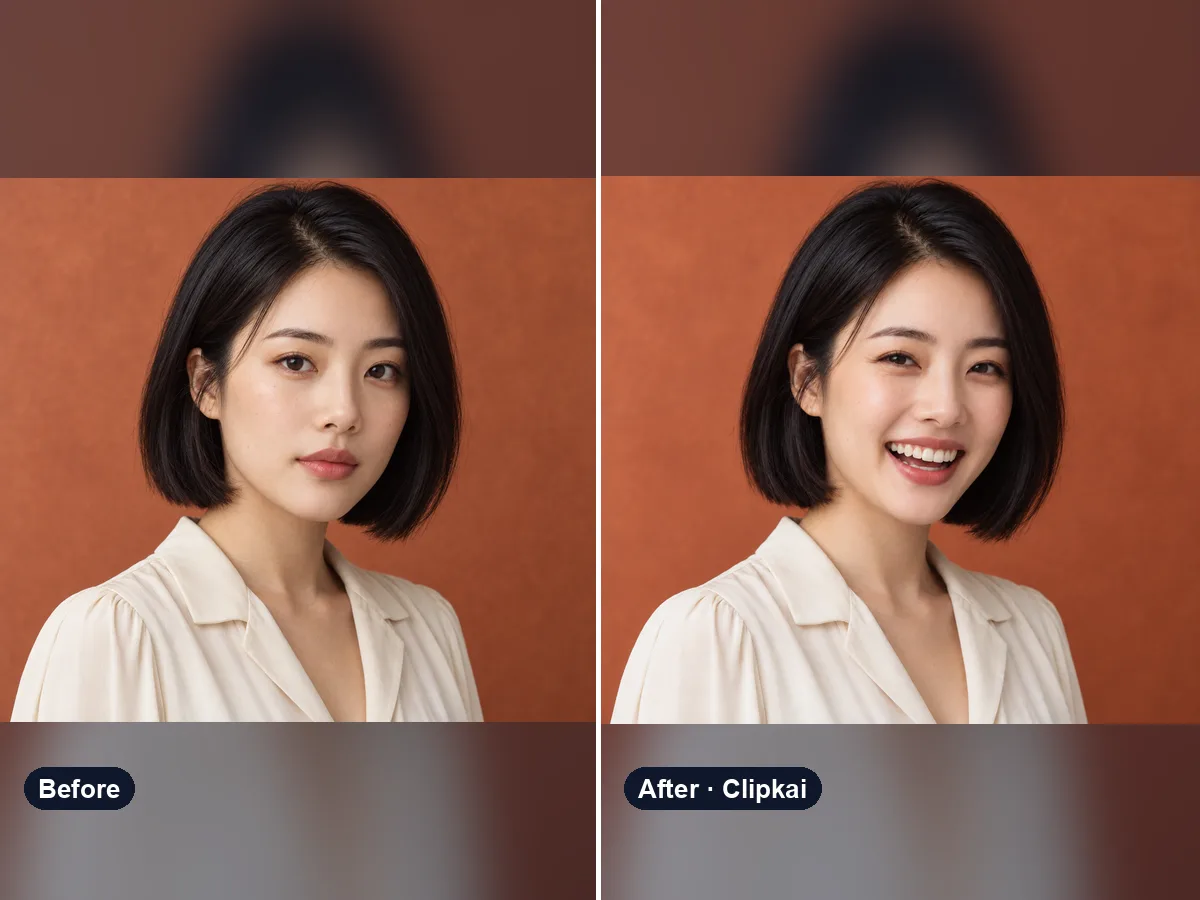
AI Smile Generator
Upload a photo, get the same photo with a natural smile.
12 credits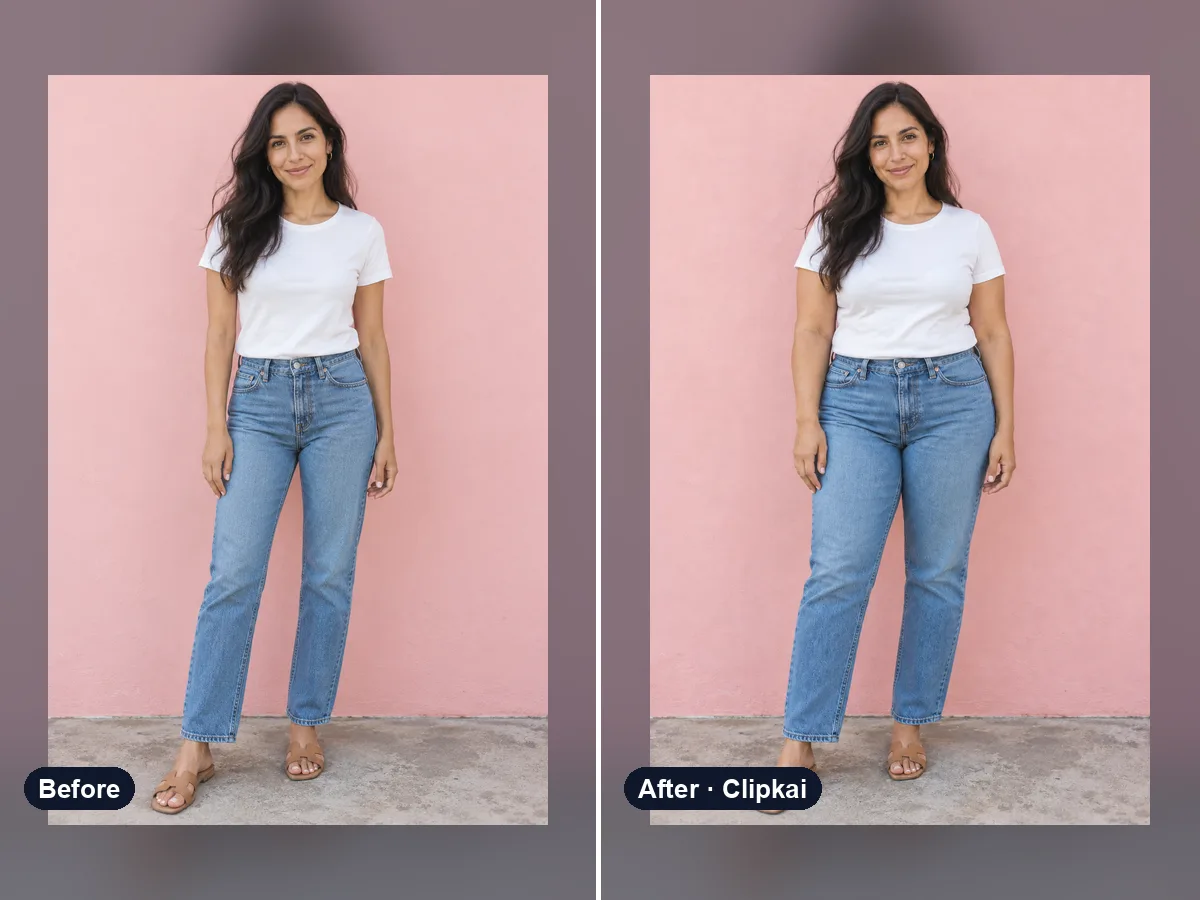
AI Fat Filter
One photo in, a realistic heavier version out.
12 credits