
Remove Color from an Image
Upload an image, get a clean black-and-white version — or remove one color.
Also searched as: remove color from image · black and white photo · grayscale image · remove one color from image
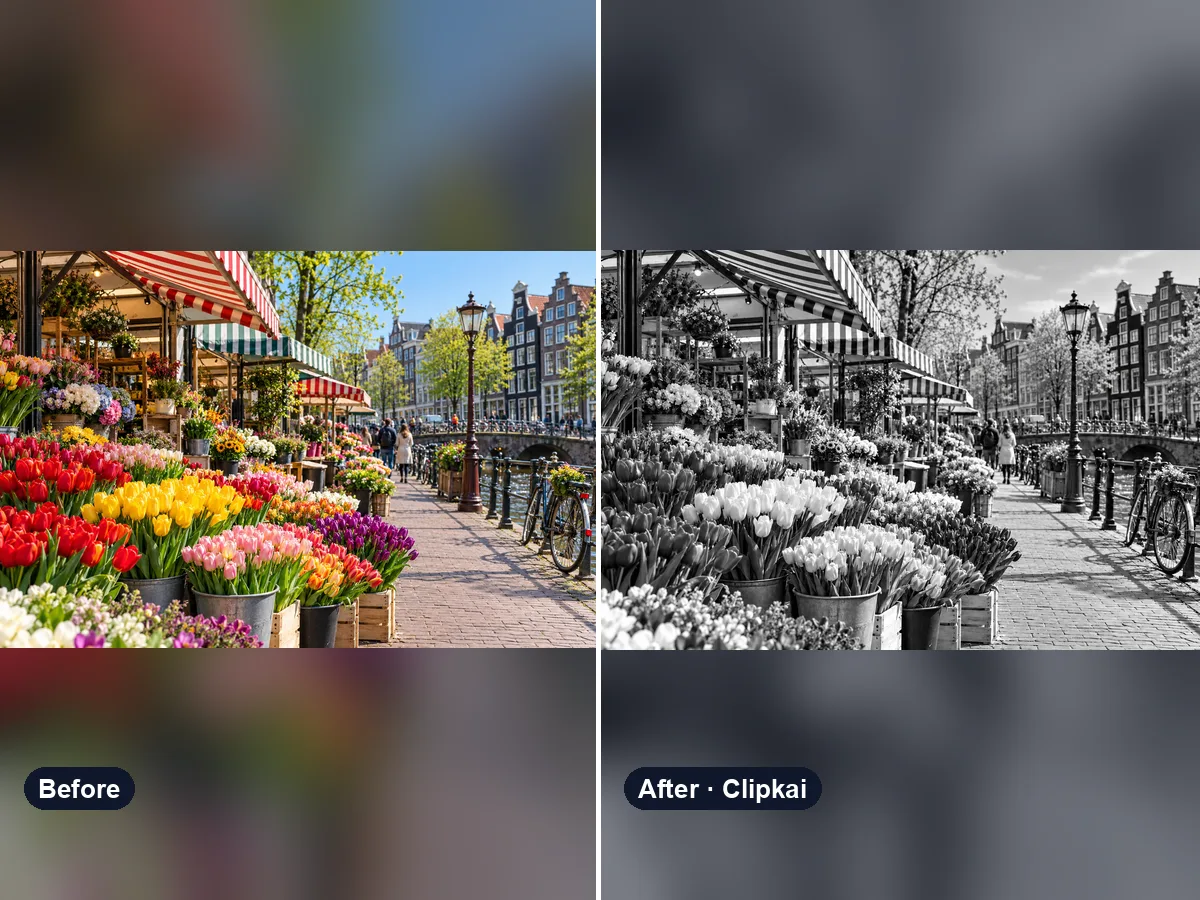
Make yours: Remove Color from an Image
What is Remove Color from an Image?
Make a classic black-and-white photo with real contrast instead of a flat grey filter. Or remove just one color — type “remove the green” or “make only the background grey” in the note and everything else stays in color.
How it works
- 1Upload a clear photo.
- 2Press Generate — the credit cost is shown on the button.
- 3Preview the result and download it in full quality.
Photo tips
- Use the highest-resolution version you have.
- JPG, PNG or WebP up to 10 MB.
- Only upload images you have the right to edit.
What the AI keeps
- Composition and detail
- Other colors (when removing one color)
What the AI changes
- Color saturation
Price
Each image costs 16 credits, shown on the button before you confirm. If a generation fails, the credits go back to your balance automatically.
See plans and credit packsFrequently asked questions
Results are AI-generated and can vary between runs. Trend names belong to their respective owners; templates on this site are independent and unaffiliated.
You may also like
View all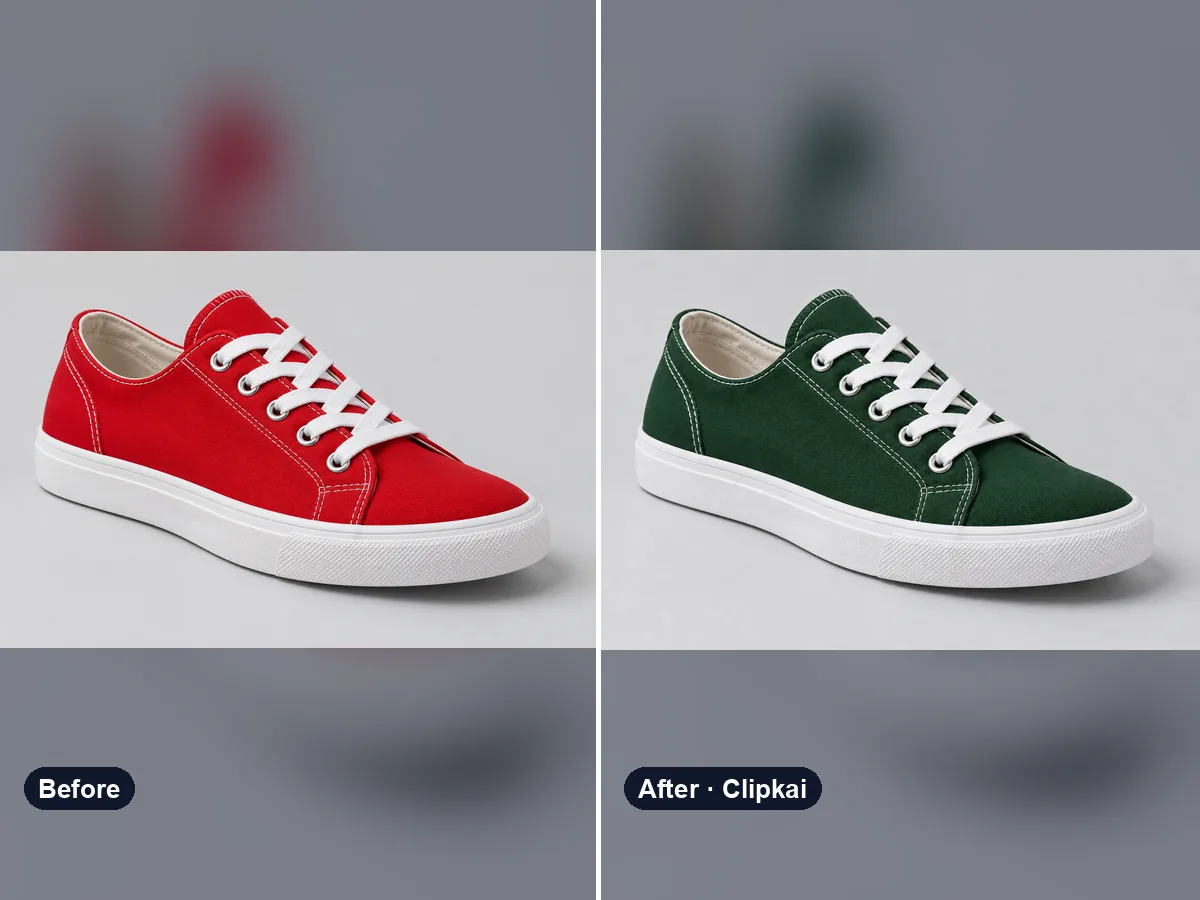
Recolor Image with AI
Upload a photo, say what to recolor, get a realistic result.
16 credits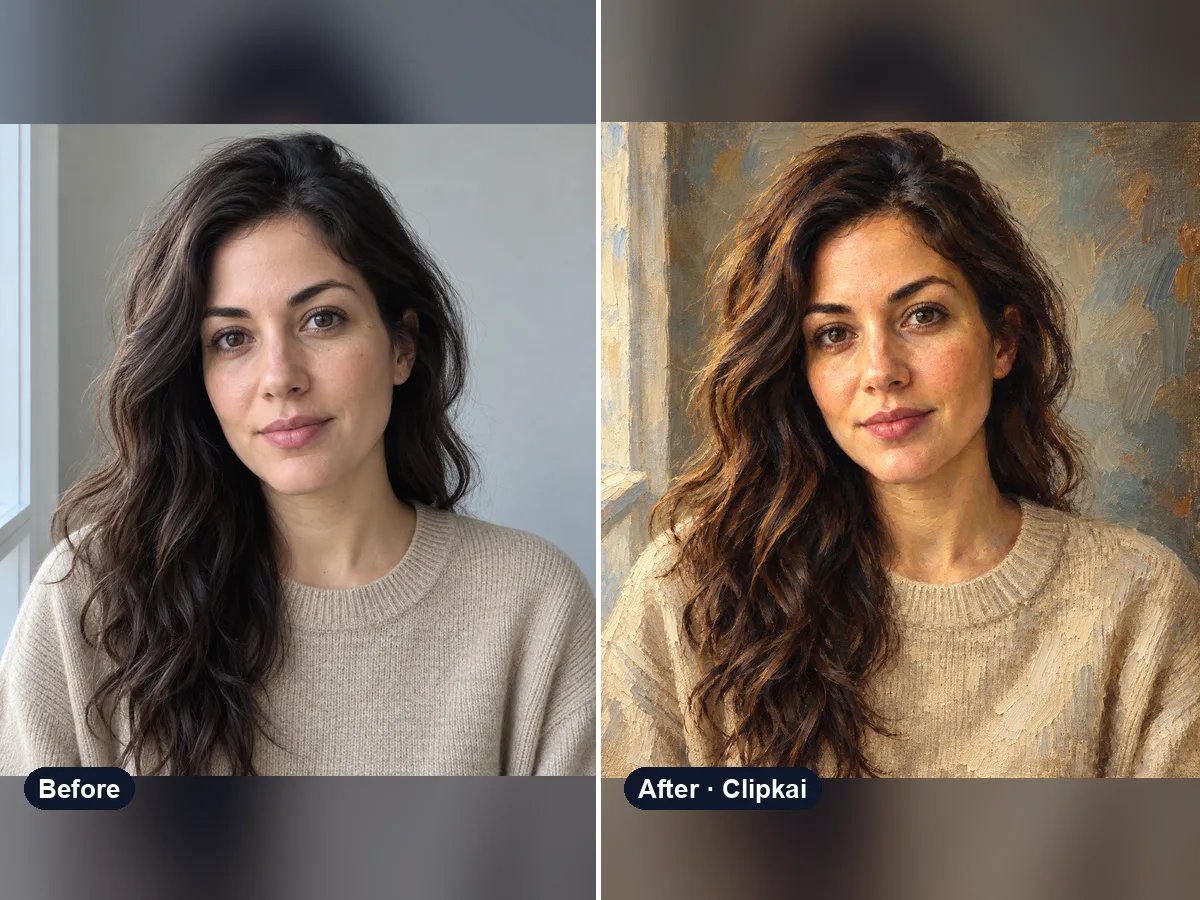
Photo to Oil Painting
Upload a photo, get a classical oil painting of it.
16 credits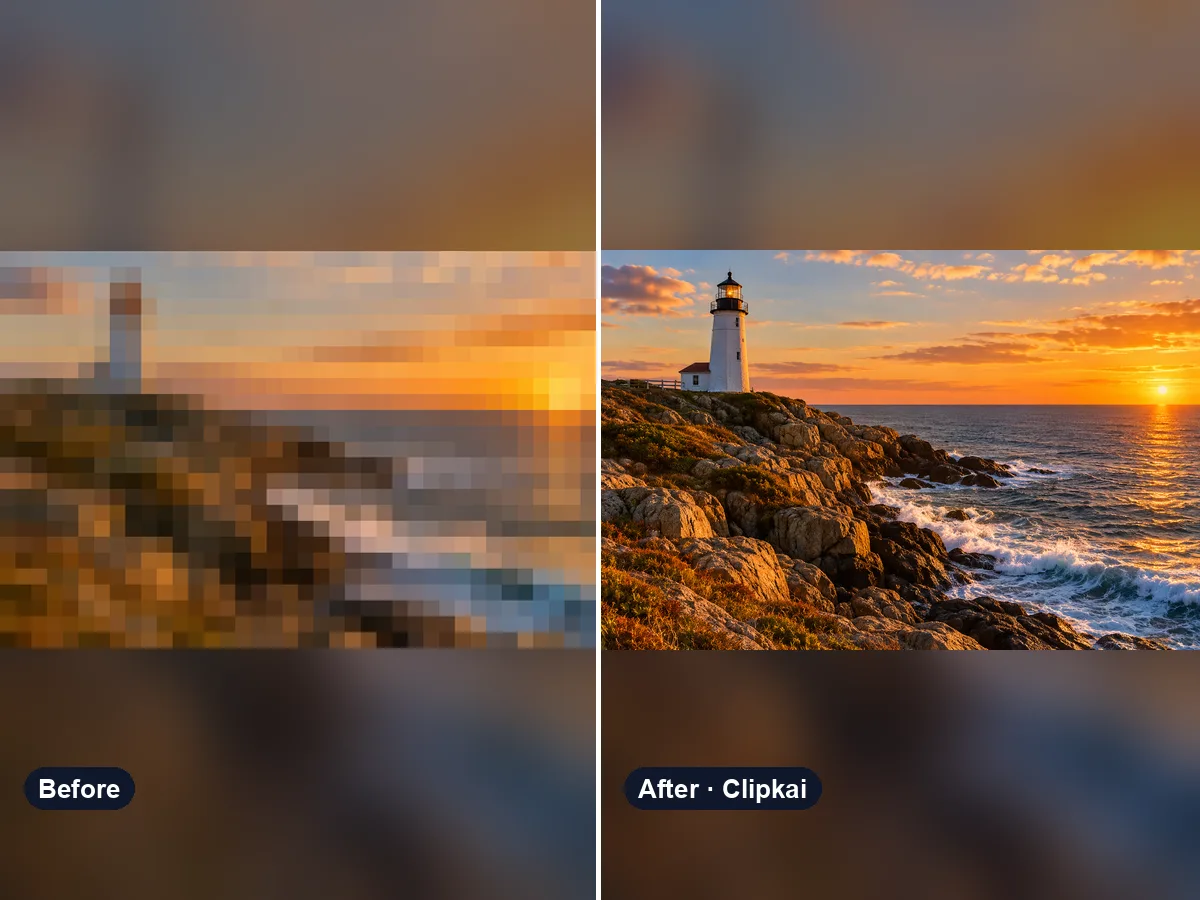
Unpixelate and Enhance an Image
Upload a pixelated image, get a sharper 2K version.
32 credits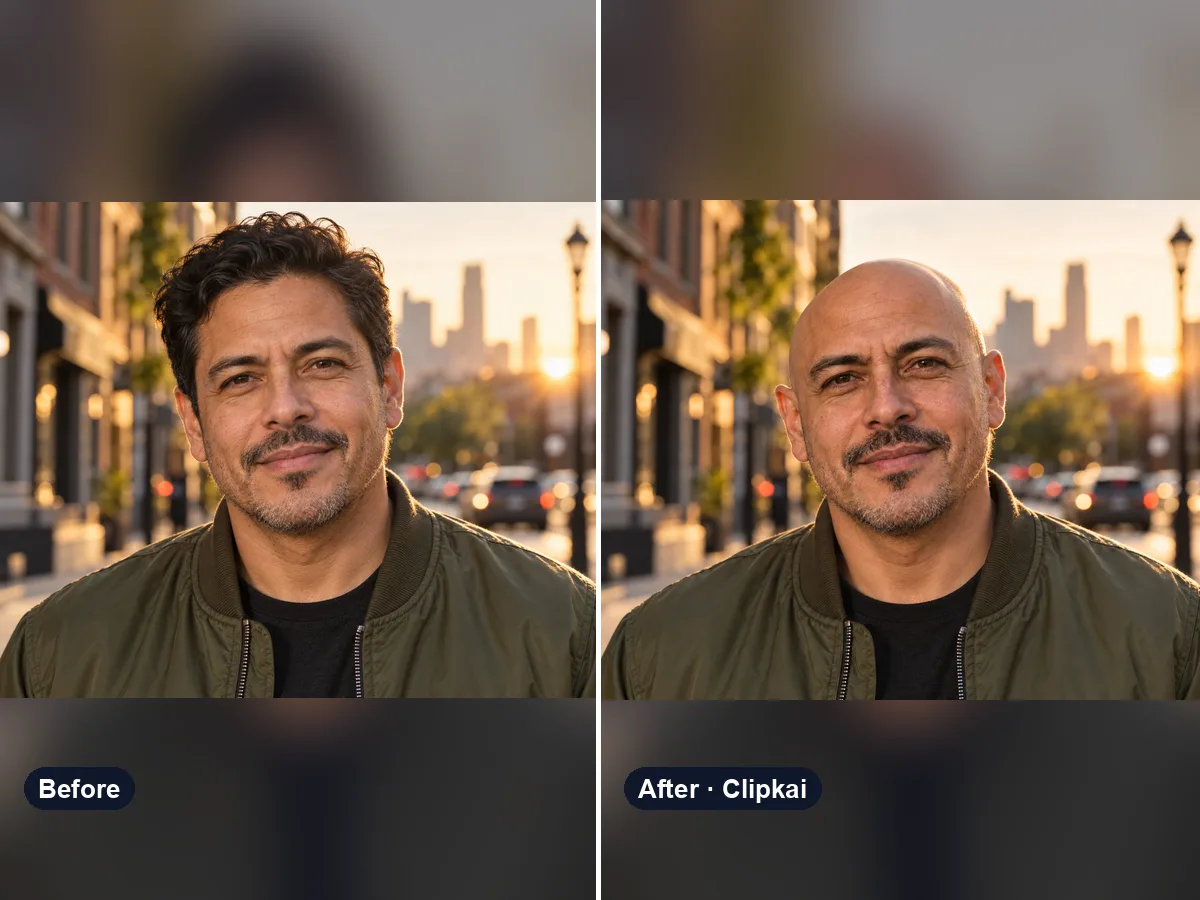
AI Bald Filter
One photo in, a realistic bald version of you out.
16 credits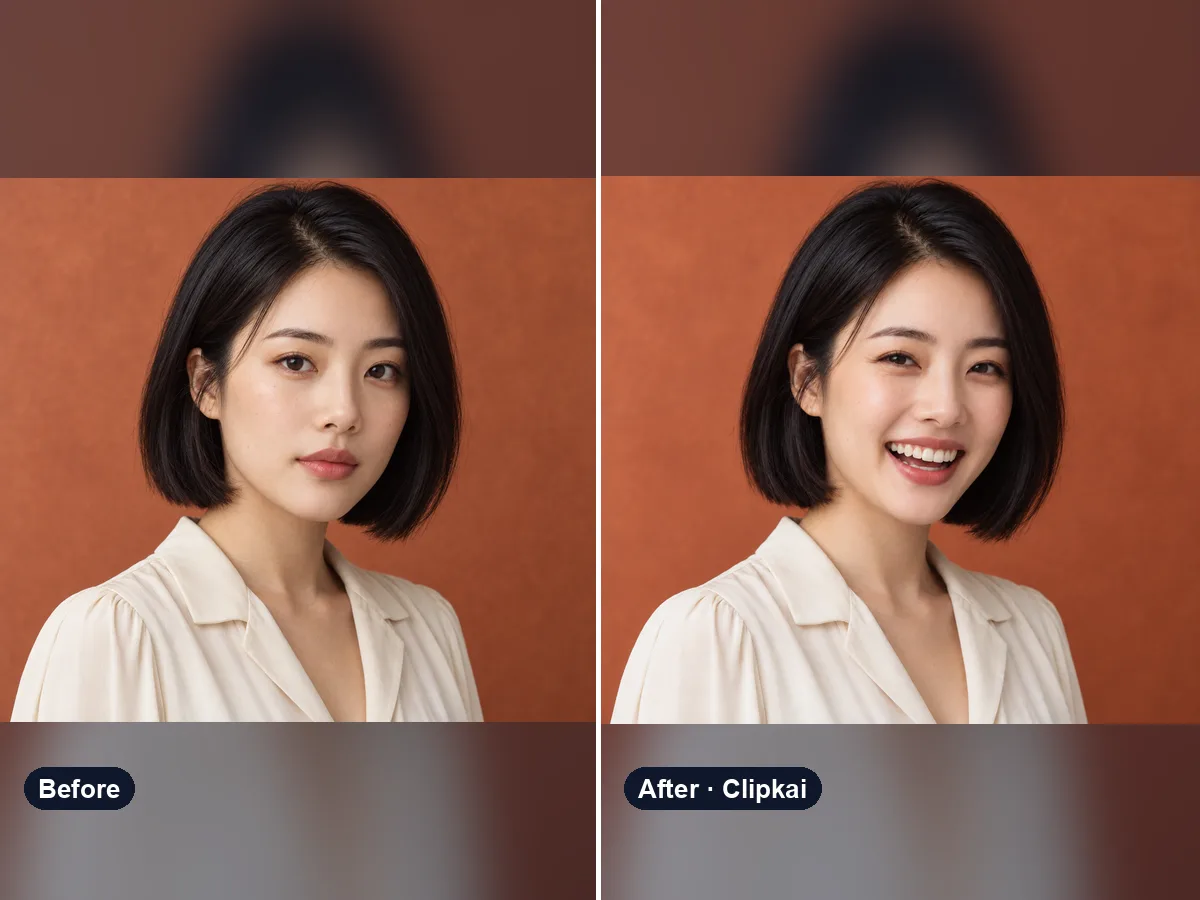
AI Smile Generator
Upload a photo, get the same photo with a natural smile.
16 credits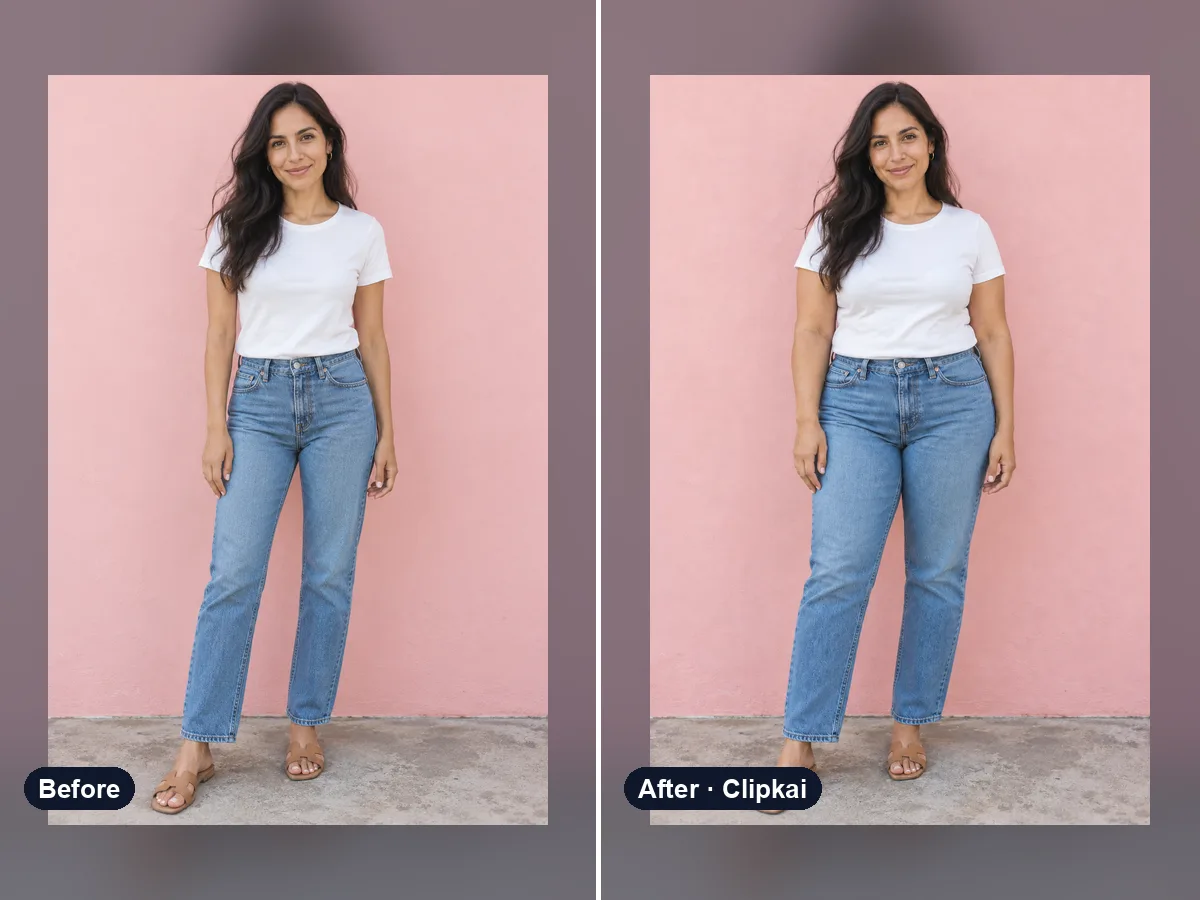
AI Fat Filter
One photo in, a realistic heavier version out.
16 credits