
AI Crying Video Generator
One photo in, an 8-second dramatic crying video out.
700 creditsOne photo in, an 8-second video of you growing older.
By generating, you confirm you have the right to use this photo and the person shown is an adult who agreed to it. No celebrities, no minors. Acceptable use
An AI age progression video shows one person gradually aging over a few seconds: skin, hair color and facial features change step by step while the identity stays the same. Clipkai makes it from one photo as an 8-second, 720p vertical video.
AI Age Progression Video Generator costs 700 credits per video and is usually ready in a few minutes. Credits come in one-time packs with no subscription; new accounts get 12 free credits for trying a photo tool.
Also searched as: ai age progression · ai aging video · see yourself old · growing old ai video
Watch your face age smoothly from today to your 80s — hair turns gray, fine lines appear, but it is still clearly you. It is a popular reveal for TikTok and a fun way to imagine the future.
The face ages gradually over the 8 seconds — hair greys, skin softens and lines deepen — while the person, clothes and background stay the same. Sound is off by default.

| Photos needed | 1 |
|---|---|
| Model | Seedance 2.0 Mini |
| Length | 8 seconds |
| Quality | 720P · 9:16 |
| Sound | Silent by default, sound can be turned on |
| Price | 700 credits (from $4.89 per video) |
| File | MP4, no watermark, saved to My Creations |
Off by default. Turn sound on for soft original background music.
Each video costs 700 credits, shown on the button before you confirm. If a generation fails, the credits go back to your balance automatically.
See credit packsPhotos are used only to make your video. We don't use uploads or results to train AI models, we don't publish them, and you can ask us to delete them. Only upload photos of adults who agreed to it — no celebrities or minors. Acceptable use
Results are AI-generated and can vary between runs. Trend names belong to their respective owners; templates on this site are independent and unaffiliated.
Last updated 2026-11-04
One photo in, an 8-second dramatic crying video out.
700 creditsOne photo in, an 8-second muscle growth video out.
700 credits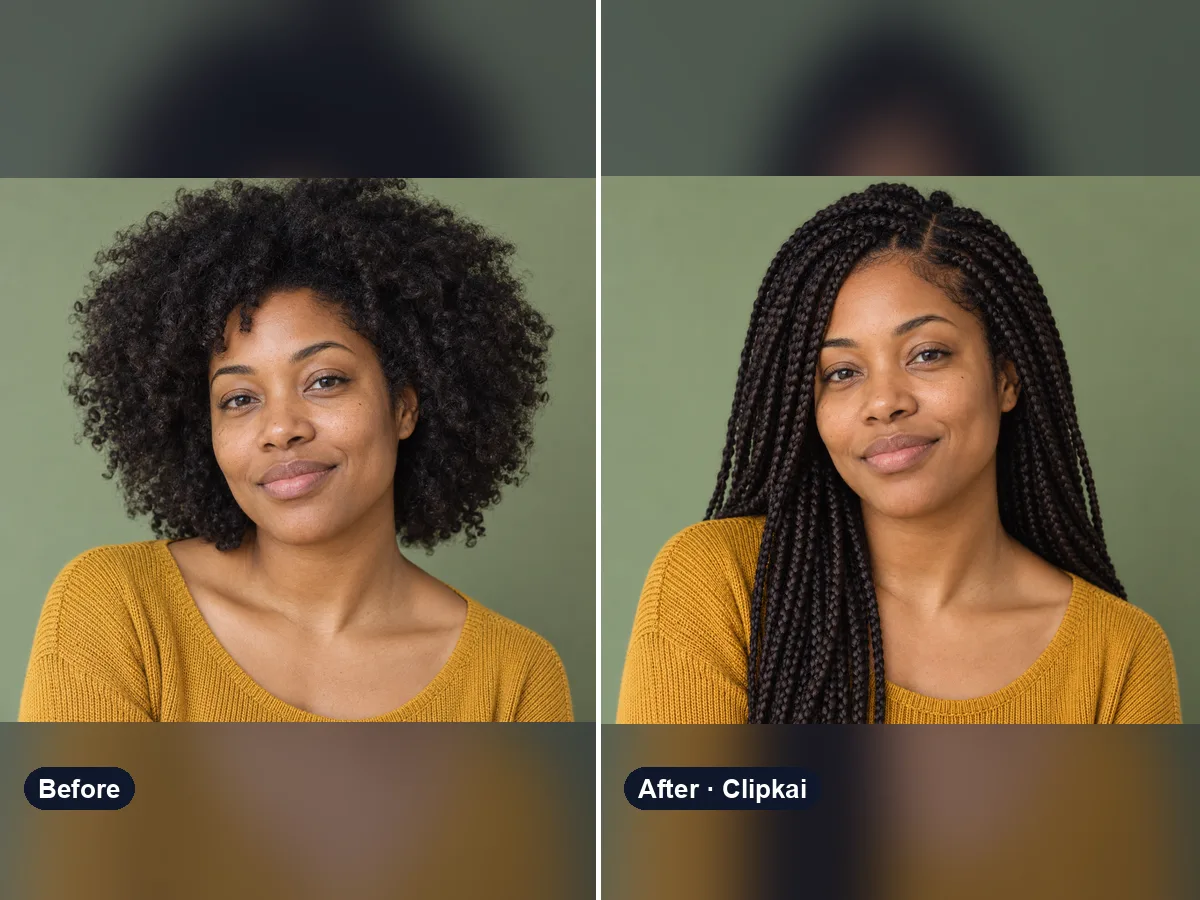
Upload a selfie, describe a style, see your new hair.
12 creditsOne cat photo in, an 8-second dancing cat video out.
700 creditsOne photo in, an 8-second dragon flight video out.
700 creditsOne photo in, an 8-second balloon inflate video out.
700 credits