
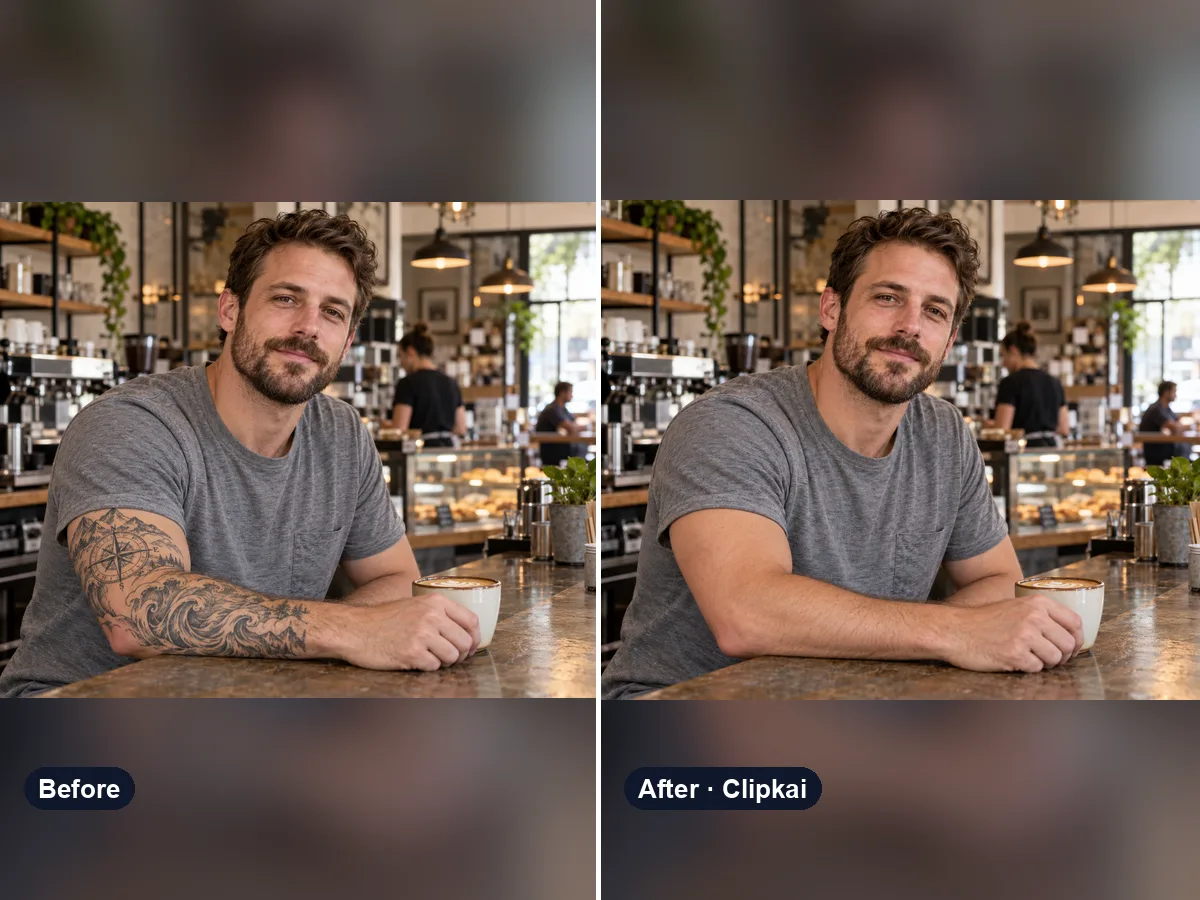
AI Tattoo Remover
Upload a photo, see the skin without the tattoo.
12 creditsDescribe a tattoo, see it on your own skin.
By generating, you confirm you have the right to use this photo and the person shown is an adult who agreed to it. No celebrities, no minors. Acceptable use
AI Tattoo Generator costs 12 credits per image and is usually ready in under a minute. New accounts get 12 free credits; after that, credits come in one-time packs with no subscription.
Also searched as: add tattoo to photo · tattoo try on · tattoo filter · ai tattoo design generator · virtual tattoo
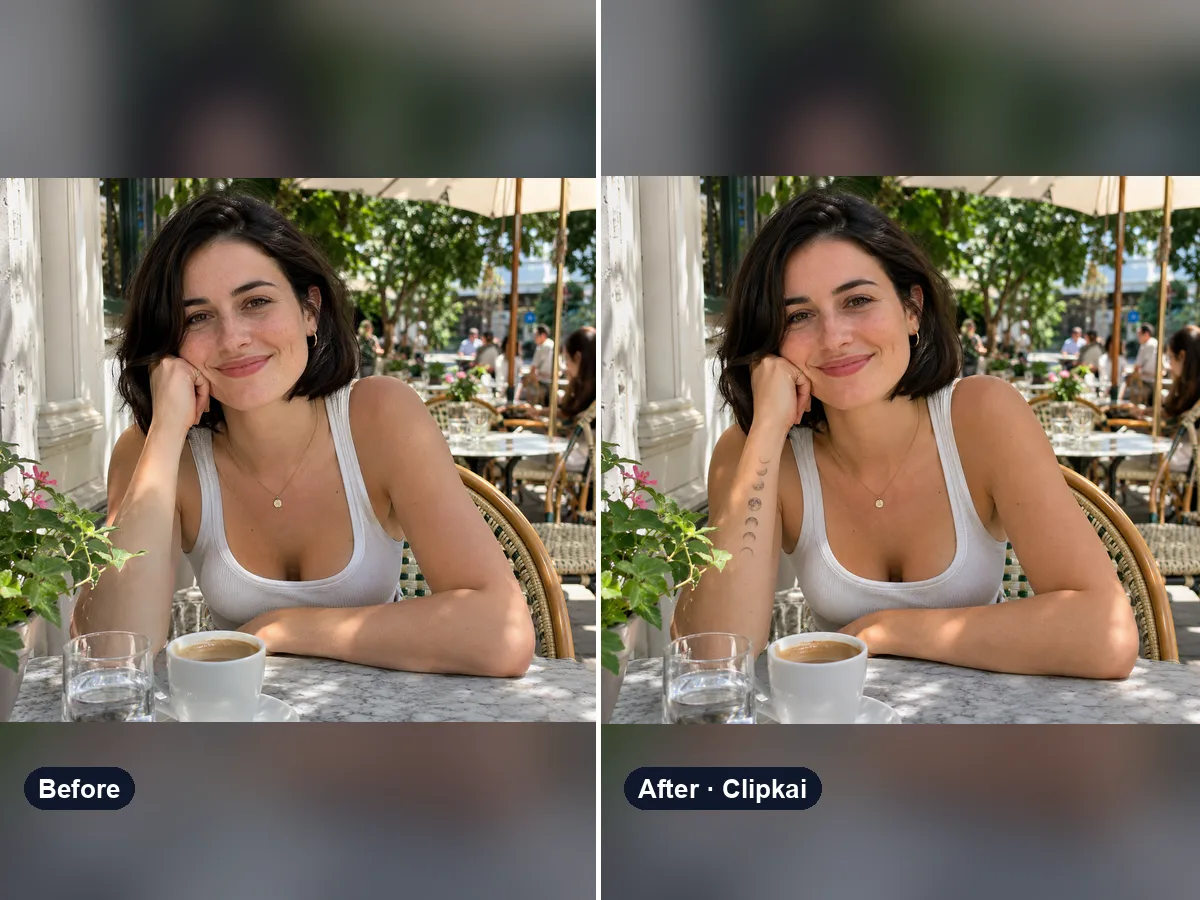
An AI tattoo generator designs a tattoo from your description. This one goes a step further and tries it on: it inks the design onto your own photo, following the curve of the arm or back, so you can judge size, placement and style before you commit.
Most tattoo generators only give you flat artwork. Upload a photo that shows the spot you are thinking about — forearm, wrist, shoulder, back, ankle — and describe the tattoo. The AI draws it on your skin with realistic healed ink that wraps around the body and picks up the light in the photo.
Be specific in the note: “fine-line moon phases down the inner forearm”, “black traditional rose on the shoulder”, “small minimalist wave on the wrist”, “Japanese koi half sleeve in color”, “script reading ‘Ohana’ on the collarbone”. Try a few sizes and placements; it is cheaper than regret.
Take the result to your tattoo artist as a reference. They will redraw it properly for your skin — an AI preview is a way to decide, not a stencil.
Thinking the other way? See yourself without ink using the tattoo remover.
Each image costs 12 credits, shown on the button before you confirm. If a generation fails, the credits go back to your balance automatically.
See credit packsResults are AI-generated and can vary between runs. Trend names belong to their respective owners; templates on this site are independent and unaffiliated.
Upload a picture, get a description, a prompt or alt text.
Upload a photo, get the outfit described piece by piece.
Upload a photo of a logo, product or item — get the most likely brand and why.
Upload a photo of a shoe — get the most likely brand, model and where to search.
Upload a selfie — get a best guess of your age, a range and the cues behind it.
Describe an animal and a style; get the picture in about a minute.
Describe the symbols and colors that stand for your family; get a crest in about a minute.
Click a color to make it transparent, or turn the picture black and white. Free and private.
Upload a photo, see the skin without the tattoo.
12 credits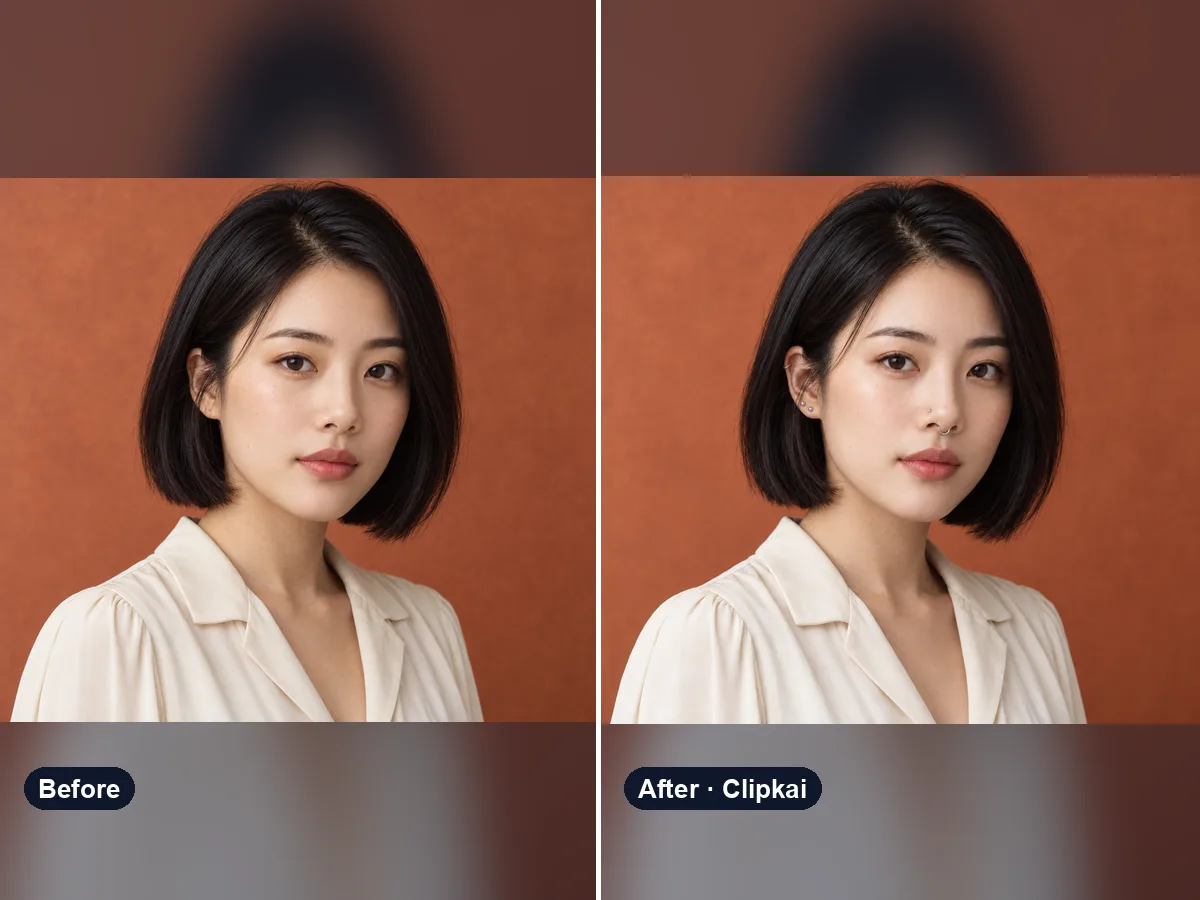
Upload a selfie, see how a new piercing would look on you.
12 creditsOne photo in, an 8-second muscle growth video out.
700 credits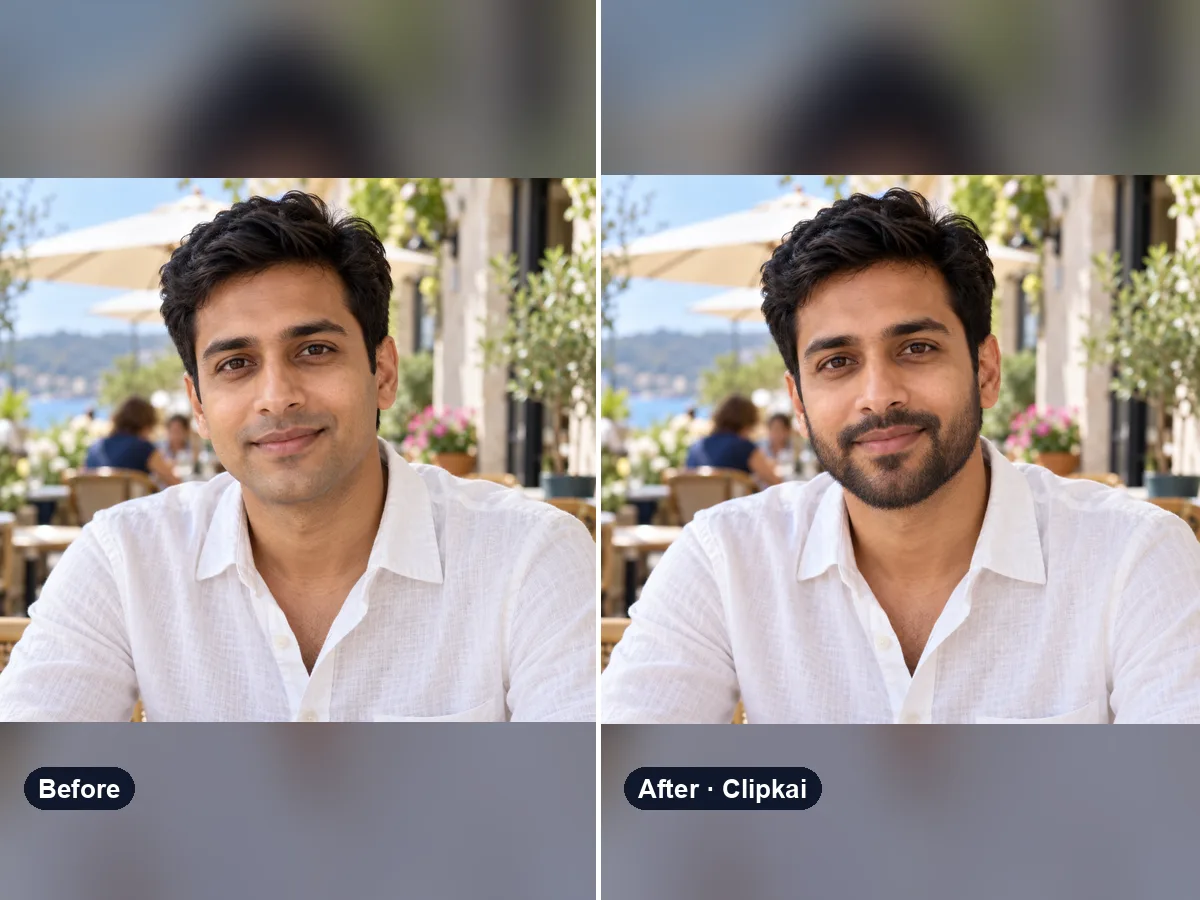
Upload a photo, try a beard (or a clean shave).
12 credits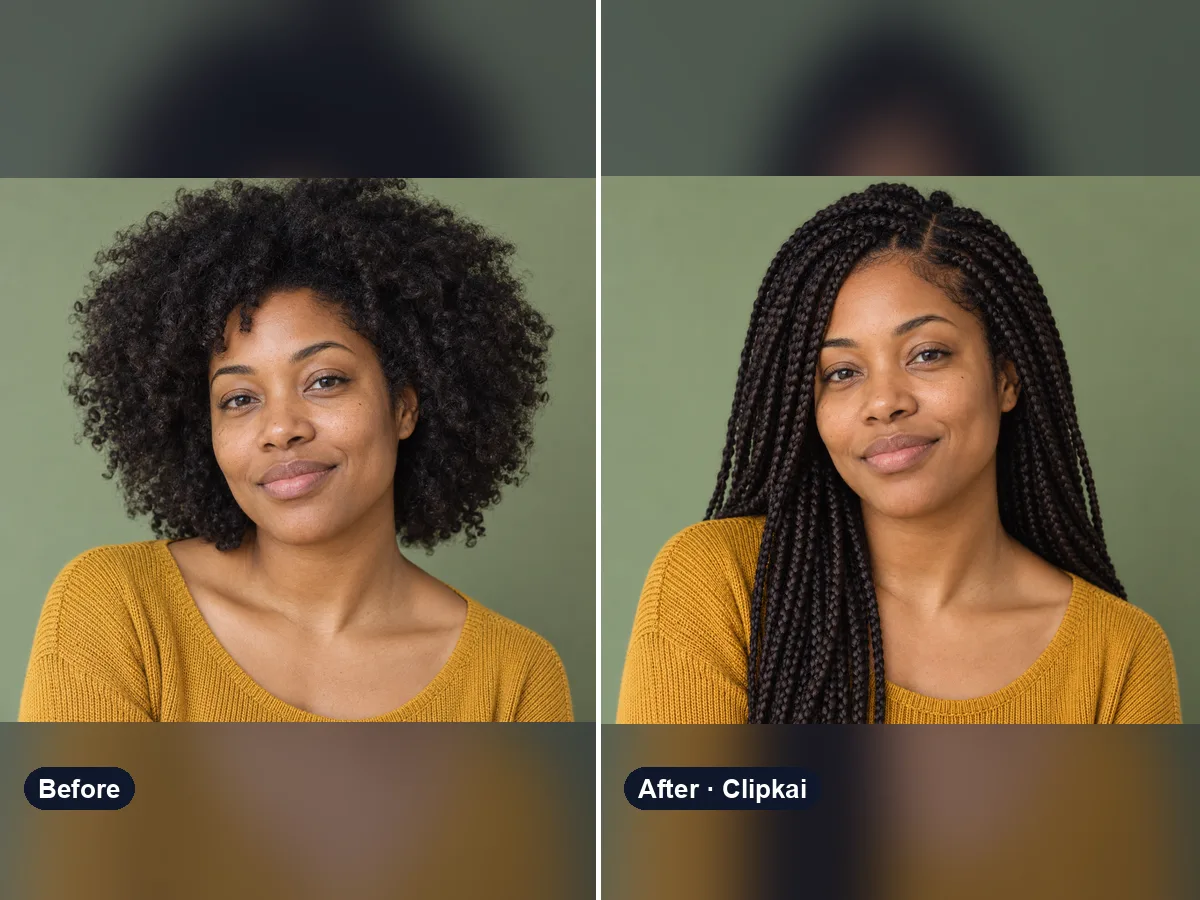
Upload a selfie, describe a style, see your new hair.
12 credits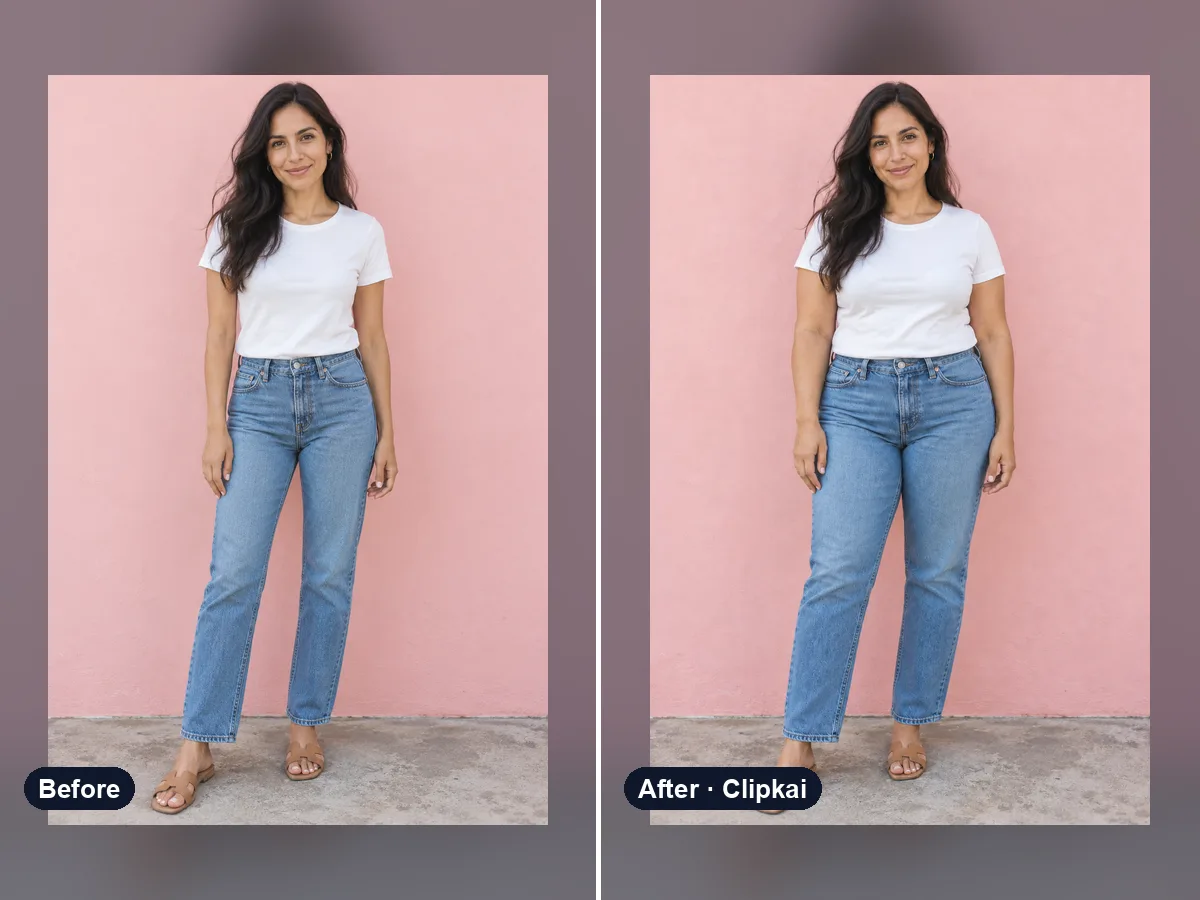
One photo in, a realistic heavier version out.
12 credits