
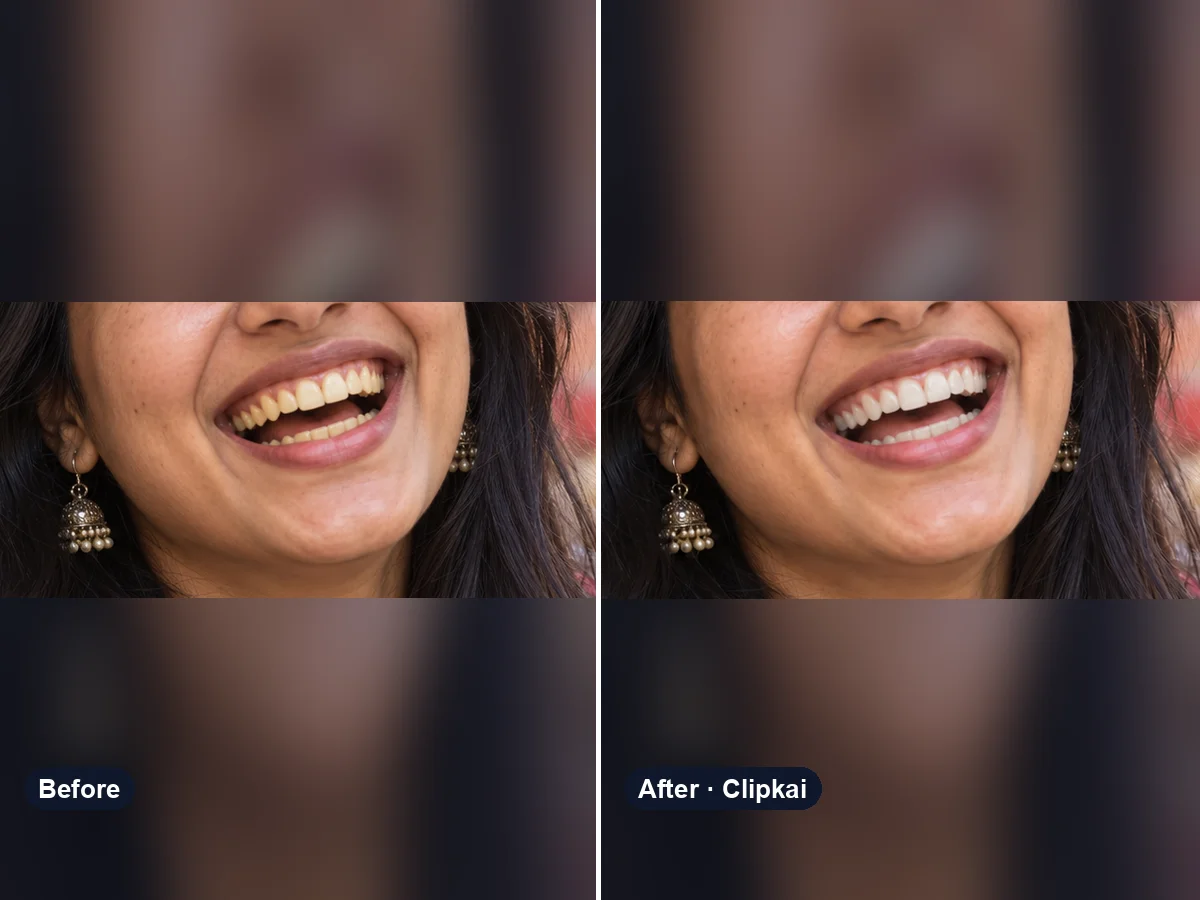
Teeth Whitening Photo Editor
Upload a smiling photo, get naturally whiter teeth.
12 creditsUpload a smiling selfie, see yourself with braces.
By generating, you confirm you have the right to use this photo and the person shown is an adult who agreed to it. No celebrities, no minors. Acceptable use
Braces Filter costs 12 credits per image and is usually ready in under a minute. New accounts get 12 free credits; after that, credits come in one-time packs with no subscription.
Also searched as: braces filter online · see yourself with braces · braces try on · virtual braces · add braces to photo
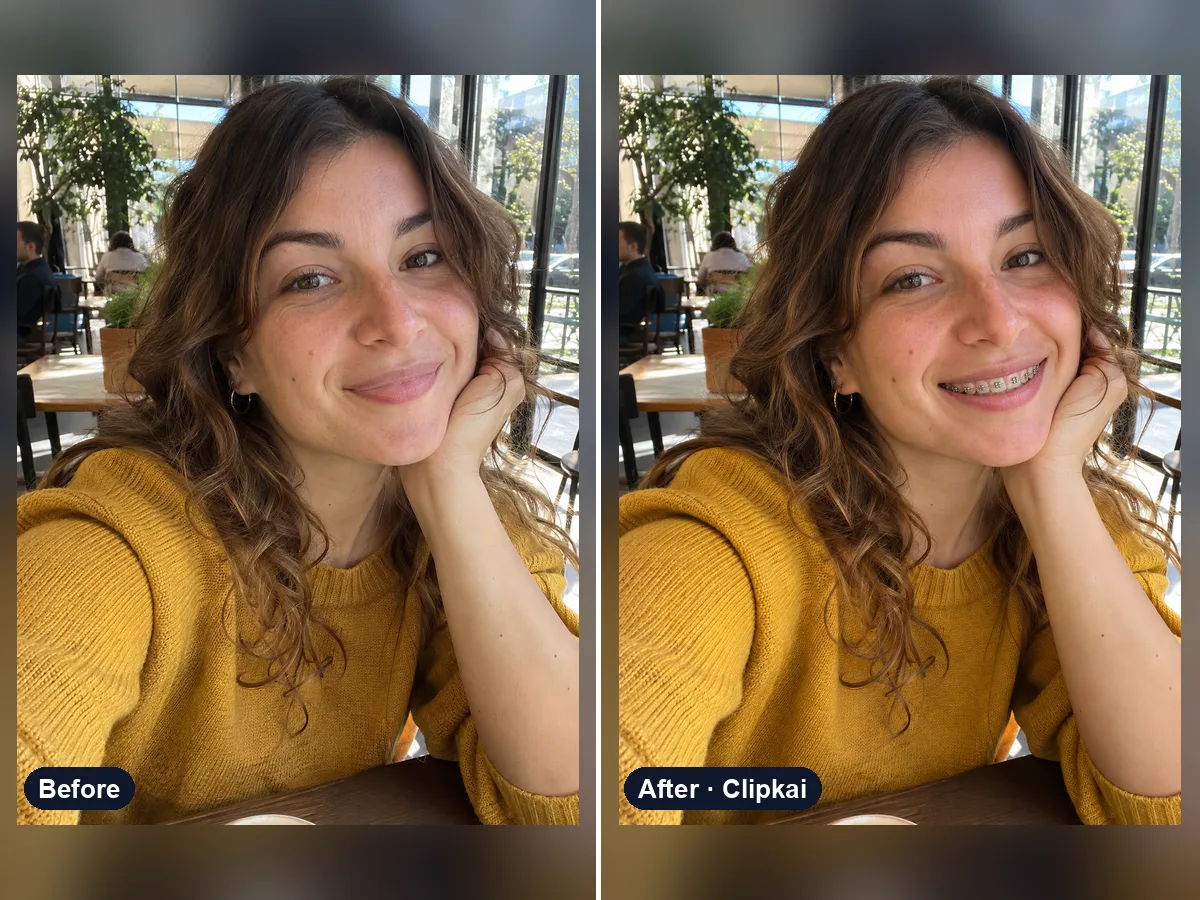
A braces filter adds realistic orthodontic braces — brackets, wire and elastic bands — to the teeth in your photo, so you can preview how braces, a band color or clear braces would look on you.
Thinking about braces, or just curious? Upload a selfie where your smile is visible and get the same photo with realistic braces: small silver brackets, a thin wire and grey bands, with light reflecting off the metal as it would in real life.
Choose the look in the note: “ceramic clear braces”, “pink and purple bands”, “rainbow bands”, “black bands” or “clear aligners”. If your mouth is closed, the filter opens it into a natural smile so the braces show.
Handy for adults choosing band colors before an appointment, weighing metal against ceramic, or making a throwback “me with braces” joke. It is a visual preview, not orthodontic advice.
Each image costs 12 credits, shown on the button before you confirm. If a generation fails, the credits go back to your balance automatically.
See credit packsResults are AI-generated and can vary between runs. Trend names belong to their respective owners; templates on this site are independent and unaffiliated.
Upload a picture, get a description, a prompt or alt text.
Upload a photo, get the outfit described piece by piece.
Upload a photo of a logo, product or item — get the most likely brand and why.
Upload a photo of a shoe — get the most likely brand, model and where to search.
Upload a selfie — get a best guess of your age, a range and the cues behind it.
Describe an animal and a style; get the picture in about a minute.
Describe the symbols and colors that stand for your family; get a crest in about a minute.
Click a color to make it transparent, or turn the picture black and white. Free and private.
Upload a smiling photo, get naturally whiter teeth.
12 credits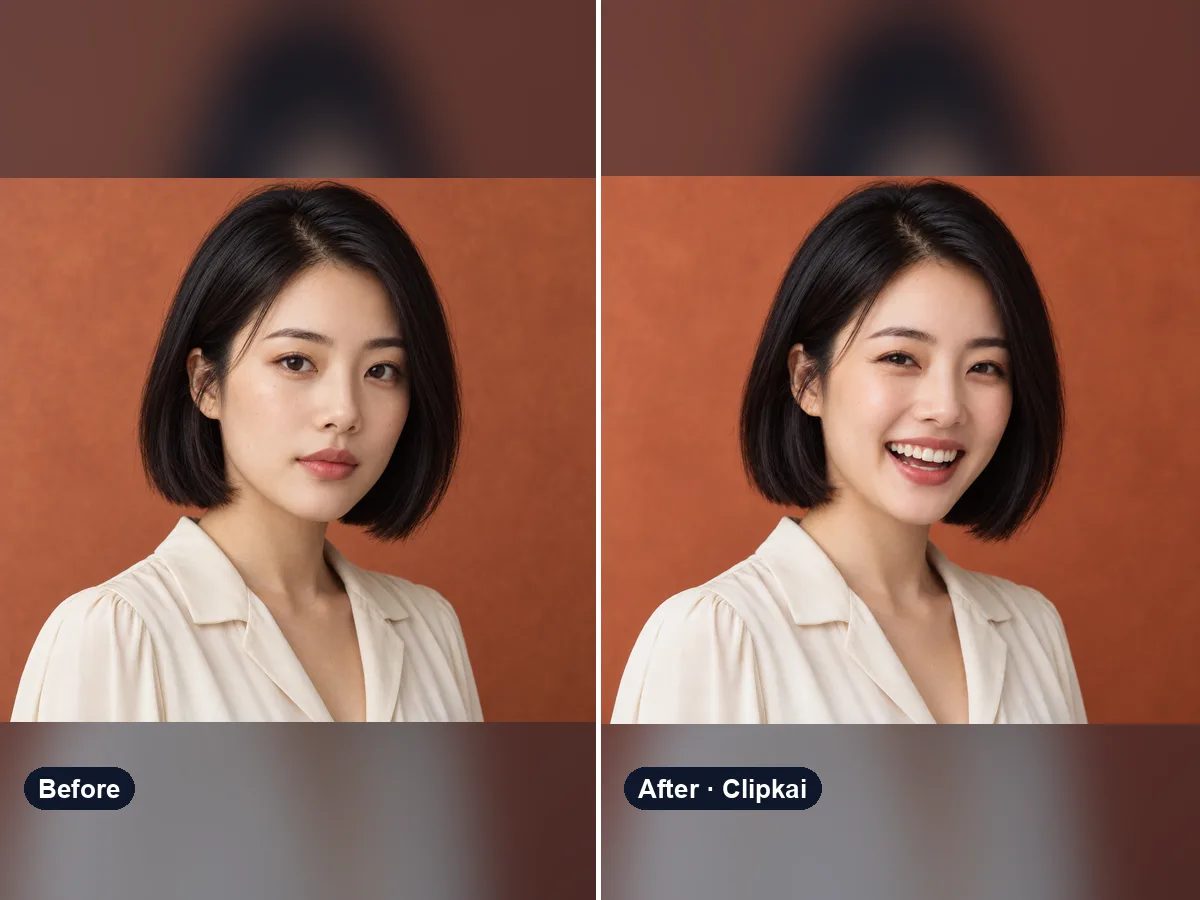
Upload a photo, get the same photo with a natural smile.
12 credits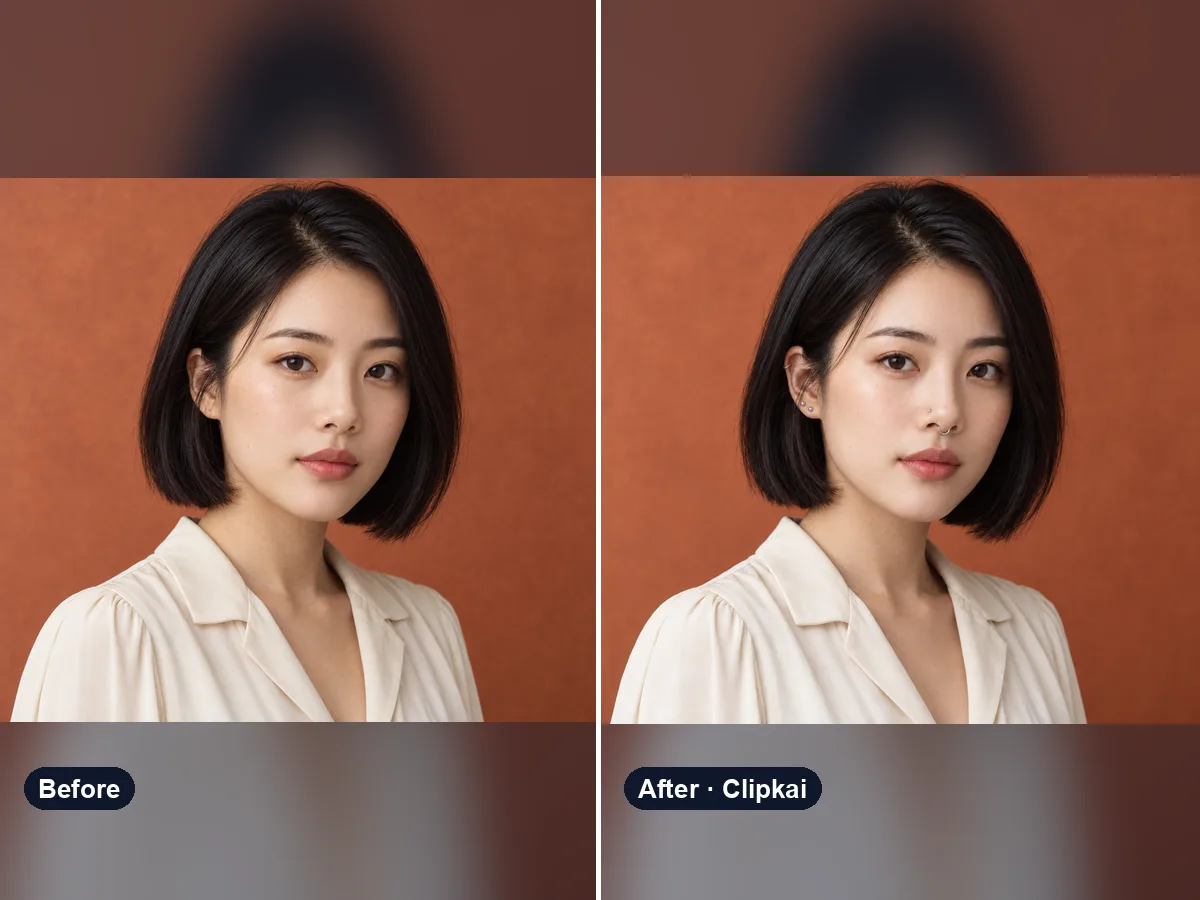
Upload a selfie, see how a new piercing would look on you.
12 credits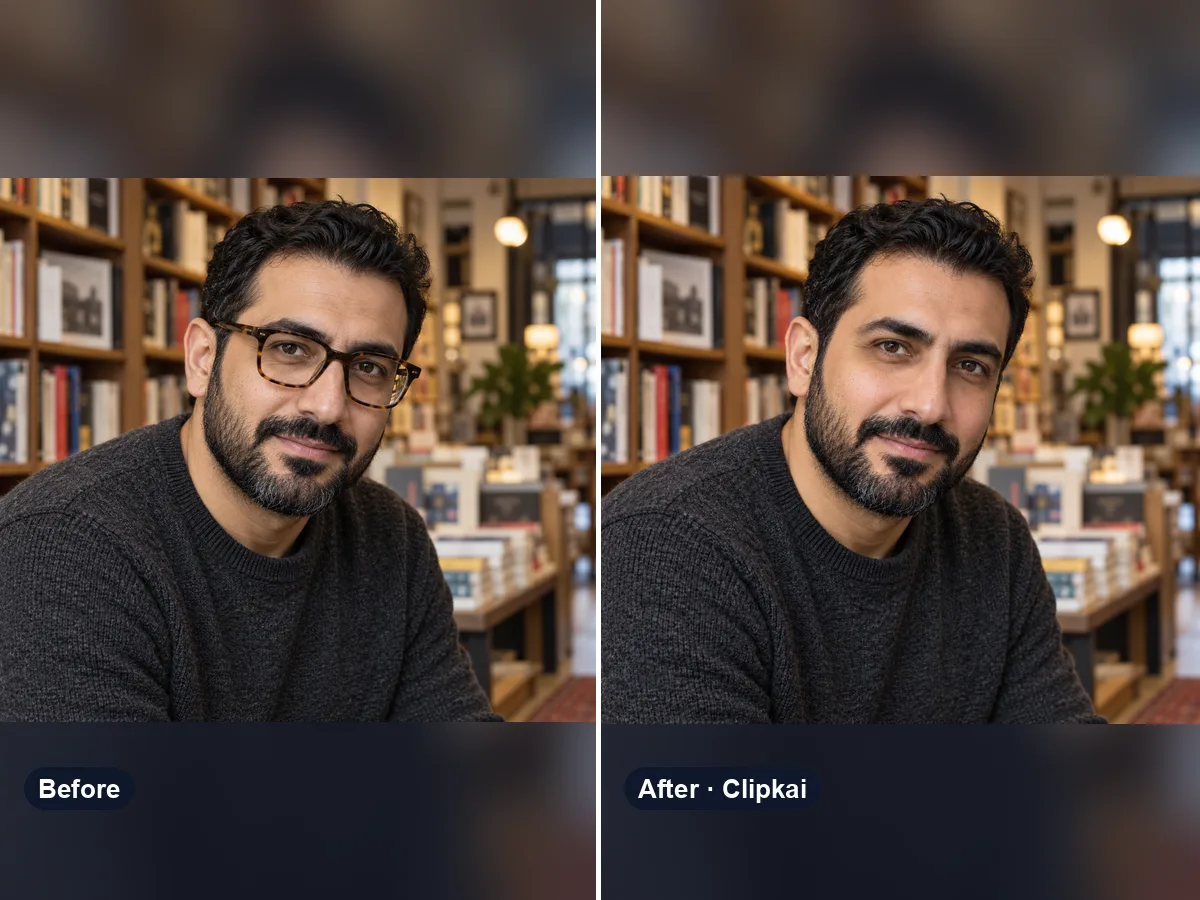
Upload a photo with glasses, get the same photo without them.
12 credits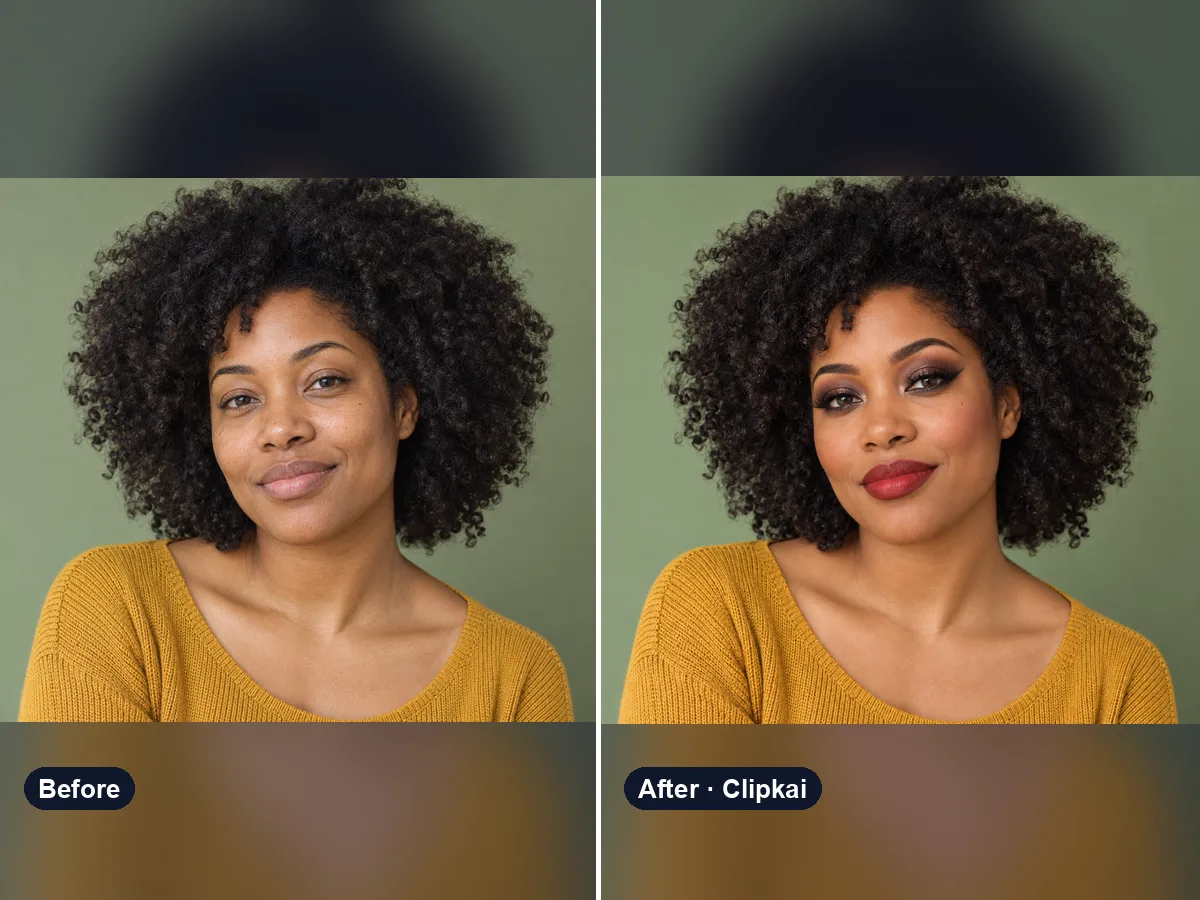
Upload a selfie, describe a look, see it on your face.
12 credits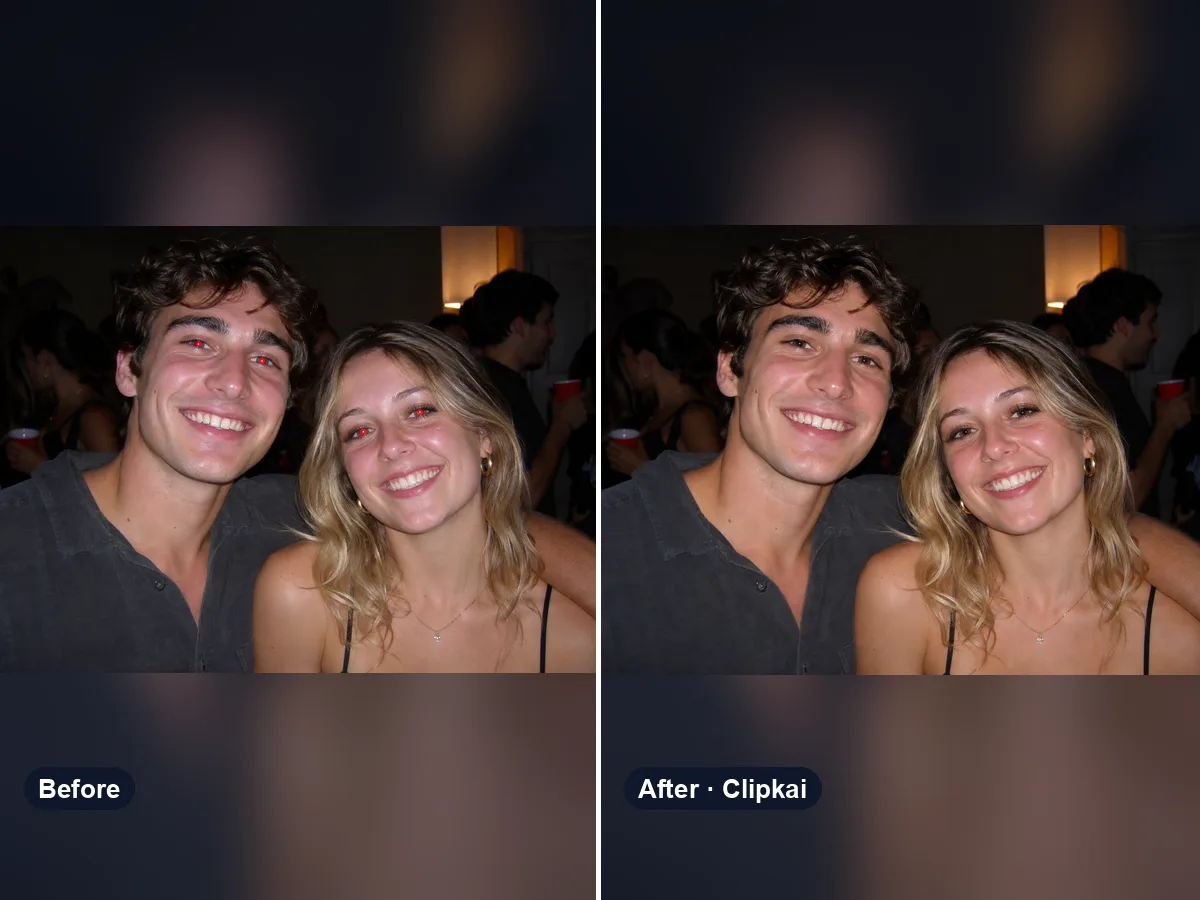
Upload a flash photo, get natural eyes back.
12 credits