
GPT Image 2.6 AI Image Generator
OpenAI’s newest GPT Image model in your browser — quicker drafts, cleaner layouts and edits that keep your subject the same.
Prompts to try with GPT Image 2.6
Each example below was made with GPT Image 2.6. Click one to load its prompt, then change the details to make it yours.
What’s new in GPT Image 2.6
Faster drafts
OpenAI says Images 2.6 generates about 50% faster than before, so you can try more directions in one sitting.
Cleaner layouts
Posters, product images, covers and step-by-step cards keep their grid, margins and hierarchy more reliably.
Steadier edits
Characters, products and brand details stay the same when you edit an image again — useful for series and campaigns.
Up to eight references
Attach up to eight images and say what each one controls: the product, the style, the face or the layout.
Text you can read
Put the exact words in quotes and they come out spelled as written — titles, labels, menus and short captions.
Aspect ratio control
Choose square, portrait or landscape before you generate so the composition is built for that frame.
GPT Image 2.6 vs GPT Image 2.5: what changed?
OpenAI released Images 2.6 on November 4, 2026. It generates about 50% faster than the previous version, lays out posters and product images more cleanly, and keeps characters, products and brand details steadier from one edit to the next. On Clipkai it runs at 1K from 18 credits an image. Pick GPT Image 2.5 when you need a 2K or 4K file or the lowest price per image.
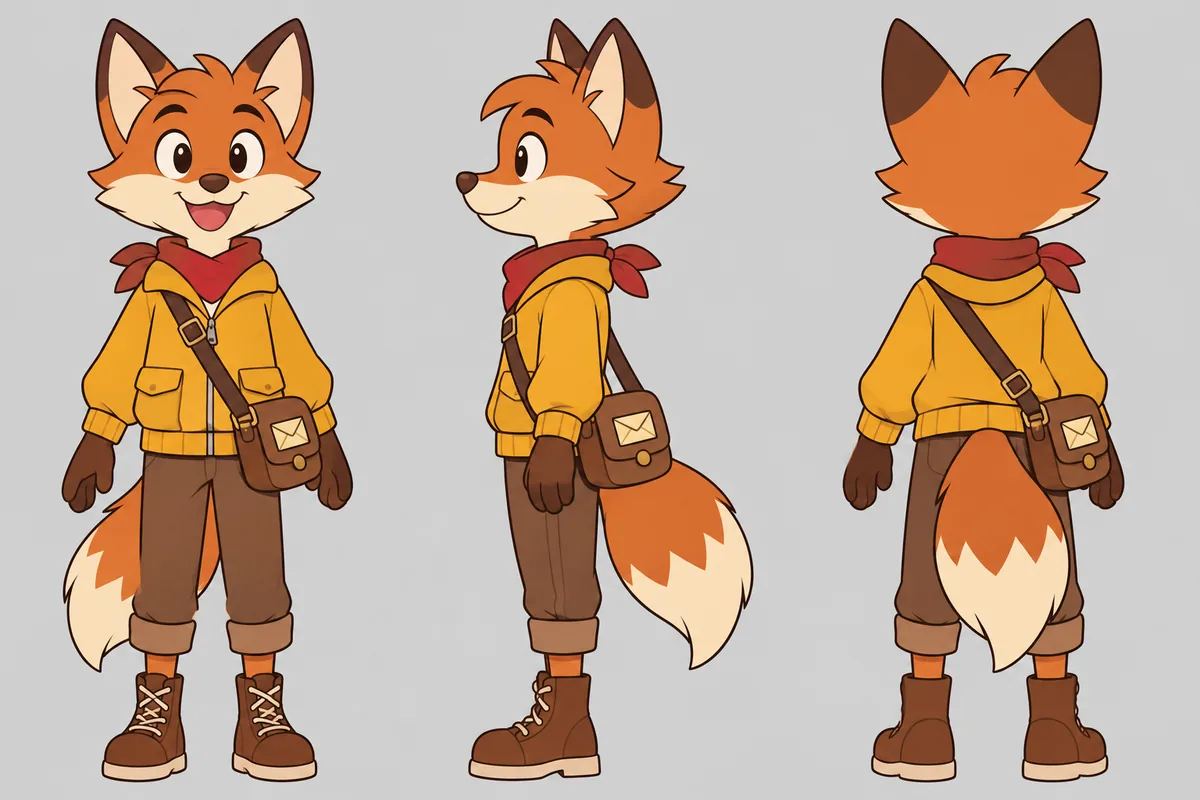
How to write a GPT Image 2.6 prompt
Short briefs, exact wording for any text, and one change per edit get the most out of the new model.
Keep the brief short
Name the subject, the setting and one style cue. Add details only when the first result misses them.
Quote exact text and lock details
Write any on-image text in quotes, and list what must not change (face, logo, product shape) when editing.
One change per edit
Ask for one change at a time — new background, new color, new pose — and feed the result back for the next step.

Other image models
Same generator, different strengths. Switch models when you need more detail, clearer text, faster drafts, or tighter layout control.
OpenAI prompt-faithful layouts and diagrams from 12 credits — compare with Flare, Sunburst and Nano Banana Pro.
Alibaba Qwen for dense layouts, small text and multilingual typography — from 30 credits, 1K/2K.
Photoreal FLUX.2 with up to 8 refs and 1K/2K — from 34 credits. Replaces FLUX Schnell for finished photographic work.
Fast GPT Image 2.5 default for iteration — from 12 credits, up to 8 refs. Escalate to Sunburst for precision.
Precision GPT Image 2.5 for materials and multi-turn edits — from 16 credits; Flare from 12 credits.
Faster, lighter Nano Banana for daily aesthetic shots and light edits — from 44 credits, up to 4K.
GPT Image 2.6 FAQ
Release date, price, free credits, the API and how it compares with GPT Image 2.5.
What is GPT Image 2.6?
GPT Image 2.6 is OpenAI’s newest image generation and editing model, called Images 2.6 in ChatGPT. It makes images from text and edits images you upload. Clipkai runs its Flare version, which OpenAI built for fast drafts and clean layouts.
When was GPT Image 2.6 released?
OpenAI announced Images 2.6 on November 4, 2026, in ChatGPT, Codex and the API. It was added to Clipkai on November 9, 2026.
Is GPT Image 2.6 better than GPT Image 2.5?
For most everyday images, yes: it is faster, handles layouts better and keeps subjects steadier across edits. GPT Image 2.5 is still here and costs fewer credits, and it is the one to pick when you need a 2K or 4K file.
How much does GPT Image 2.6 cost?
18 credits per 1K image, charged only when the image is delivered (GPT Image 2.5 is 12 credits). A generation that fails is not charged. There is no subscription.
Is GPT Image 2.6 free?
Browsing the examples and prompts is free. Generating uses credits (18 per 1K image); the free credits new accounts get are not enough for a GPT Image 2.6 image, so you need a credit pack. There is no subscription.
Do I need an OpenAI account or an API key?
No. Pick GPT Image 2.6 in the model menu and use your Clipkai account and credits, the same as every other model.
Can I upload reference images?
Yes, up to eight. Say what each one should control, for example “use image 1 for the product and image 2 for the style”.
Can it make GIFs?
OpenAI added GIF output in ChatGPT and the API. On Clipkai, GPT Image 2.6 currently returns still images. You can ask for a frame-by-frame sprite sheet, or turn a still into a short clip with Image to Video.
Is there a GPT Image 2.6 API?
OpenAI offers gpt-image-2.6-flare and gpt-image-2.6-sunburst in its own API. Clipkai is a no-code web app and does not sell API access; use it here in the browser.
Is this the same as ChatGPT Images 2.6?
It is the same model family that powers Images 2.6 in ChatGPT. Clipkai is an independent site, not affiliated with OpenAI; you use it with Clipkai credits instead of a ChatGPT plan.
Try GPT Image 2.6 now
Type a prompt or upload a reference — from 18 credits an image, no subscription.