
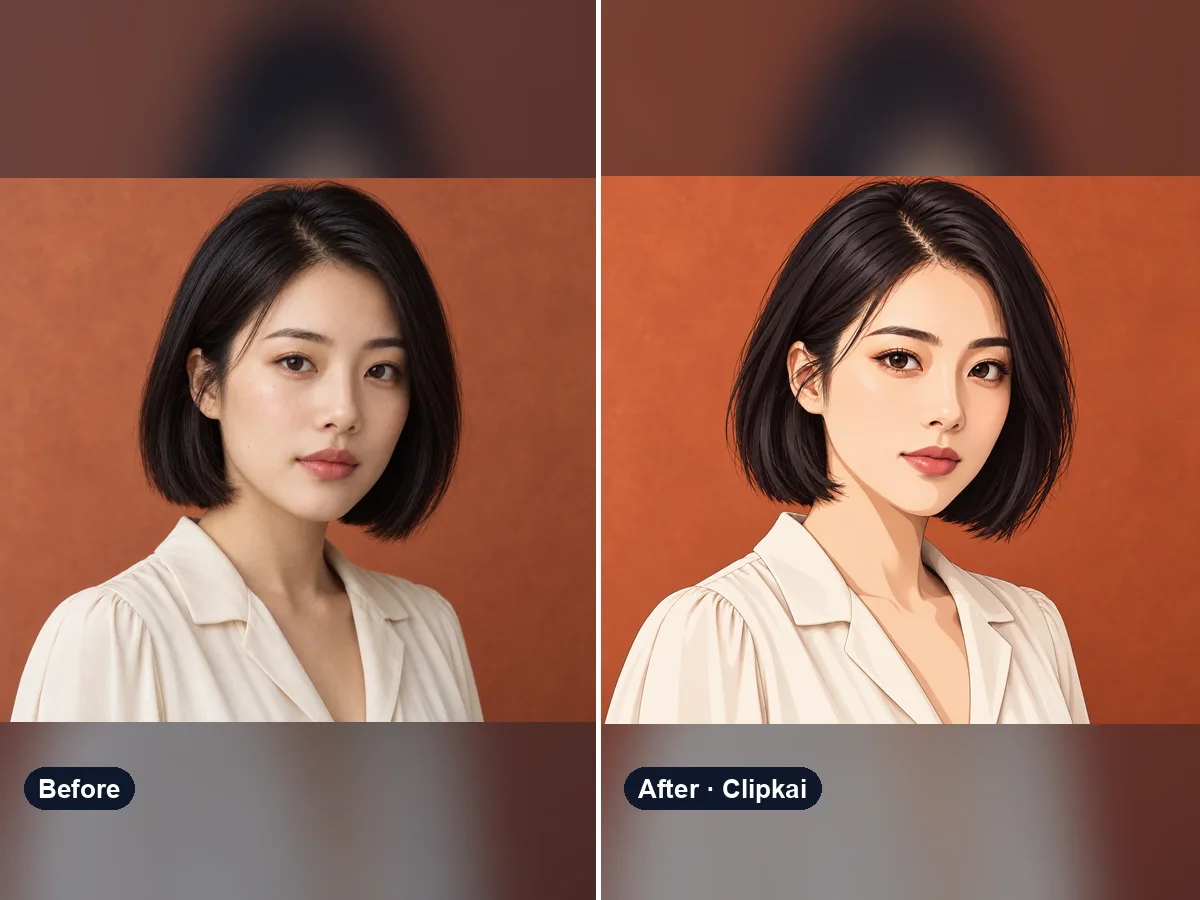
Photo to Anime Converter
Upload a photo, get an anime version of you.
12 creditsUpload a selfie, get fantasy character art that looks like you.
By generating, you confirm you have the right to use this photo and the person shown is an adult who agreed to it. No celebrities, no minors. Acceptable use
AI D&D Character Generator costs 12 credits per image and is usually ready in under a minute. New accounts get 12 free credits; after that, credits come in one-time packs with no subscription.
Also searched as: dnd character creator · dnd character art generator · ai dnd character generator · fantasy character generator from photo · turn yourself into a dnd character
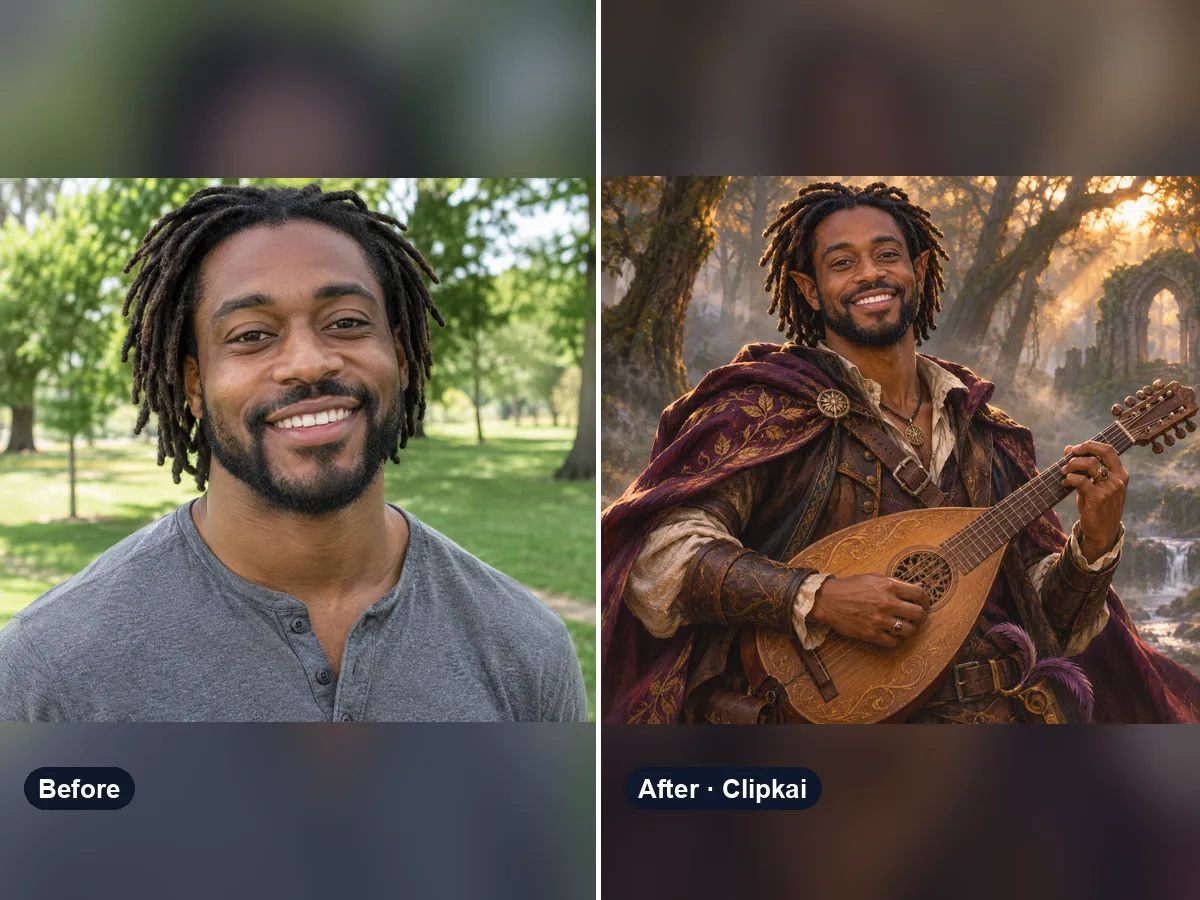
A D&D character art generator turns a description — or here, your photo — into a fantasy portrait for a tabletop role-playing character: race, class, armor, weapons and setting. This one keeps your face so the hero at the table actually looks like you.
Rolling a new character for Dungeons & Dragons, Pathfinder or any fantasy campaign? Upload a clear photo and the AI paints you as a hero — by default a forest ranger with a longbow — in the detailed, painterly style of fantasy character art.
Tell it exactly who you are playing in the note: “half-elf bard with a lute in a tavern”, “dwarf cleric in plate armor with a warhammer”, “tiefling warlock with curling horns and violet eyes”, “dragonborn paladin in silver armor” or “gnome artificer in a workshop”. Add gear, colors and a setting to match your backstory.
Use the result as a character portrait for your sheet, a token for Roll20 or Foundry, a party lineup for the group chat or a gift for your DM. Run it a few times with different classes to build a whole party.
Each image costs 12 credits, shown on the button before you confirm. If a generation fails, the credits go back to your balance automatically.
See credit packsResults are AI-generated and can vary between runs. Trend names belong to their respective owners; templates on this site are independent and unaffiliated.
Upload a picture, get a description, a prompt or alt text.
Upload a photo, get the outfit described piece by piece.
Upload a photo of a logo, product or item — get the most likely brand and why.
Upload a photo of a shoe — get the most likely brand, model and where to search.
Upload a selfie — get a best guess of your age, a range and the cues behind it.
Describe an animal and a style; get the picture in about a minute.
Describe the symbols and colors that stand for your family; get a crest in about a minute.
Click a color to make it transparent, or turn the picture black and white. Free and private.
Upload a photo, get an anime version of you.
12 creditsOne photo in, an 8-second werewolf transformation out.
700 credits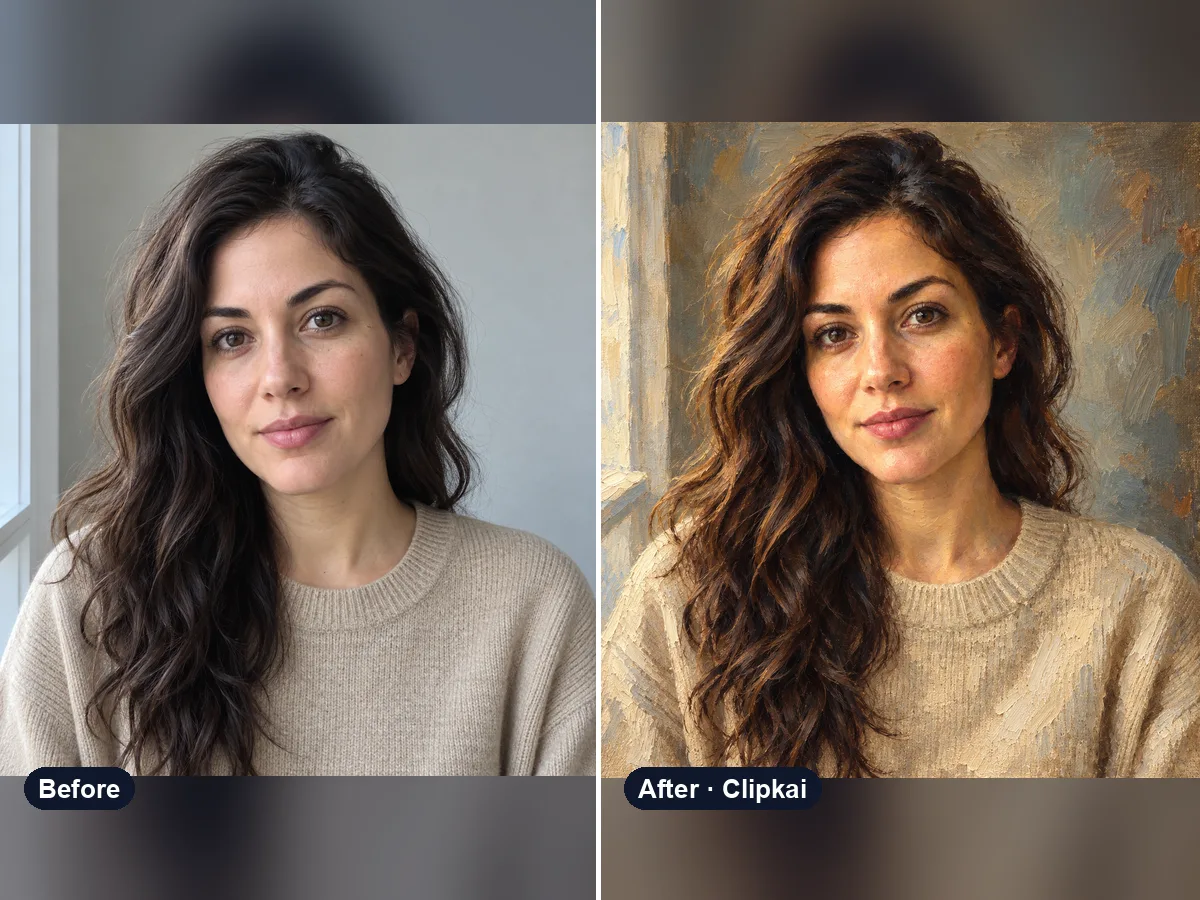
Upload a photo, get a classical oil painting of it.
12 credits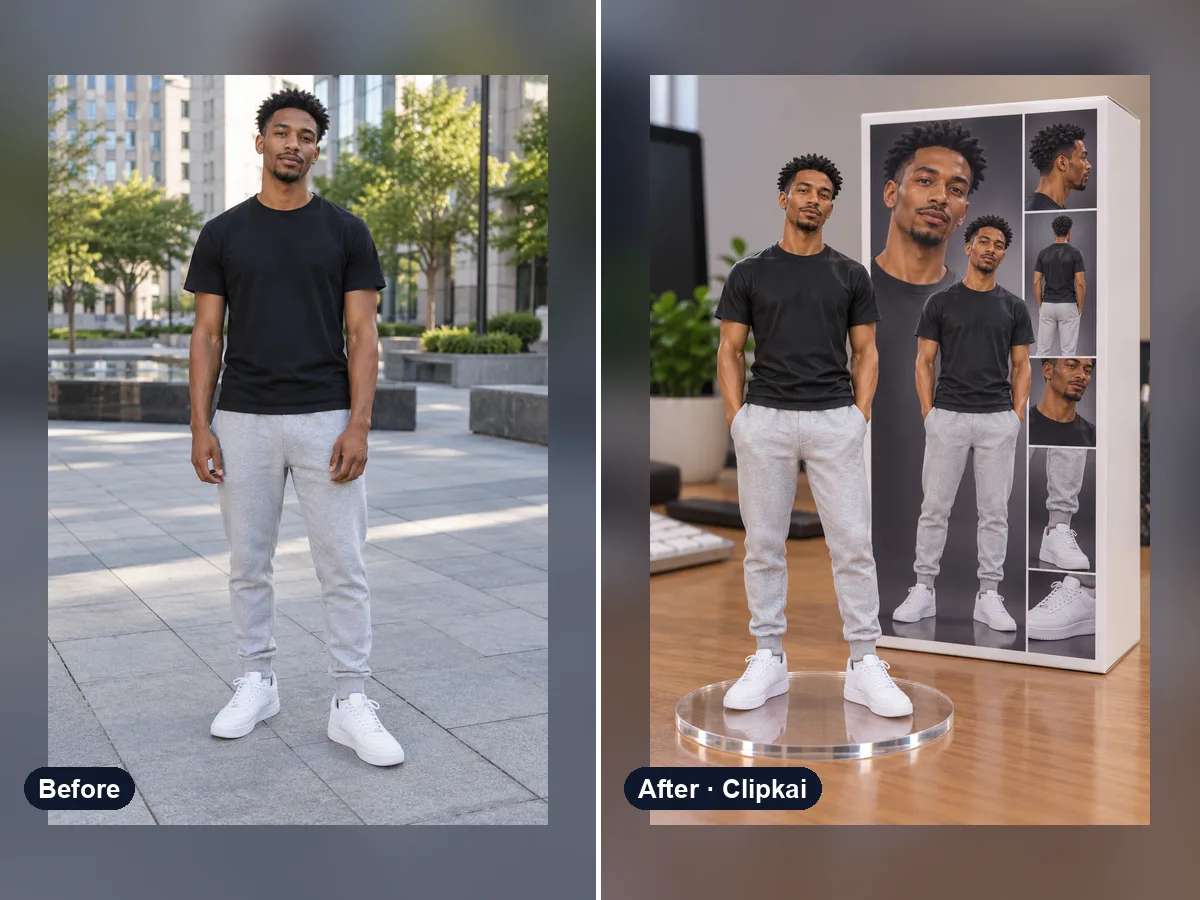
One photo in, a collectible figure of you out.
12 credits
Upload a selfie, get a polished, centered profile picture.
12 credits
Describe a tattoo, see it on your own skin.
12 credits