
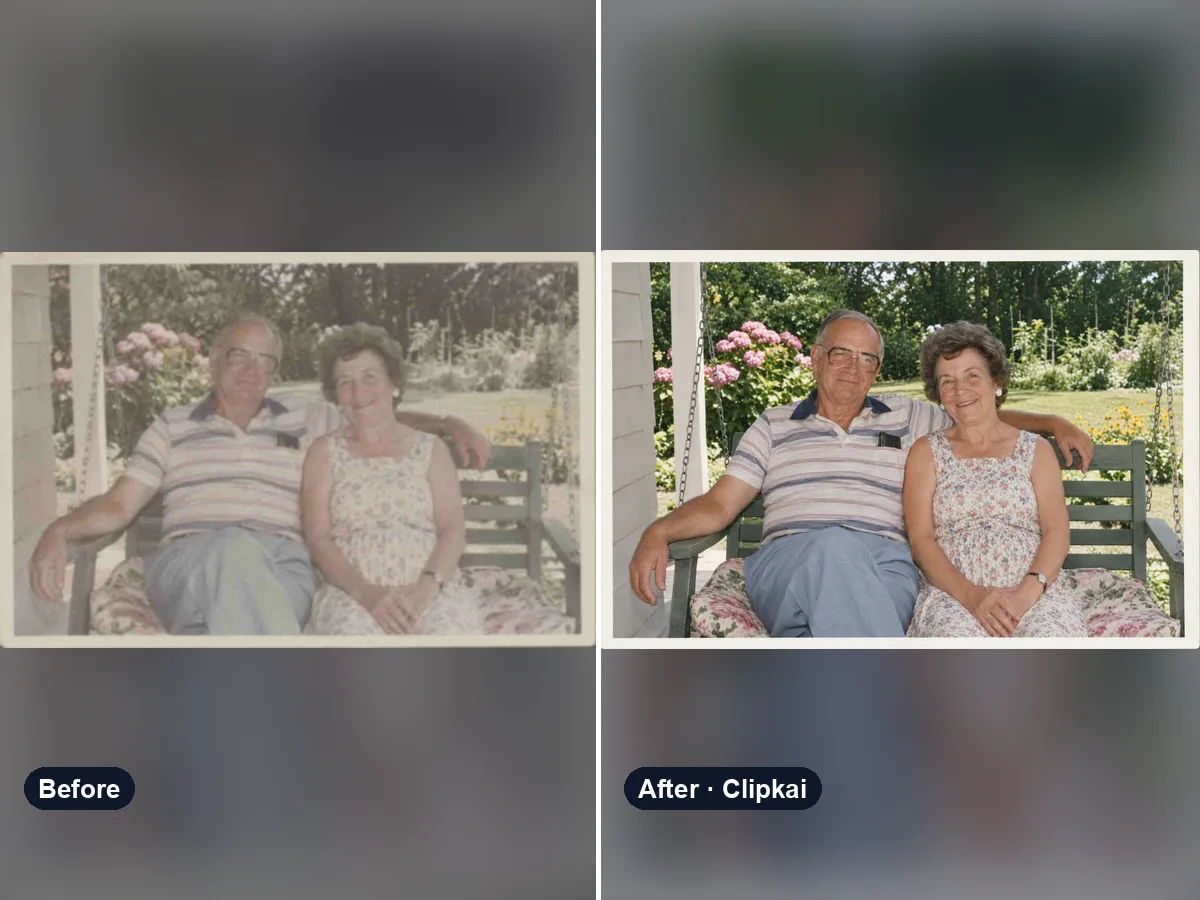
Enhance Photo Online
AI photo enhancer that fixes blur, noise, color and lighting in one click.
12 creditsUpload a black-and-white photo, get it back in natural color.
By generating, you confirm you have the right to use this photo and the person shown is an adult who agreed to it. No celebrities, no minors. Acceptable use
Black and White to Color costs 12 credits per image and is usually ready in under a minute. New accounts get 12 free credits; after that, credits come in one-time packs with no subscription.
Also searched as: colorize photo · ai photo colorizer · colorize black and white photo · black and white photo to color · add color to old photo
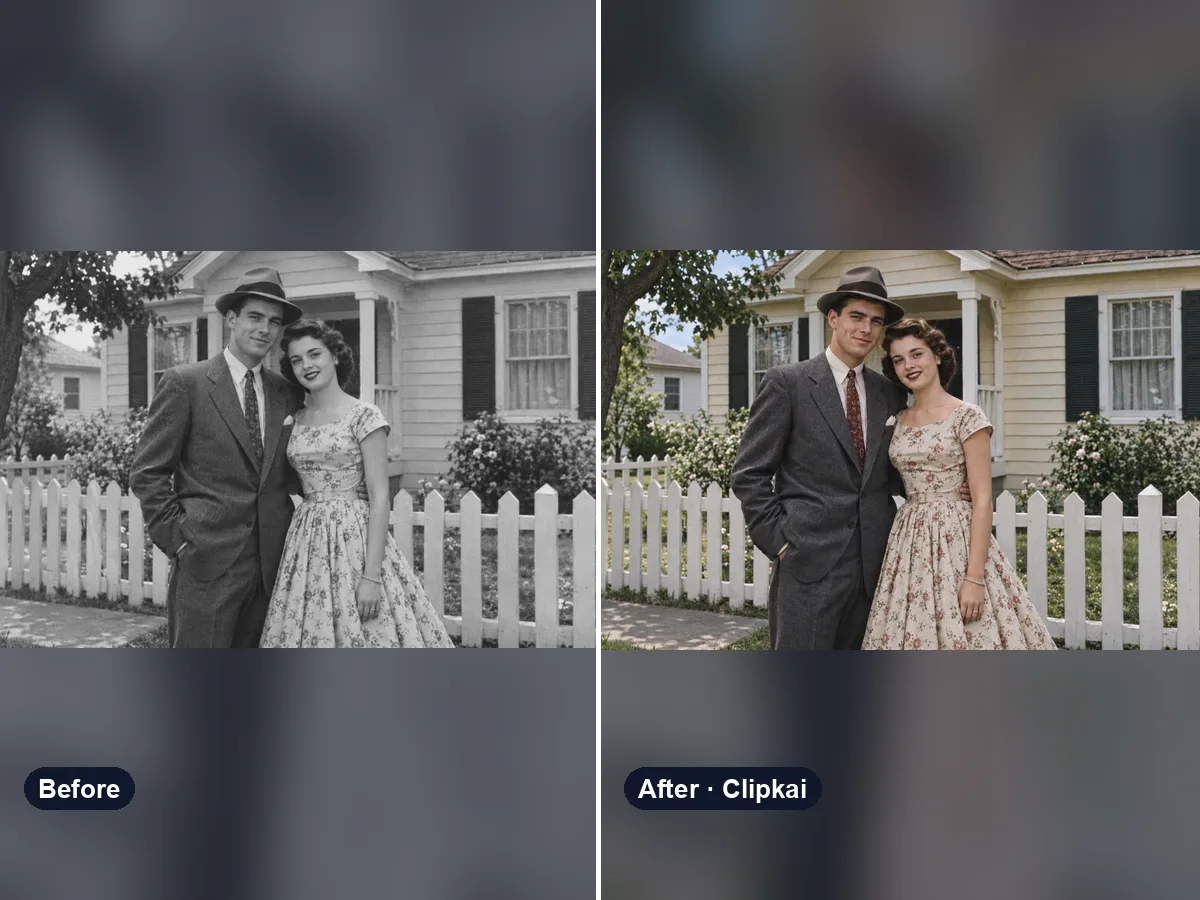
A photo colorizer adds plausible color to a black-and-white or sepia picture: skin, hair, clothes, sky and surroundings, based on what the scene and era suggest. The original colors were never recorded, so the result is a realistic interpretation, not a recovery.
Old family photos, wedding portraits, war-time snapshots and city scenes from decades ago come alive in color. Upload a black-and-white or sepia photo and the AI colorizer paints it with natural, photographic color: believable skin tones, period clothing, green trees and a soft sky — without the flat, painted look of older tools.
Know the real colors? Say so in the note: “grandma’s dress was navy blue”, “the car was cherry red”, “he had red hair”. Everything you do not mention is chosen to fit the time and place.
Faded, scratched or blurry photo? Run it through the Photo Enhancer first, then colorize the cleaned-up version for the best result.
Old photo also blurry or scratched? Clean it up with the photo enhancer first.
Each image costs 12 credits, shown on the button before you confirm. If a generation fails, the credits go back to your balance automatically.
See credit packsResults are AI-generated and can vary between runs. Trend names belong to their respective owners; templates on this site are independent and unaffiliated.
Upload a picture, get a description, a prompt or alt text.
Upload a photo, get the outfit described piece by piece.
Upload a photo of a logo, product or item — get the most likely brand and why.
Upload a photo of a shoe — get the most likely brand, model and where to search.
Upload a selfie — get a best guess of your age, a range and the cues behind it.
Describe an animal and a style; get the picture in about a minute.
Describe the symbols and colors that stand for your family; get a crest in about a minute.
Click a color to make it transparent, or turn the picture black and white. Free and private.
AI photo enhancer that fixes blur, noise, color and lighting in one click.
12 credits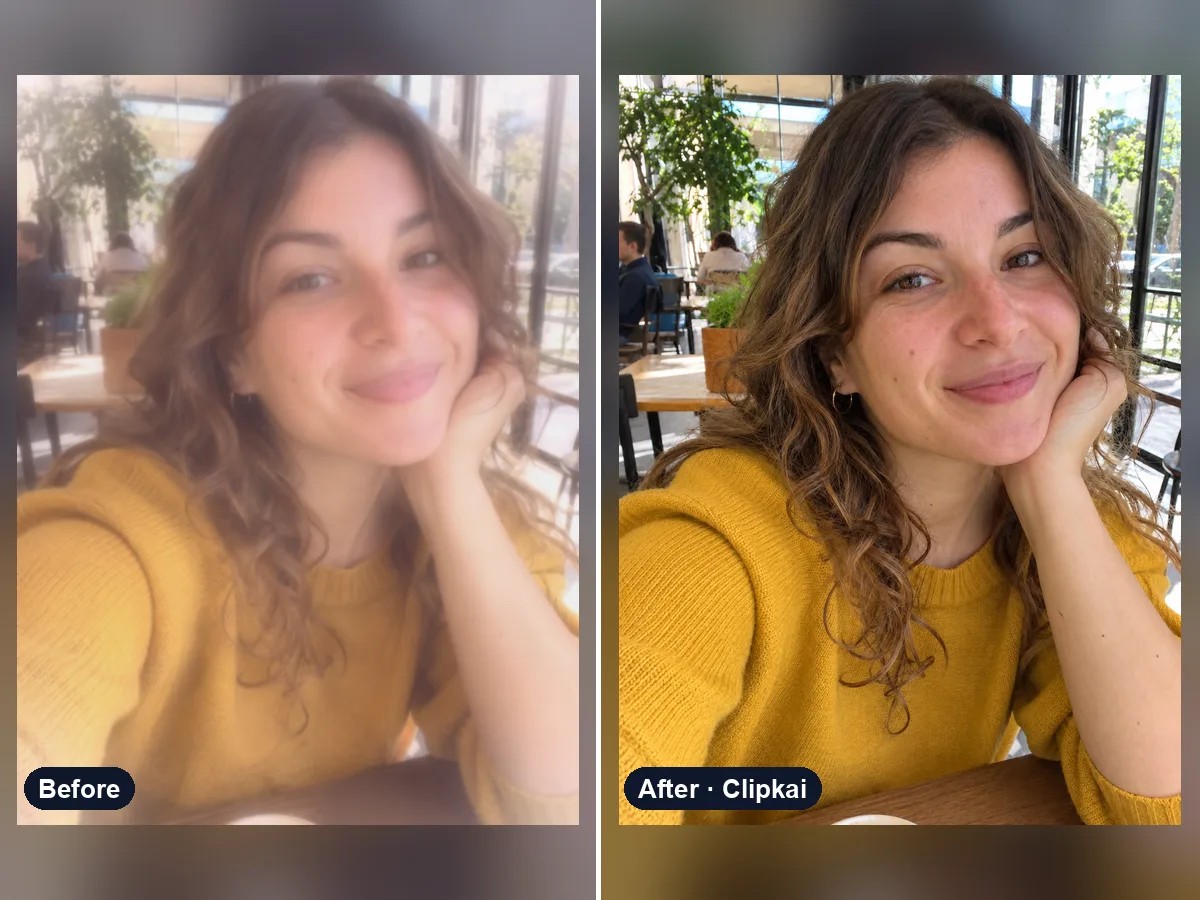
Upload a filtered photo, get a natural, unfiltered version back.
12 credits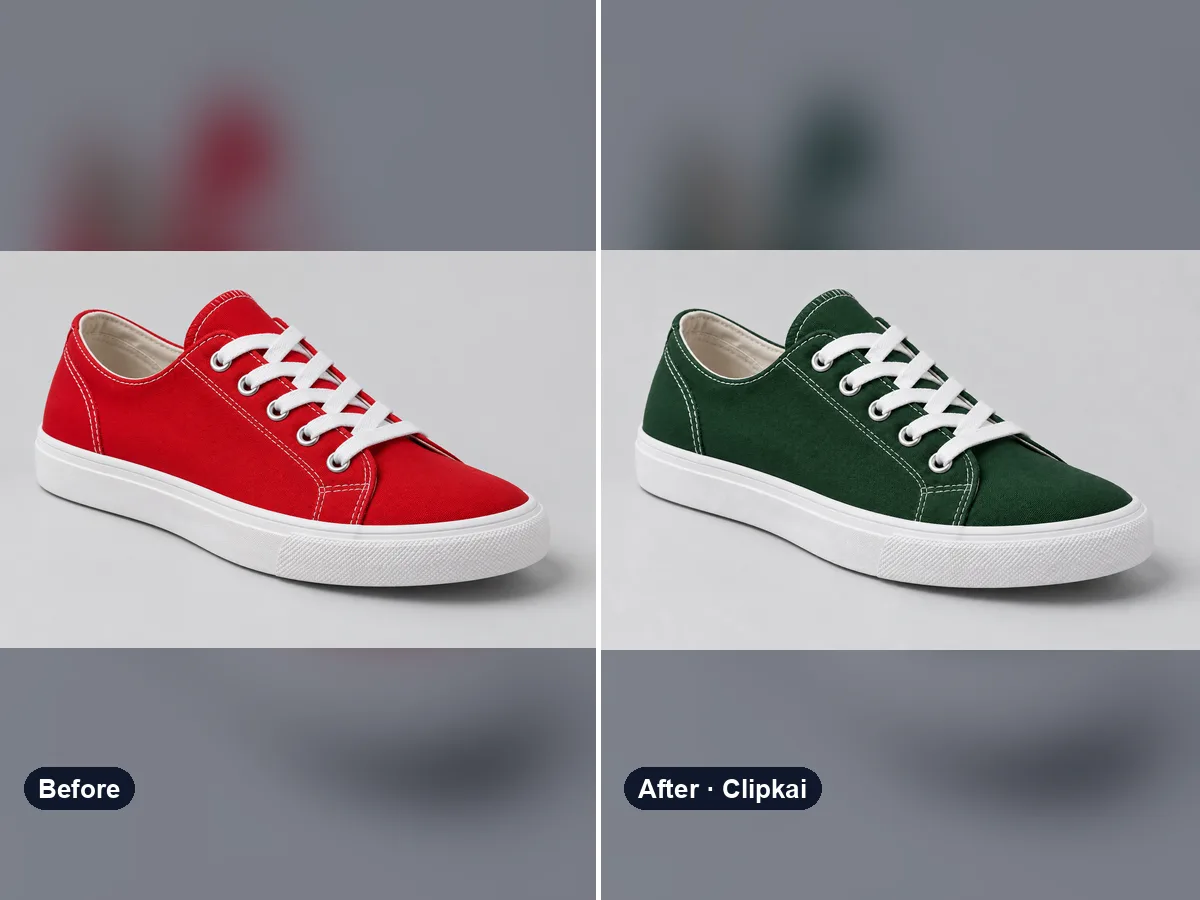
Upload a photo, say what to recolor, get a realistic result.
12 credits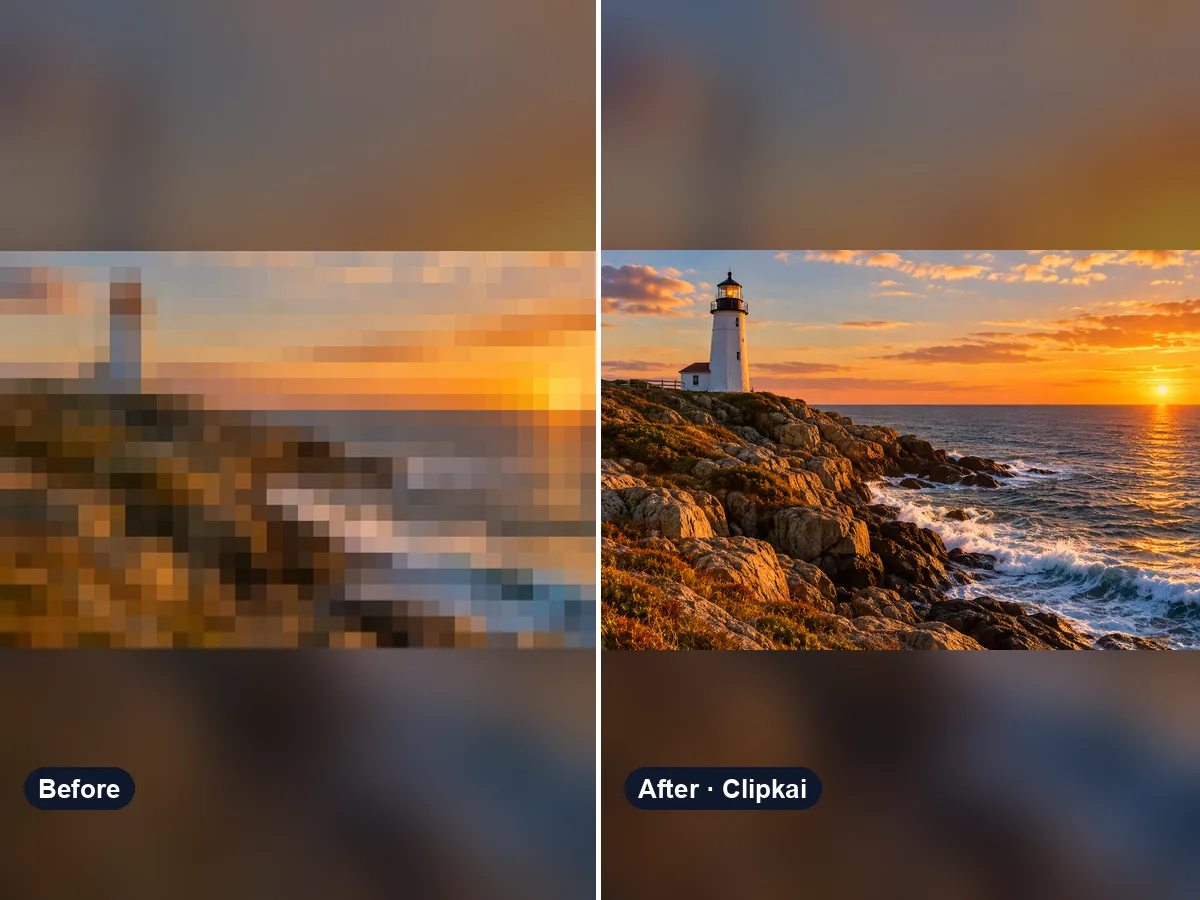
Upload a pixelated image, get a sharper 2K version.
36 credits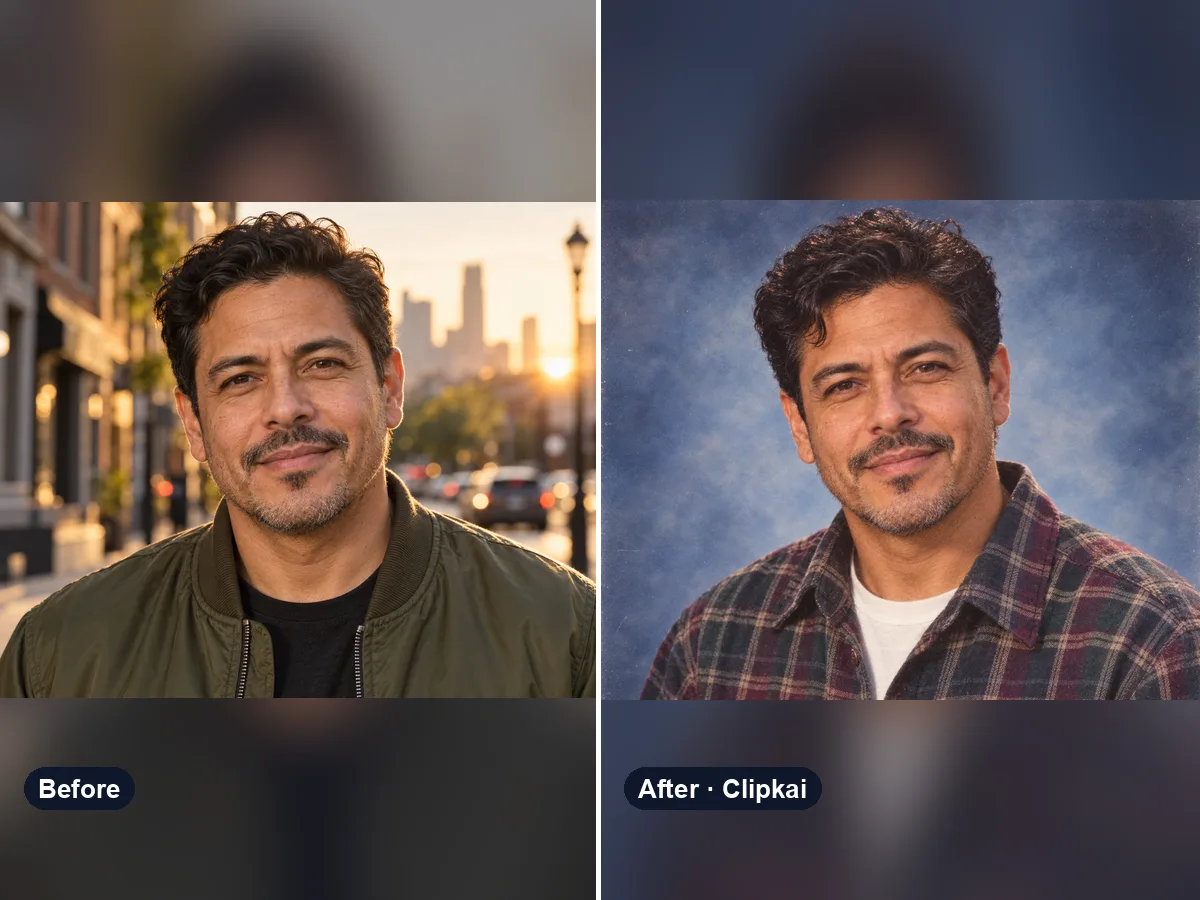
Upload a selfie, get your 90s yearbook portrait.
12 credits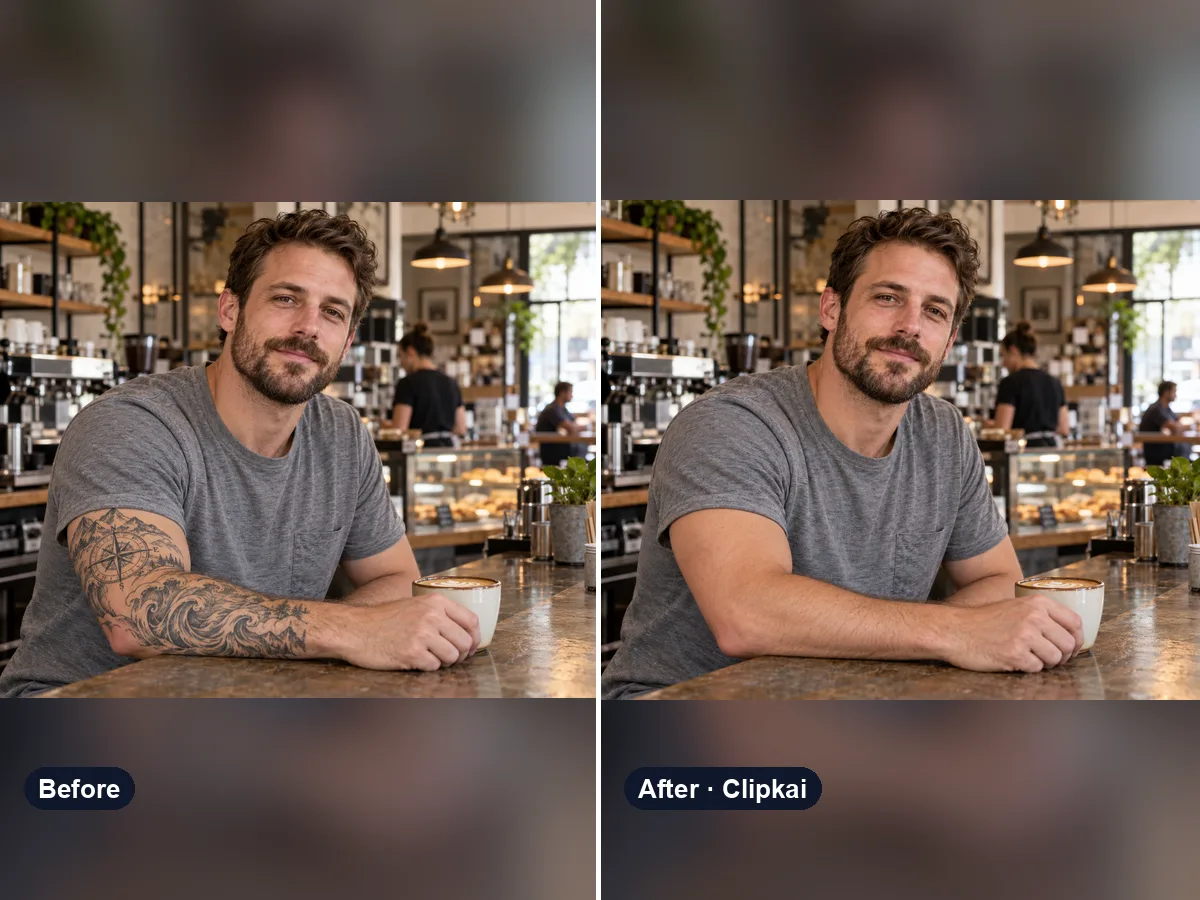
Upload a photo, see the skin without the tattoo.
12 credits