
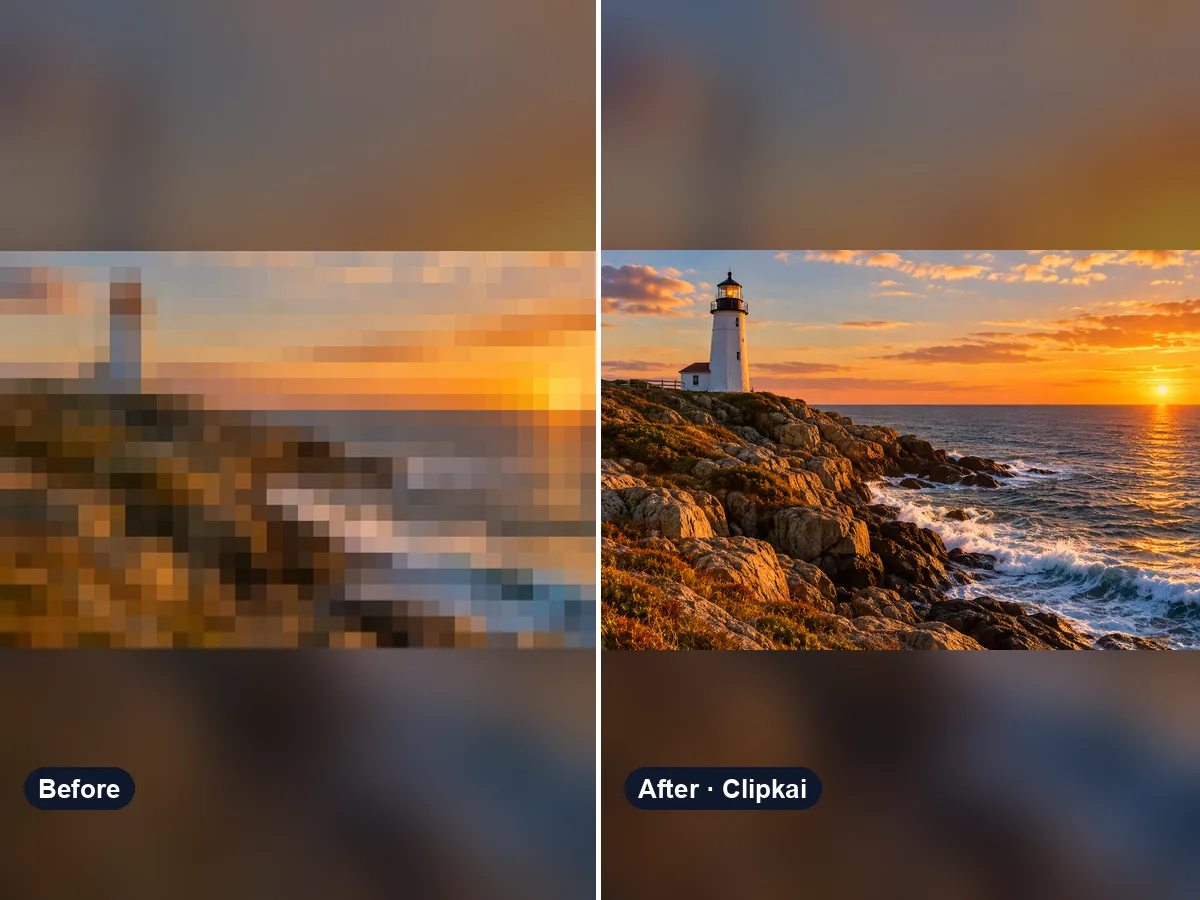
Unpixelate and Enhance an Image
Upload a pixelated image, get a sharper 2K version.
36 creditsAI photo enhancer that fixes blur, noise, color and lighting in one click.
By generating, you confirm you have the right to use this photo and the person shown is an adult who agreed to it. No celebrities, no minors. Acceptable use
Enhance Photo Online costs 12 credits per image and is usually ready in under a minute. New accounts get 12 free credits; after that, credits come in one-time packs with no subscription.
Also searched as: ai photo enhancer · enhance photo quality · photo enhancer free · ai image enhancer · fix blurry photo
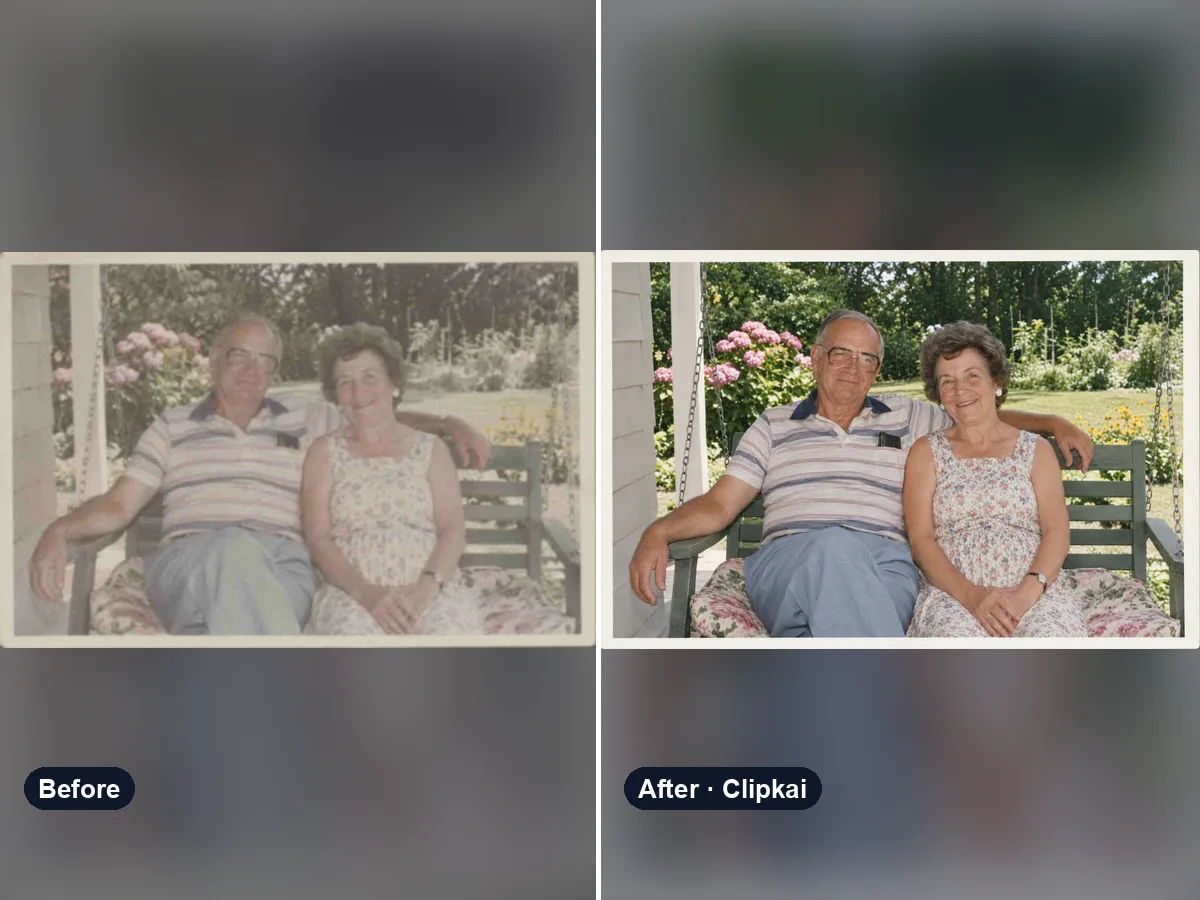
A photo enhancer improves how a picture looks without changing what is in it: sharper details, less noise and compression blockiness, corrected exposure and white balance, and natural color. This AI photo enhancer does all of that in one pass and is set up to keep faces, objects and words as they are.
Phone photos taken in low light, screenshots that were compressed twice, old prints scanned at home — they all end up soft, grainy or washed out. Upload the photo and the enhancer cleans up noise and blockiness, brings back edge detail, fixes a too-dark or too-bright exposure and restores natural color, all at once.
It is built to keep the photo honest: the same people with the same faces, the same objects and text, the same framing. It does not add makeup or change backgrounds. Because it is an AI model, fine detail that is too blurry to read is rebuilt to look natural rather than recovered exactly. If you want something specific, say it in the note — “mostly fix the noise”, “warmer colors”, “remove the scratches on this old print”.
Use it for profile pictures, product photos for a shop, old family photos, travel shots and anything you want to post or print looking its best.
Need more pixels for a big print instead? The image upscaler enlarges a photo 2× or 4×; this page fixes quality and returns an image of about 1K.
Each image costs 12 credits, shown on the button before you confirm. If a generation fails, the credits go back to your balance automatically.
See credit packsResults are AI-generated and can vary between runs. Trend names belong to their respective owners; templates on this site are independent and unaffiliated.
Upload a picture, get a description, a prompt or alt text.
Upload a photo, get the outfit described piece by piece.
Upload a photo of a logo, product or item — get the most likely brand and why.
Upload a photo of a shoe — get the most likely brand, model and where to search.
Upload a selfie — get a best guess of your age, a range and the cues behind it.
Describe an animal and a style; get the picture in about a minute.
Describe the symbols and colors that stand for your family; get a crest in about a minute.
Click a color to make it transparent, or turn the picture black and white. Free and private.
Upload a pixelated image, get a sharper 2K version.
36 credits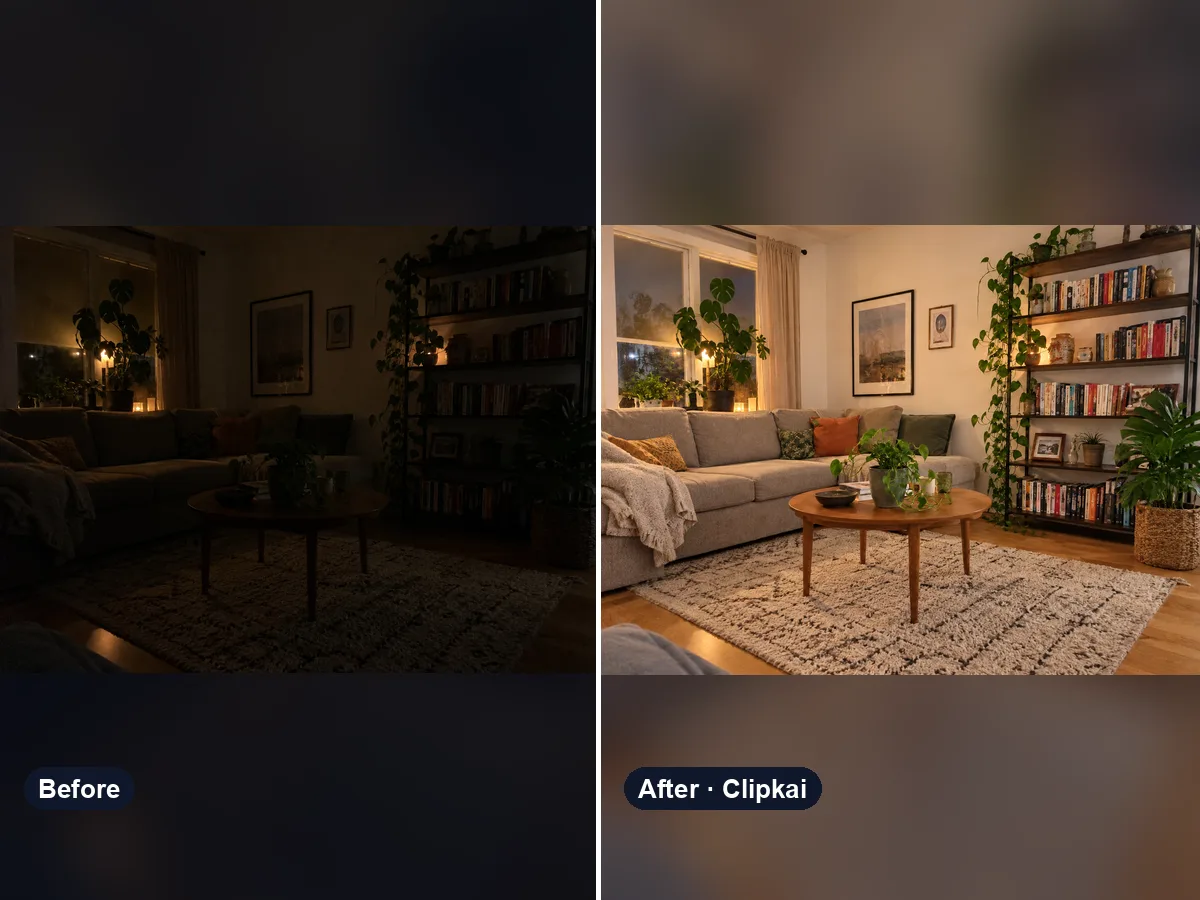
Upload a dark photo, get the same photo properly exposed and full of detail.
12 credits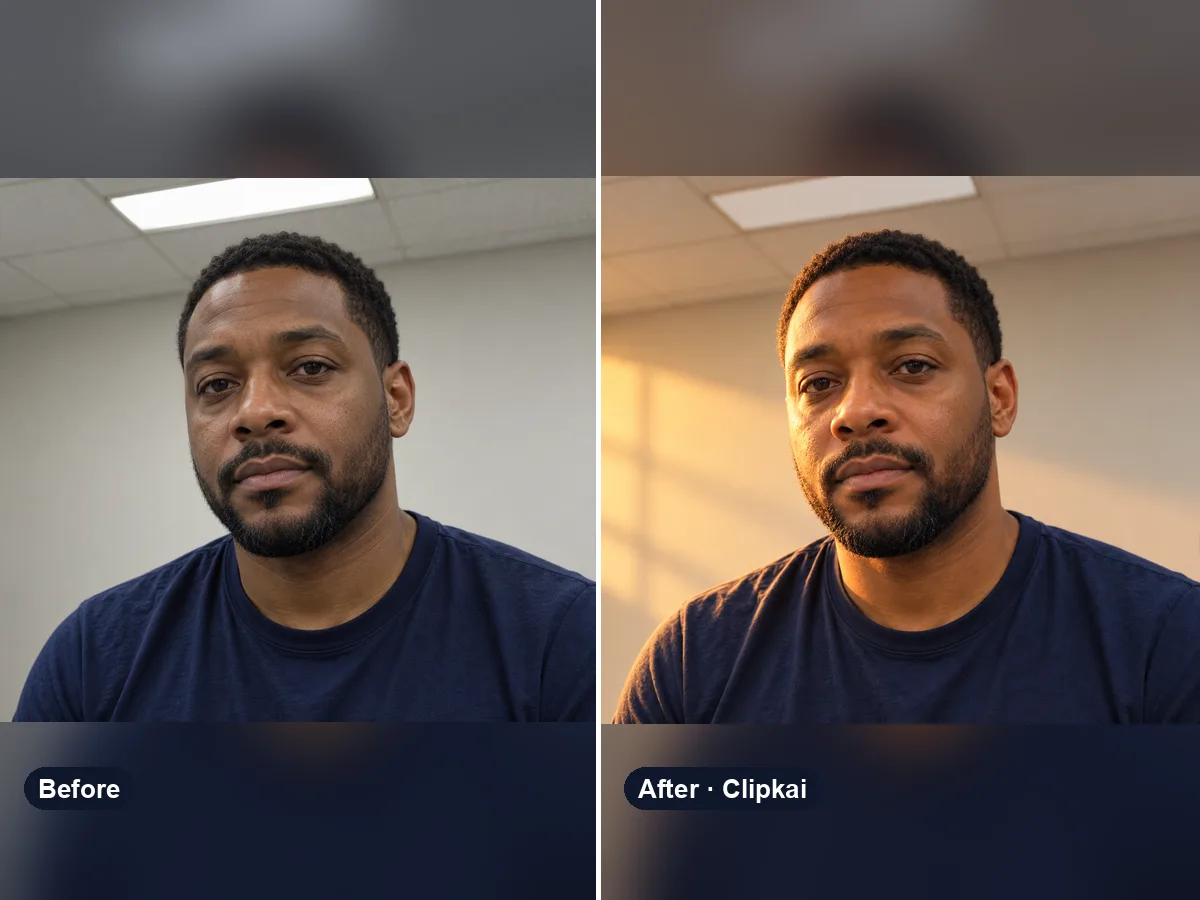
Upload a photo, describe the light you want, get the same scene relit.
12 credits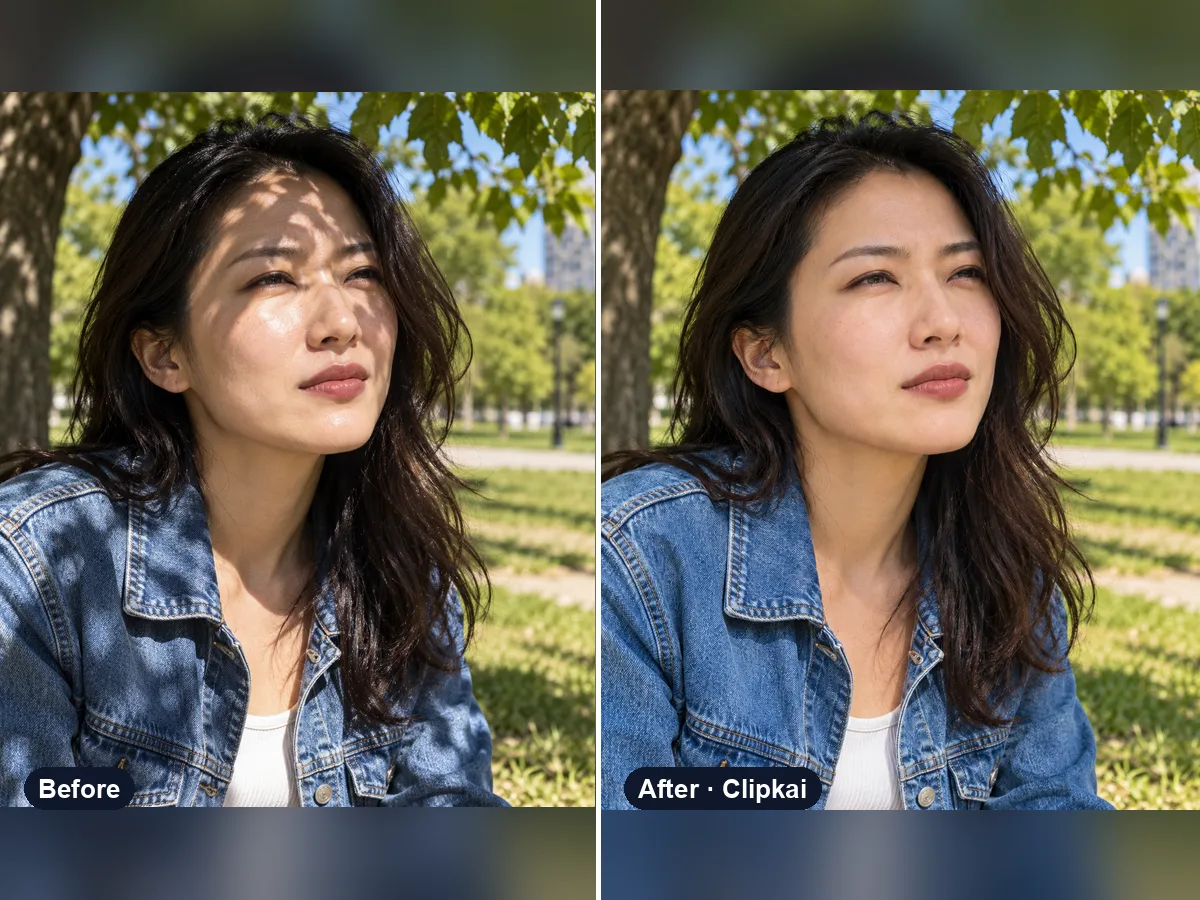
Upload a harshly lit photo, get even, natural light.
12 credits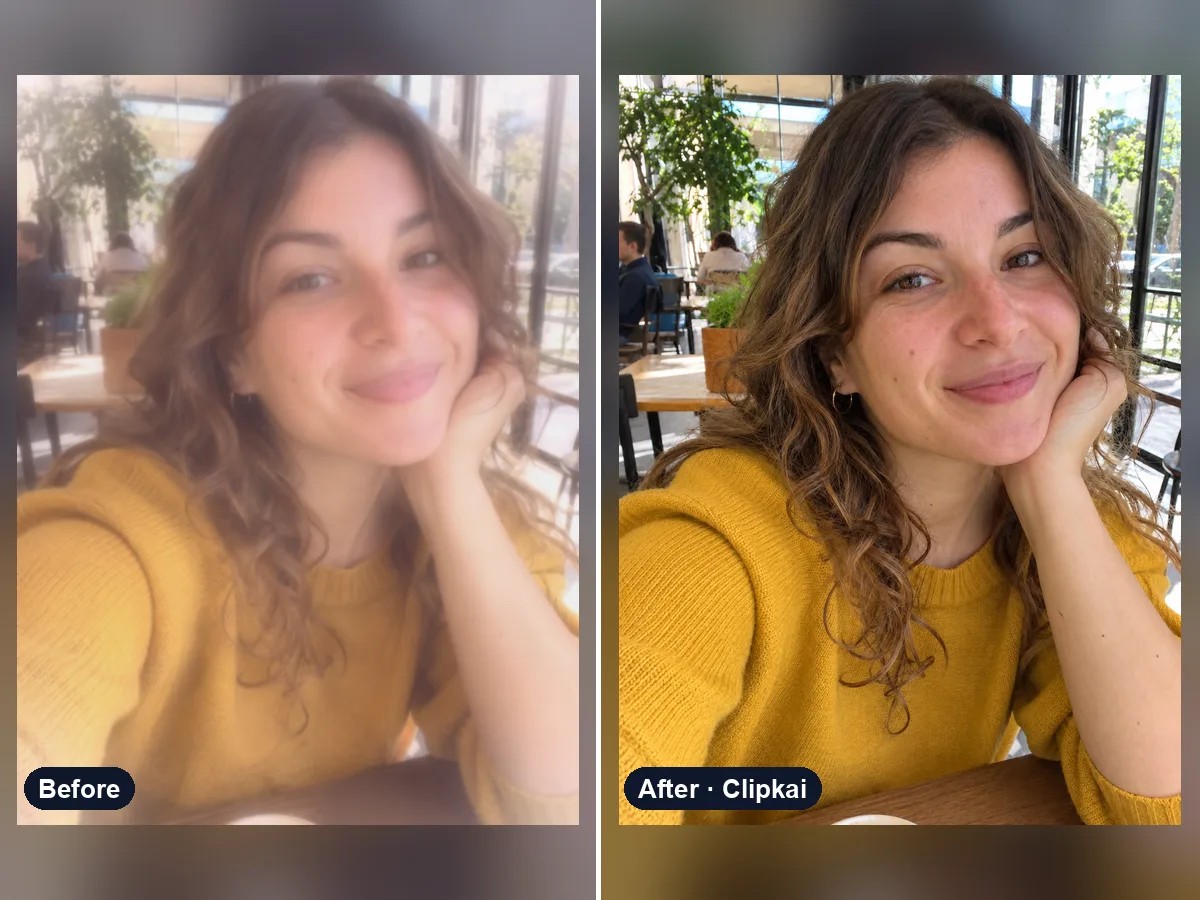
Upload a filtered photo, get a natural, unfiltered version back.
12 credits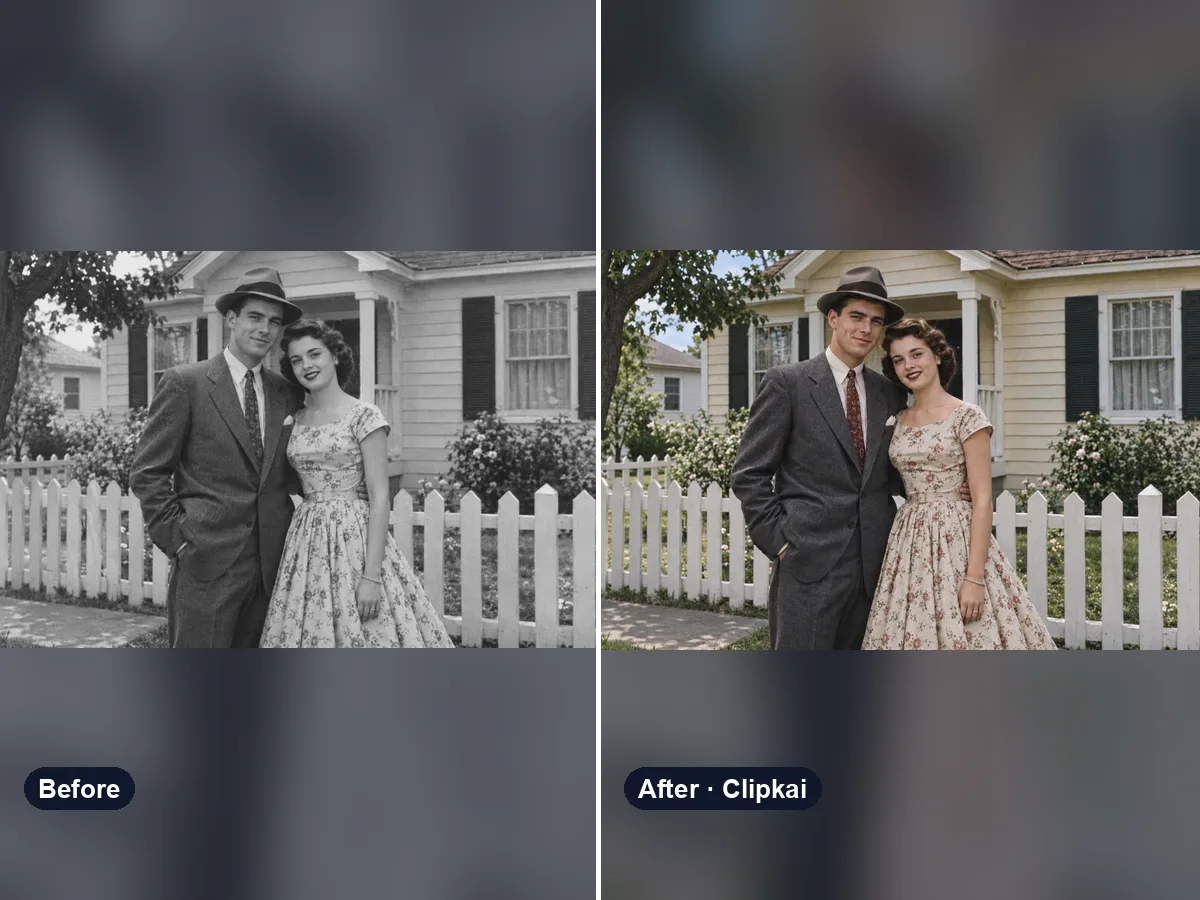
Upload a black-and-white photo, get it back in natural color.
12 credits