
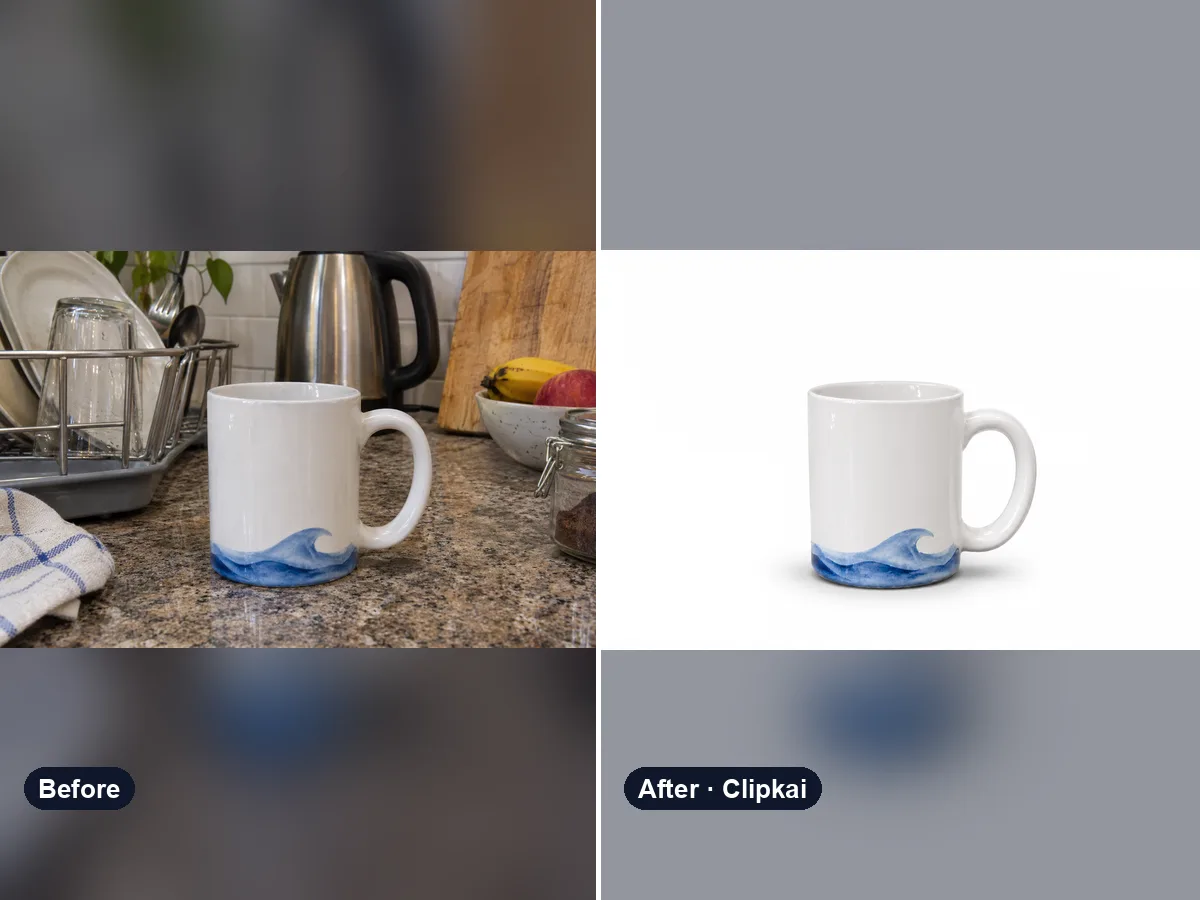
Change Background of Photo
Keep the subject, describe a new background.
12 creditsUpload a photo, say who should go, get a clean picture back.
By generating, you confirm you have the right to use this photo and the person shown is an adult who agreed to it. No celebrities, no minors. Acceptable use
Remove Person From Photo costs 12 credits per image and is usually ready in under a minute. New accounts get 12 free credits; after that, credits come in one-time packs with no subscription.
Also searched as: remove people from photo · people remover · remove photobomber · remove tourists from photo · erase person from photo
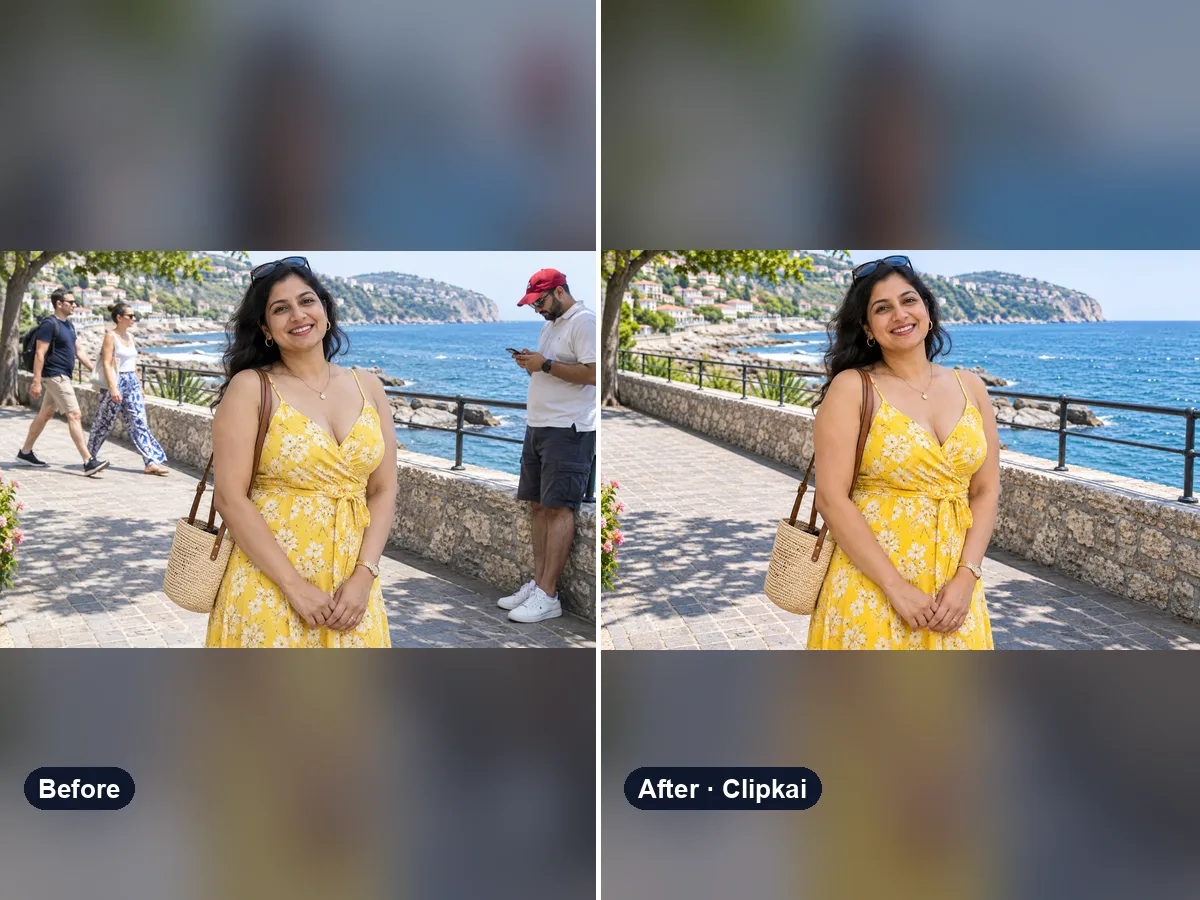
A people remover erases one or more people from a photo and rebuilds what was behind them — walls, sky, sand, crowds — so the picture looks as if they were never there. Here you just describe who to remove instead of painting a mask.
Your perfect travel shot with a passer-by walking through it, or a beach full of tourists behind you — upload the picture and the AI removes them and fills the gap with matching background: the same tiles, waves, trees and light.
With no note it removes the people in the background and keeps the main subject. To be precise, describe who should go: “the man in the red jacket on the left”, “everyone except the couple in the middle”, “the person cut off at the right edge”, “all the tourists behind me”.
Works for travel photos, real-estate and product shots and social posts. For tiny objects like wires or trash, describe those too.
Each image costs 12 credits, shown on the button before you confirm. If a generation fails, the credits go back to your balance automatically.
See credit packsResults are AI-generated and can vary between runs. Trend names belong to their respective owners; templates on this site are independent and unaffiliated.
Upload a picture, get a description, a prompt or alt text.
Upload a photo, get the outfit described piece by piece.
Upload a photo of a logo, product or item — get the most likely brand and why.
Upload a photo of a shoe — get the most likely brand, model and where to search.
Upload a selfie — get a best guess of your age, a range and the cues behind it.
Describe an animal and a style; get the picture in about a minute.
Describe the symbols and colors that stand for your family; get a crest in about a minute.
Click a color to make it transparent, or turn the picture black and white. Free and private.
Keep the subject, describe a new background.
12 credits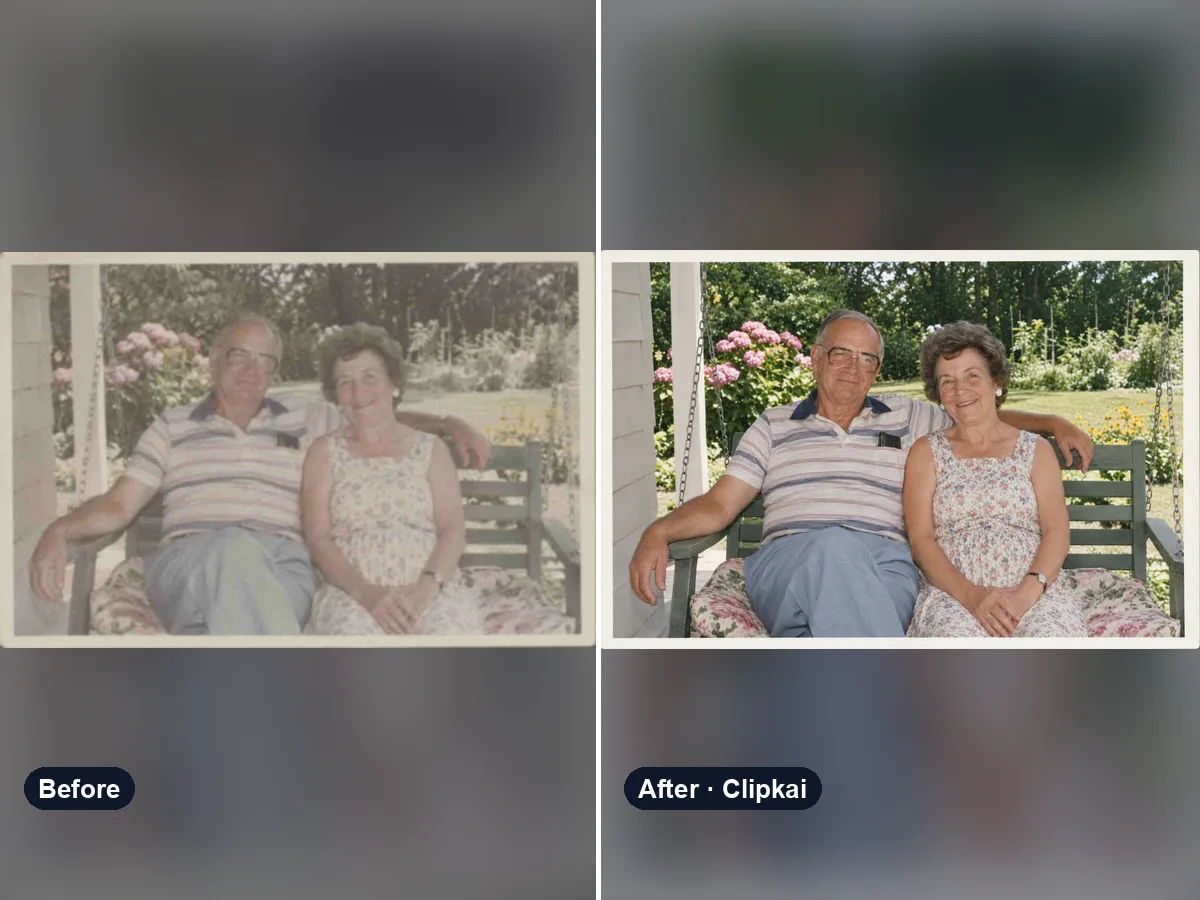
AI photo enhancer that fixes blur, noise, color and lighting in one click.
12 credits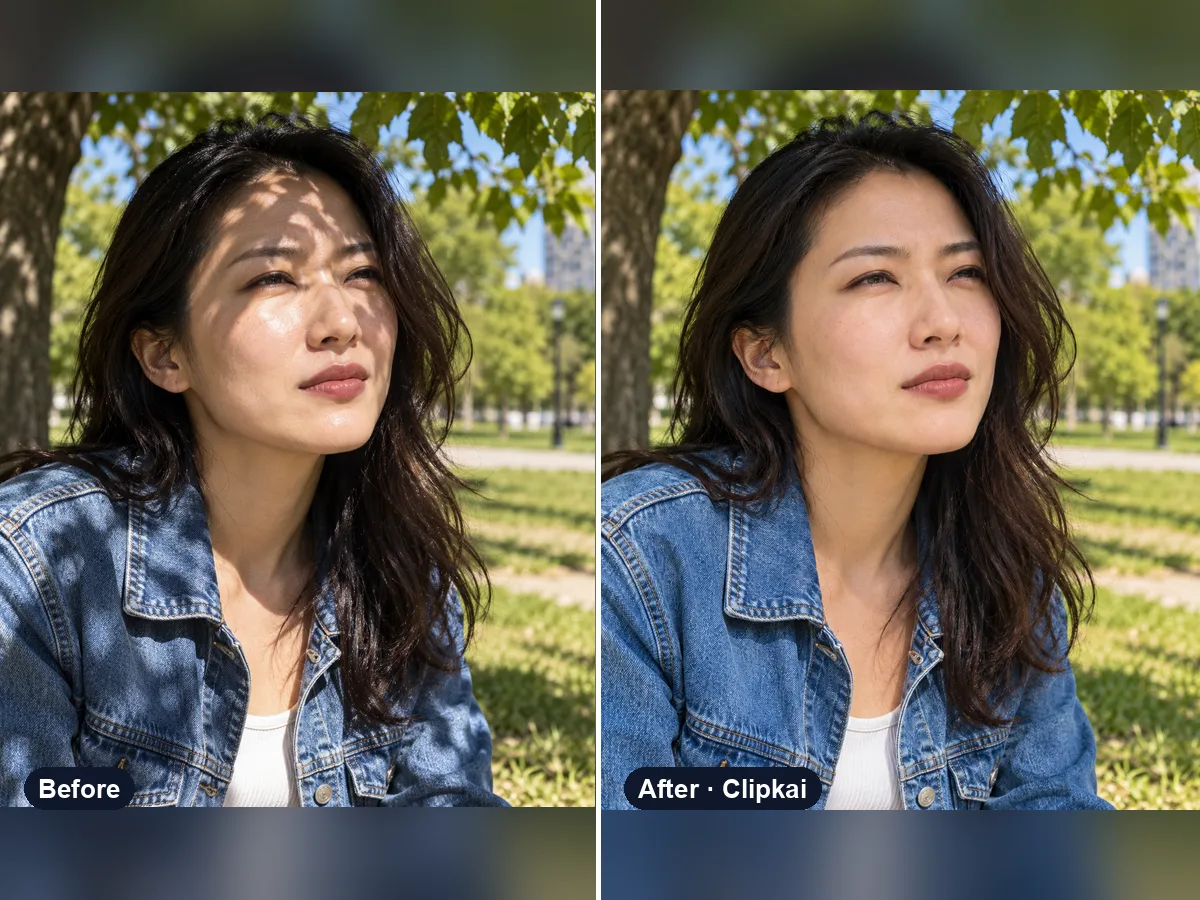
Upload a harshly lit photo, get even, natural light.
12 credits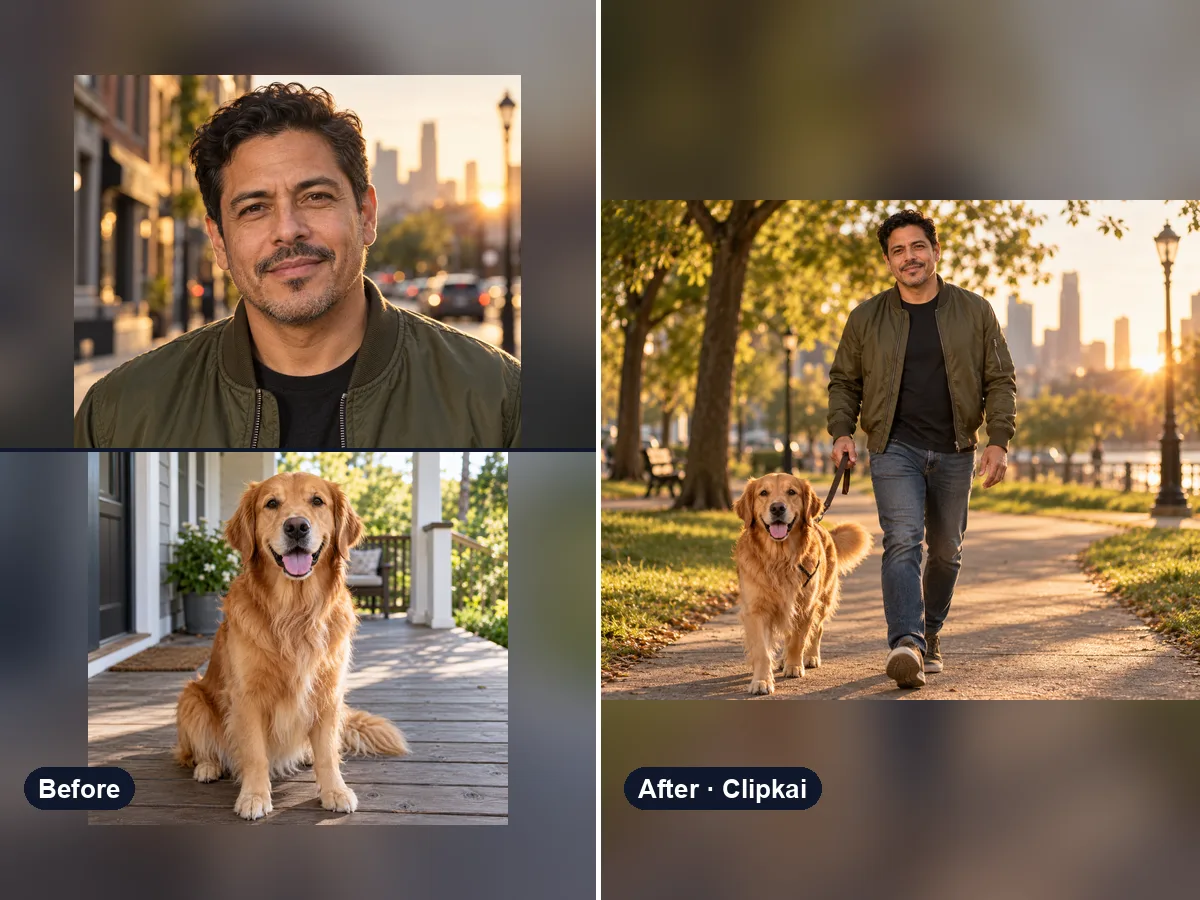
Two images in, one seamless combined image out.
12 credits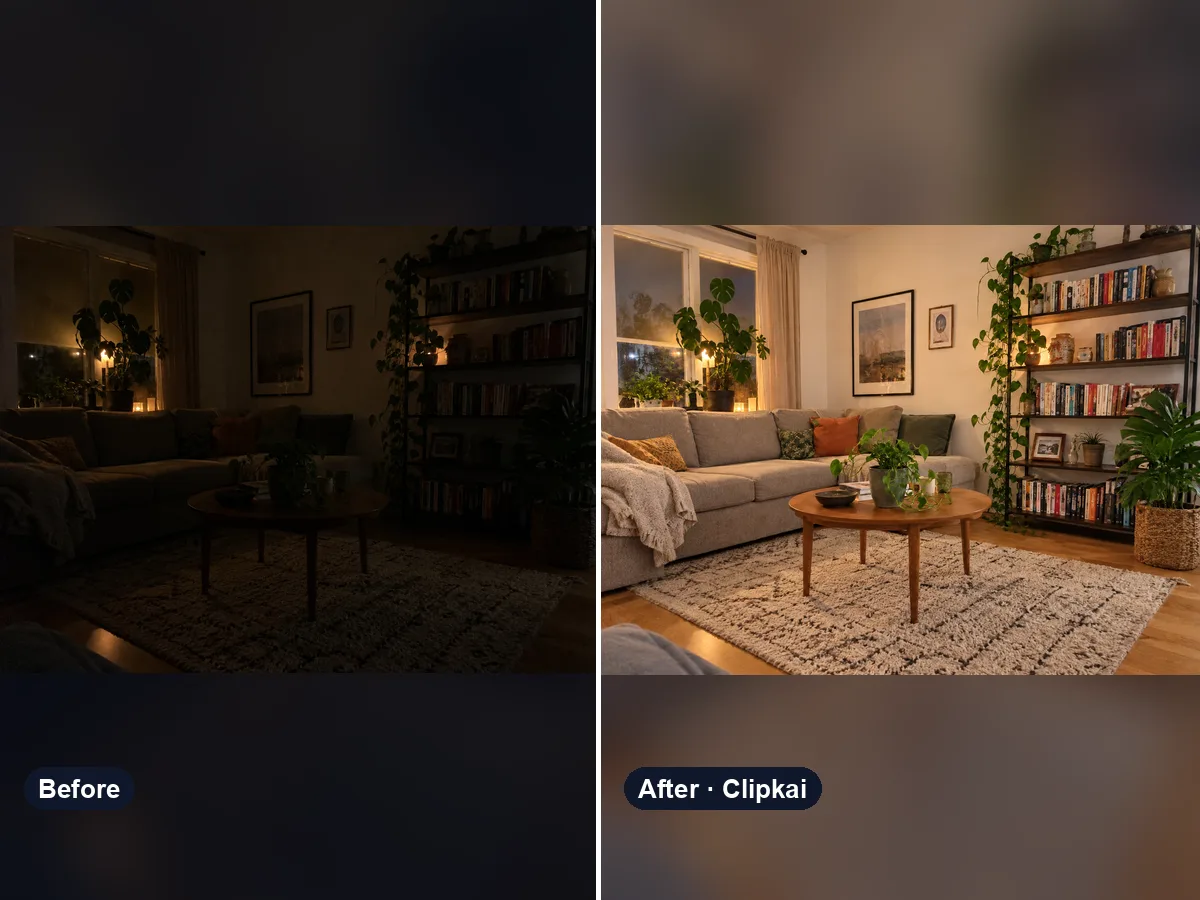
Upload a dark photo, get the same photo properly exposed and full of detail.
12 credits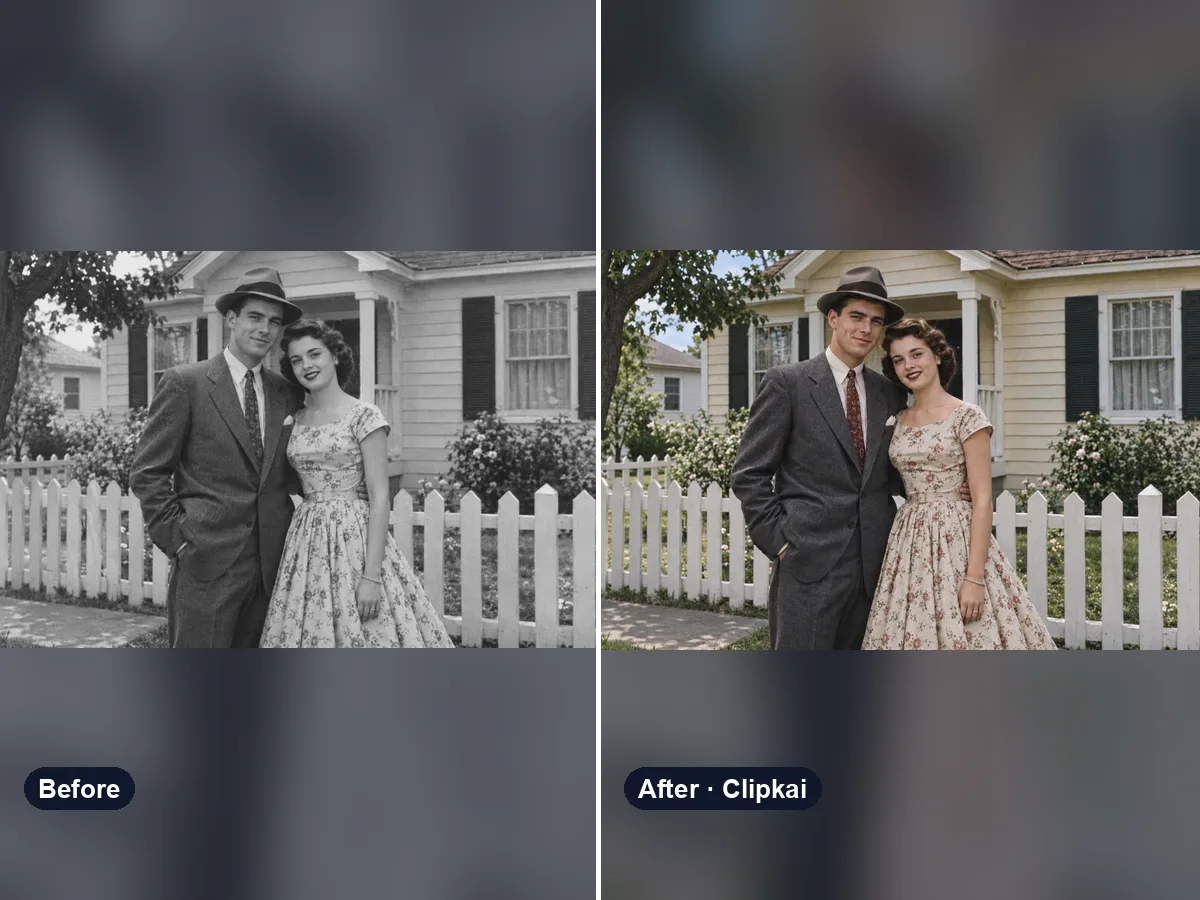
Upload a black-and-white photo, get it back in natural color.
12 credits