
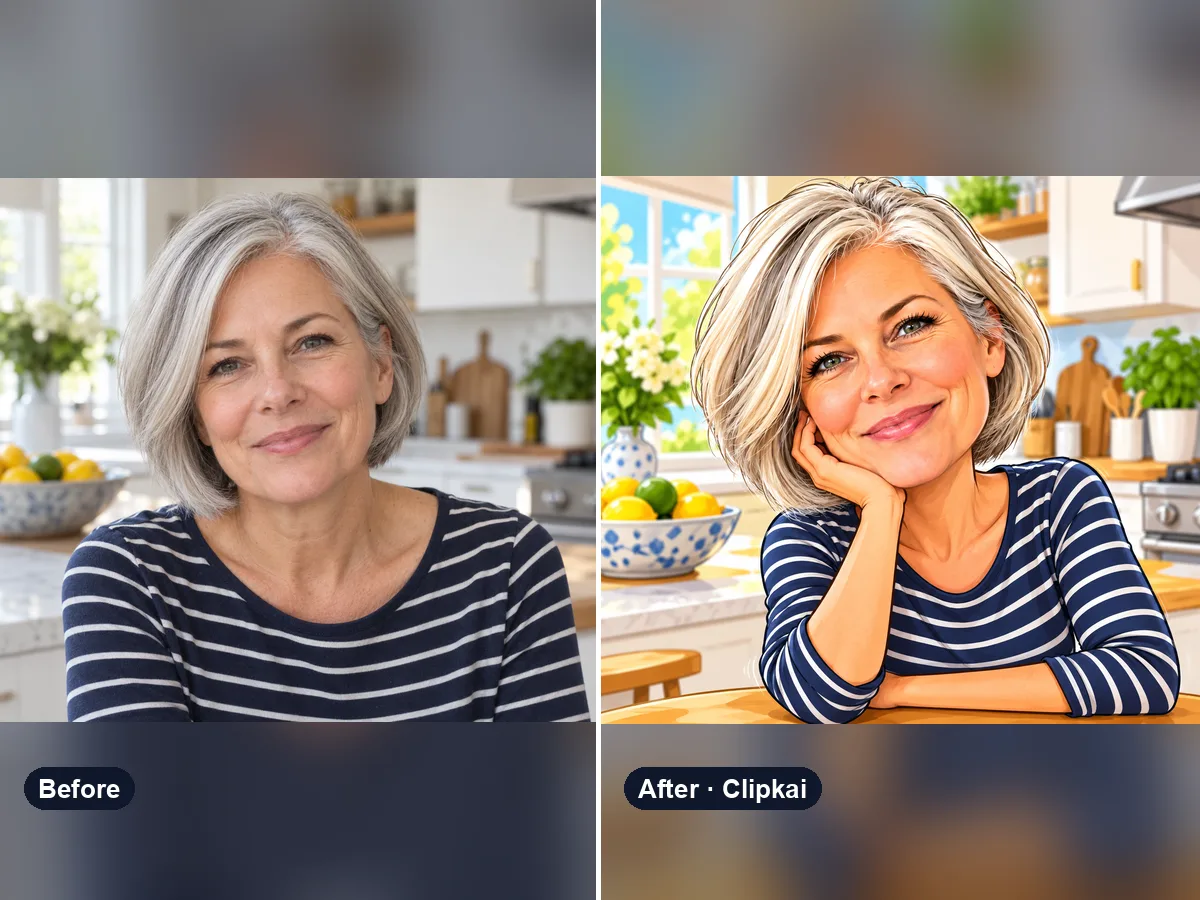
Funny AI Image Generator
One photo in, a hilarious caricature that is still you out.
12 creditsUpload a picture, get a speech bubble meme.
By generating, you confirm you have the right to use this photo and the person shown is an adult who agreed to it. No celebrities, no minors. Acceptable use
Speech Bubble Meme Generator costs 12 credits per image and is usually ready in under a minute. New accounts get 12 free credits; after that, credits come in one-time packs with no subscription.
Also searched as: speech bubble meme · speech bubble meme maker · add speech bubble to image · discord speech bubble · speech bubble generator
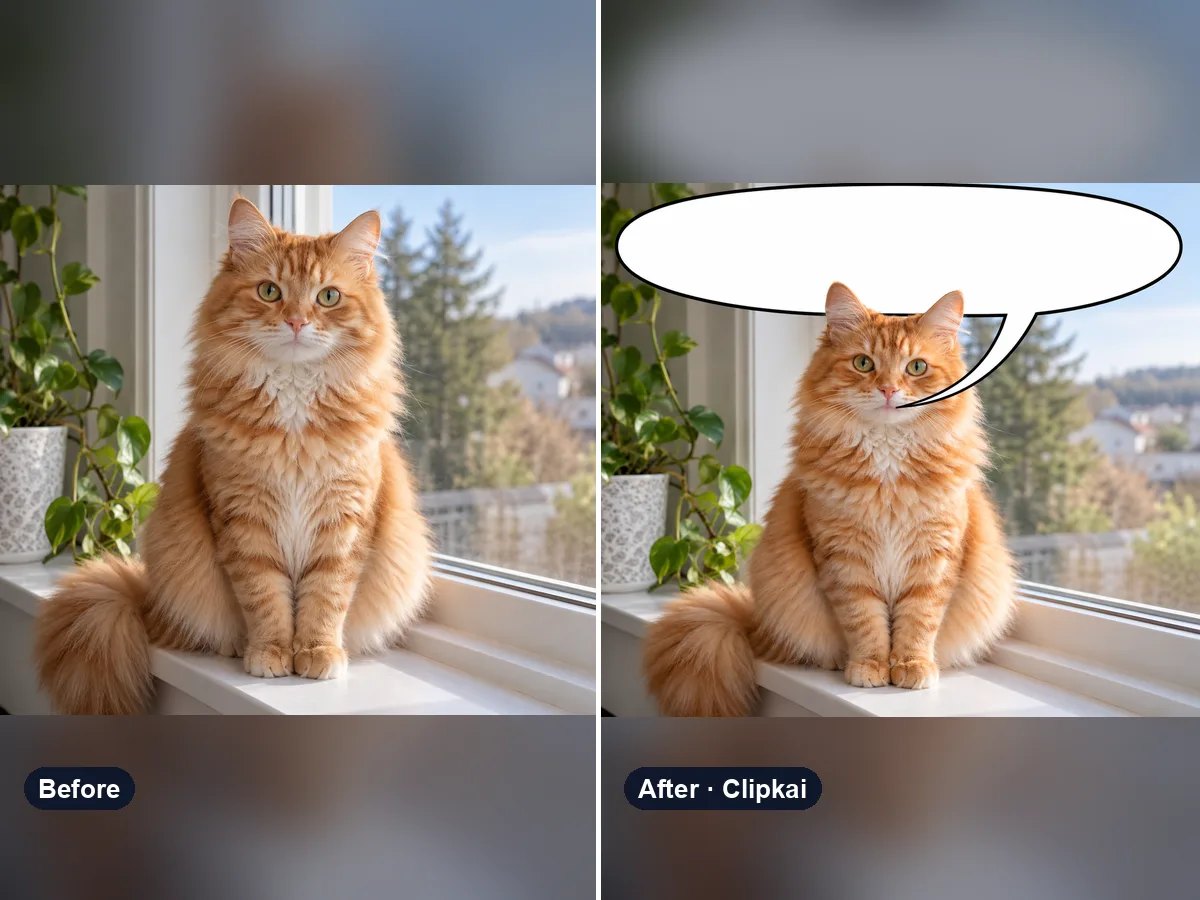
A speech bubble meme is a reaction image with a big white comic speech bubble across the top, its tail pointing at someone’s mouth — usually posted empty, as if the person just said the message above it. This generator adds that bubble to any picture you upload.
The speech bubble meme is everywhere on Discord, Reddit and X: someone posts a picture of a character or a friend with a blank speech bubble at the top, so it looks like they are “saying” the previous message. Upload any image — a selfie, a pet, a screenshot, an anime frame — and get the bubble added cleanly, pointing at the right mouth.
Leave the note empty for the classic blank bubble, or write the line after “text:”, for example “text: skill issue”. Put who is speaking or where the bubble goes before it: “tail to the cat on the left, text: he’s right you know”. Short lines read best; quotation marks and symbols like < > are removed.
Download it and drop it into the chat. Use pictures you have the right to share, and keep it friendly.
Each image costs 12 credits, shown on the button before you confirm. If a generation fails, the credits go back to your balance automatically.
See credit packsResults are AI-generated and can vary between runs. Trend names belong to their respective owners; templates on this site are independent and unaffiliated.
Upload a picture, get a description, a prompt or alt text.
Upload a photo, get the outfit described piece by piece.
Upload a photo of a logo, product or item — get the most likely brand and why.
Upload a photo of a shoe — get the most likely brand, model and where to search.
Upload a selfie — get a best guess of your age, a range and the cues behind it.
Describe an animal and a style; get the picture in about a minute.
Describe the symbols and colors that stand for your family; get a crest in about a minute.
Click a color to make it transparent, or turn the picture black and white. Free and private.
One photo in, a hilarious caricature that is still you out.
12 credits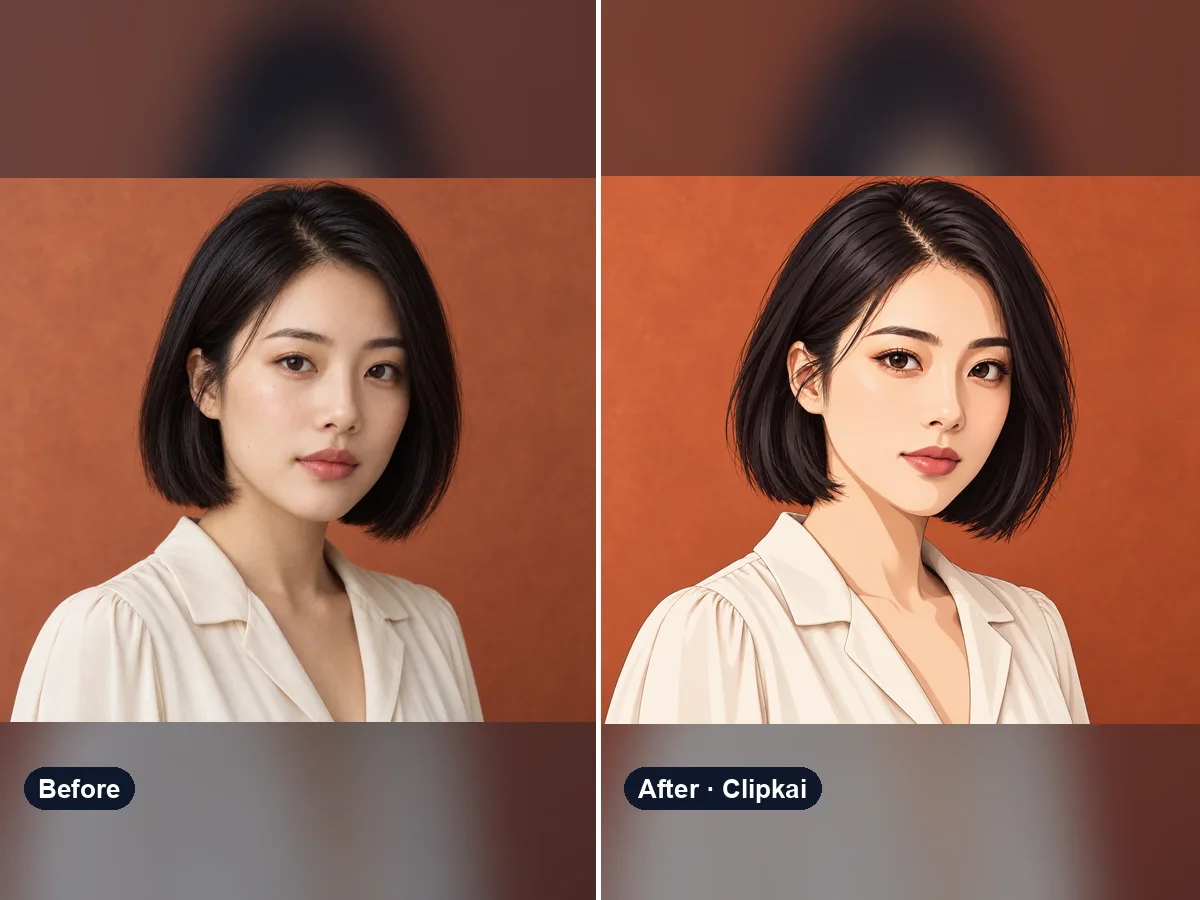
Upload a photo, get an anime version of you.
12 credits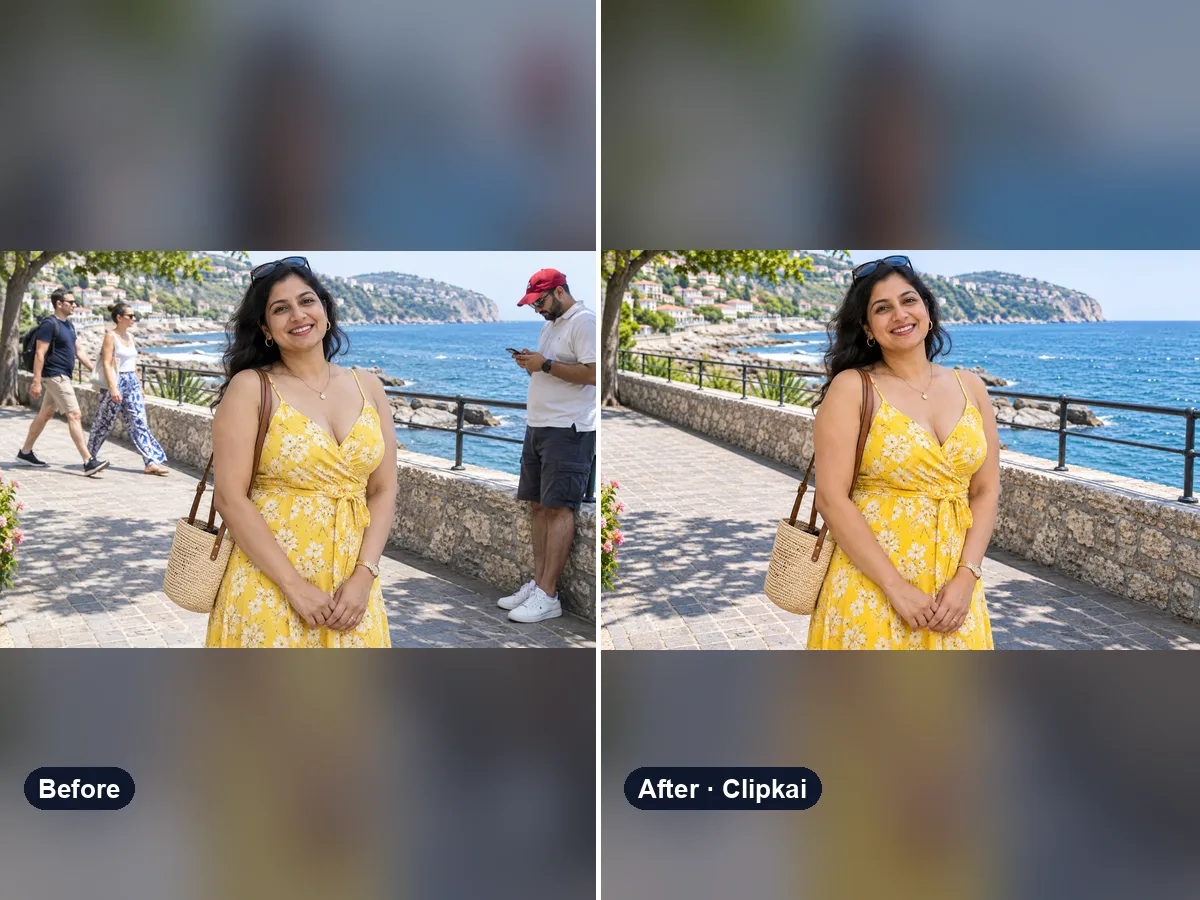
Upload a photo, say who should go, get a clean picture back.
12 credits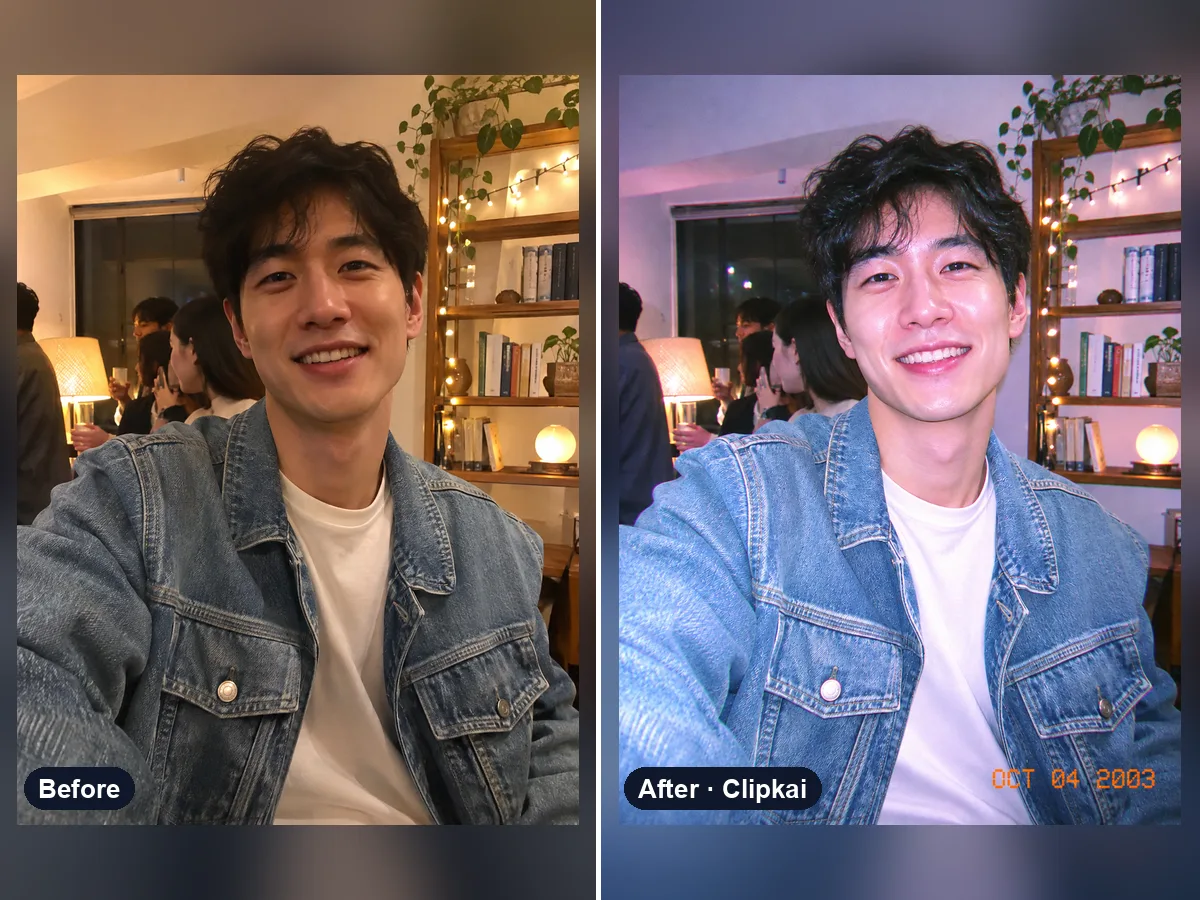
Upload a photo, get the flash-lit 2000s digicam look.
12 credits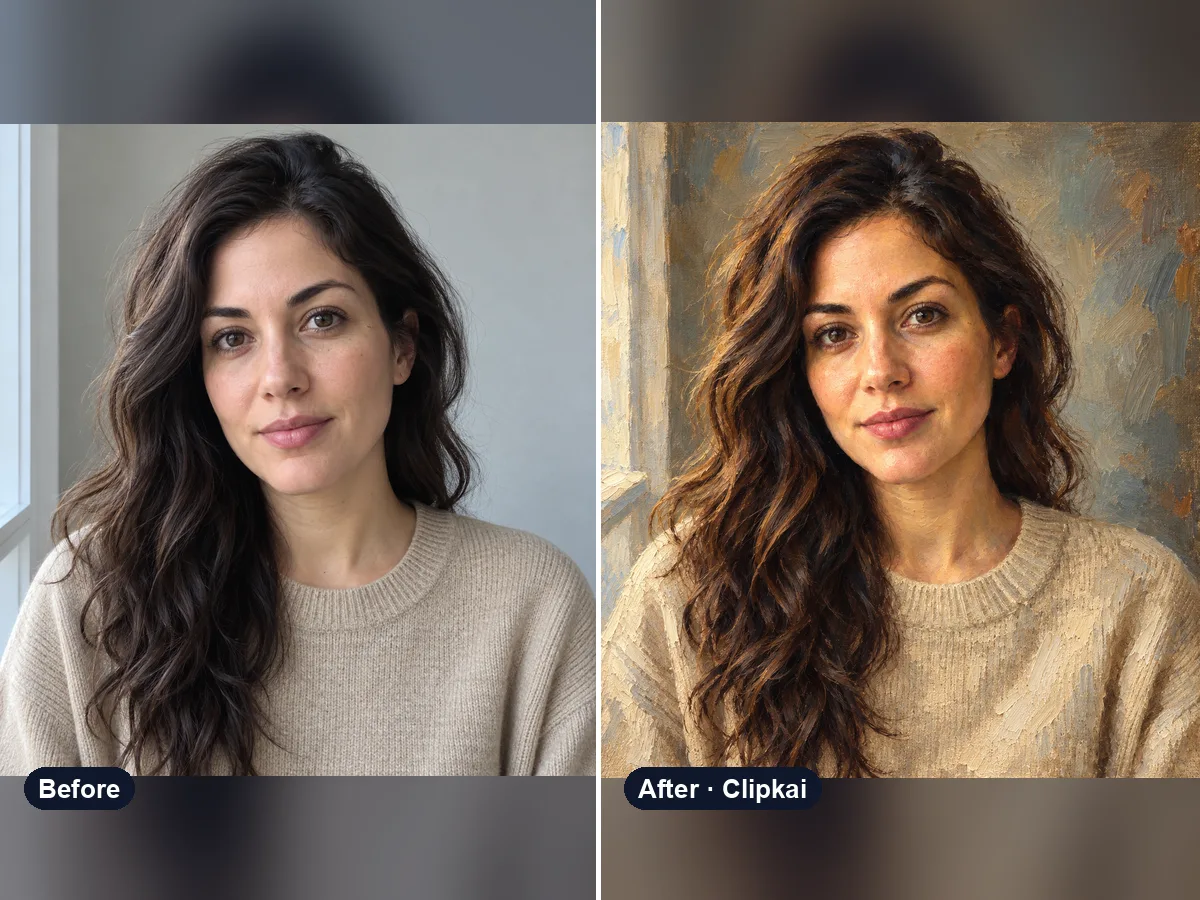
Upload a photo, get a classical oil painting of it.
12 credits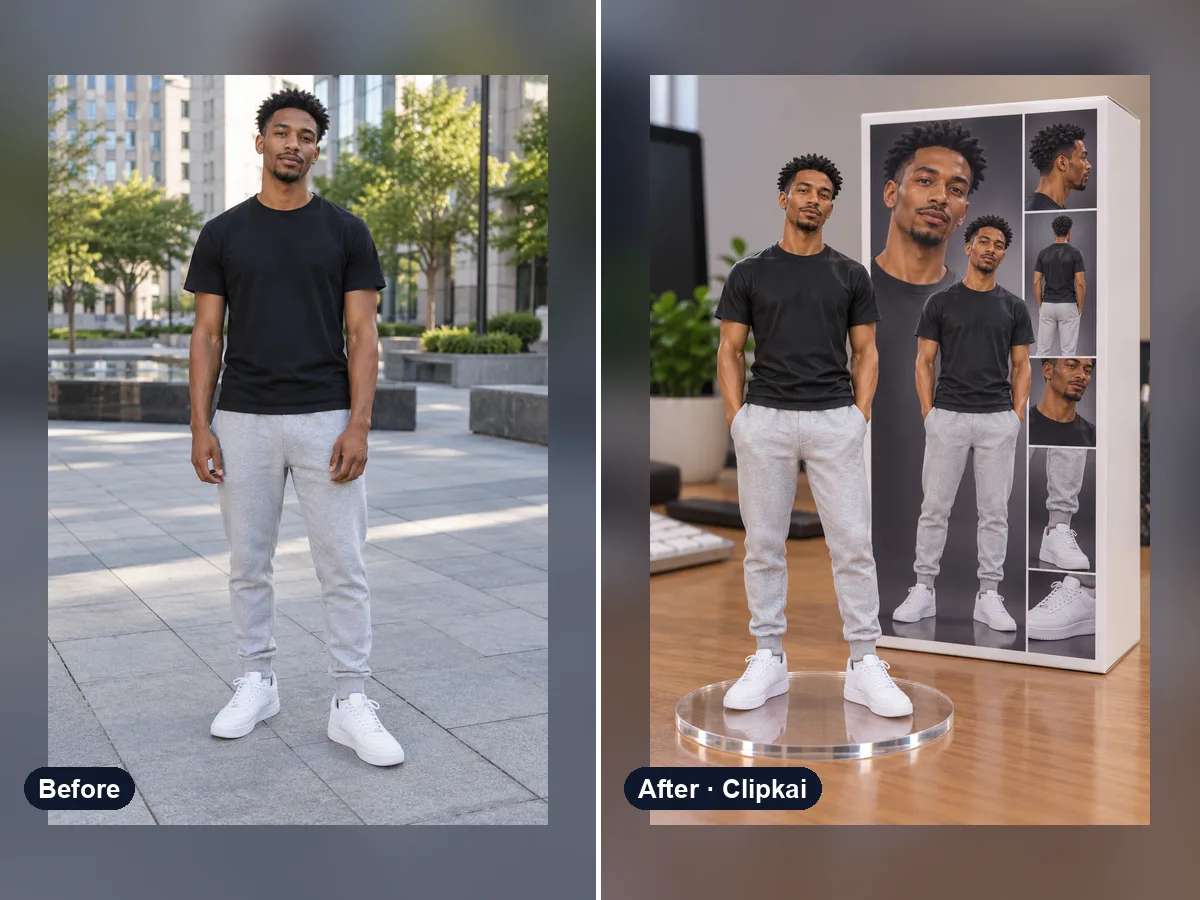
One photo in, a collectible figure of you out.
12 credits