
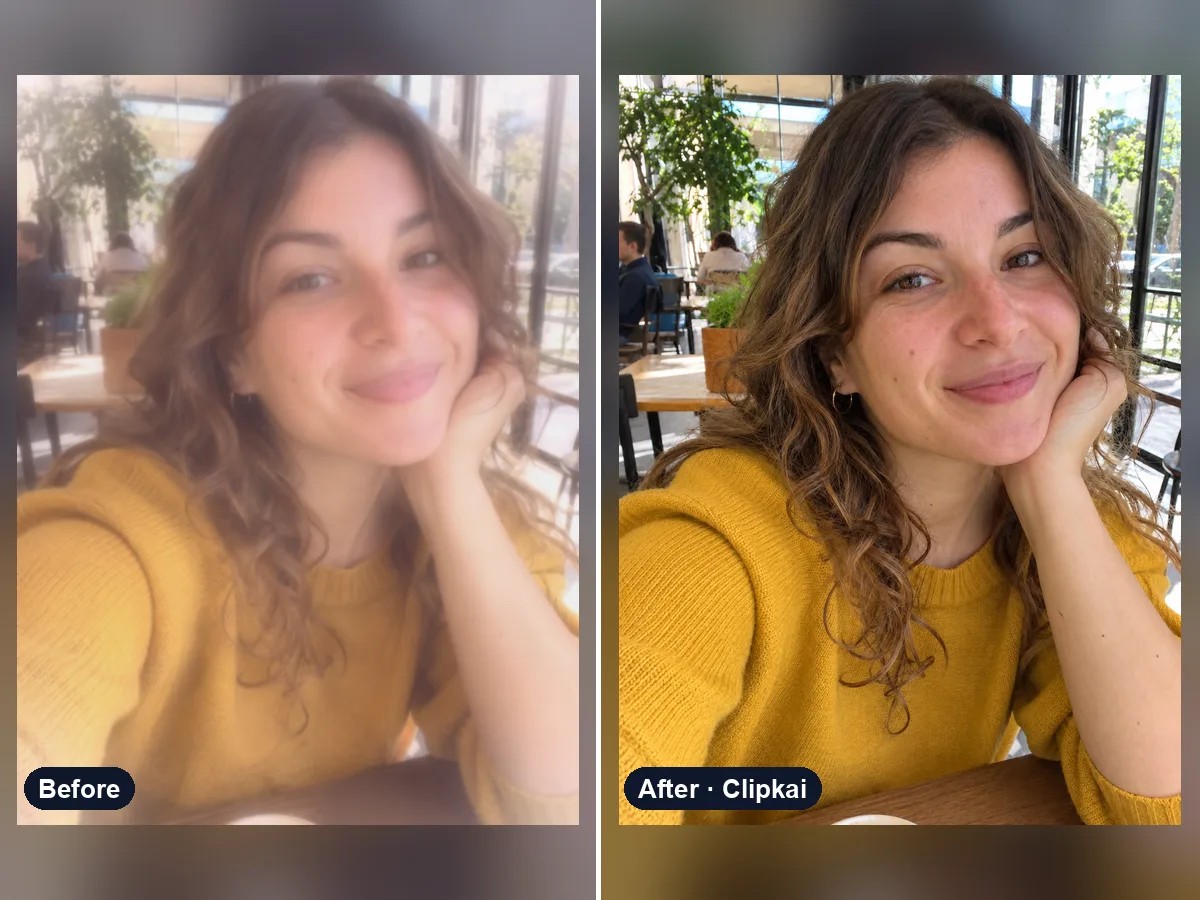
Remove Filter From Photo
Upload a filtered photo, get a natural, unfiltered version back.
12 creditsUpload a photo, get the flash-lit 2000s digicam look.
By generating, you confirm you have the right to use this photo and the person shown is an adult who agreed to it. No celebrities, no minors. Acceptable use
Y2K Filter costs 12 credits per image and is usually ready in under a minute. New accounts get 12 free credits; after that, credits come in one-time packs with no subscription.
Also searched as: y2k photo editor · 2000s filter · digicam filter · y2k aesthetic filter · y2k filter online
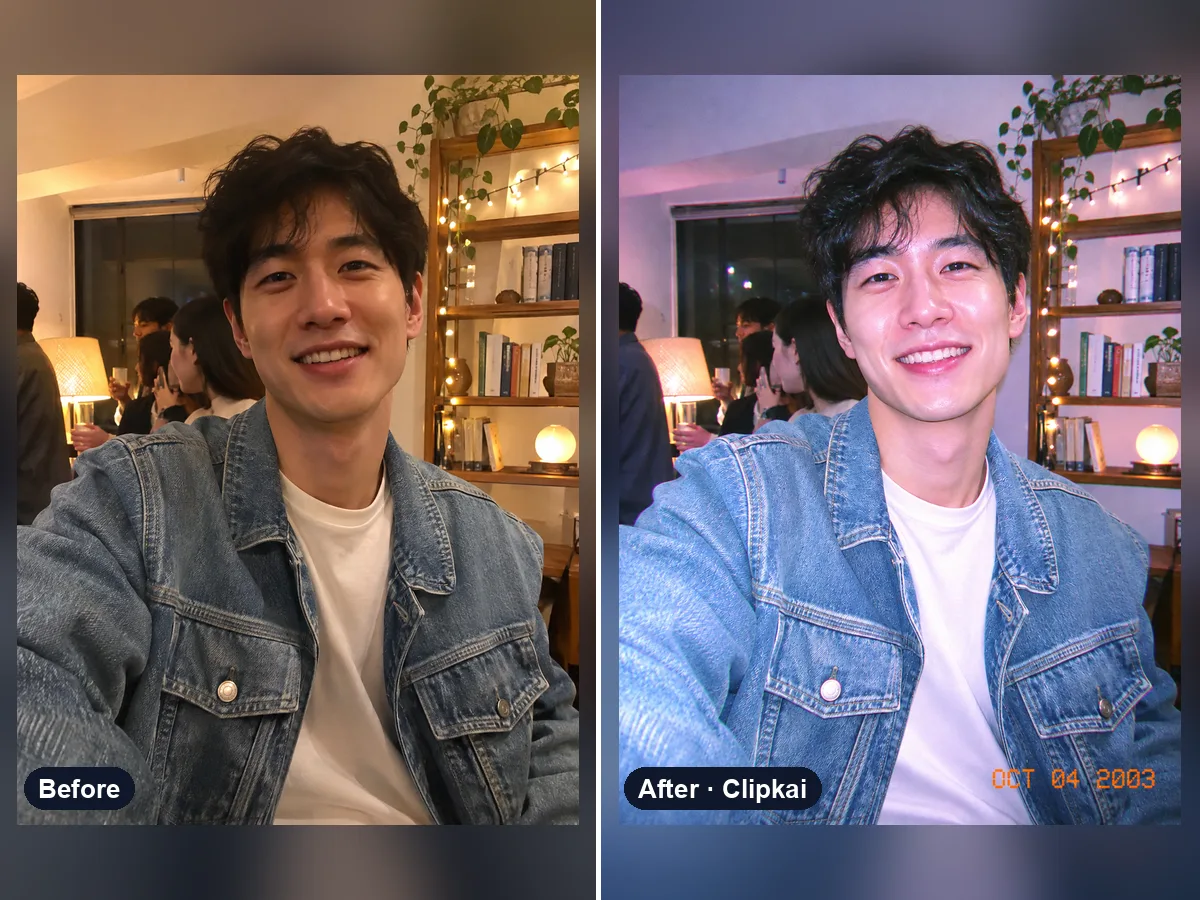
A Y2K filter makes a photo look like it was taken on a compact digital camera around the year 2000: harsh on-camera flash, bright highlights, a cool blue-magenta cast and a little grain. This Y2K photo editor applies that look with AI while keeping you, your outfit and the scene the same.
The Y2K aesthetic is back on TikTok and Instagram: party photos lit by a pop-up flash, slightly blown-out faces, cool colors and that unmistakable early-digital softness. Instead of buying an old digicam, upload any photo and the Y2K filter rebuilds it as a 2000s snapshot.
By default only the camera look changes. Add a note to go further: “orange date stamp in the corner”, “butterfly hair clips and tinted sunglasses”, “chrome and holographic background”, “low-rise jeans outfit” or “2000s mall photo booth”. Each run gives a slightly different shot, so try a few.
It works best on portraits, selfies, mirror pics and group photos with a clear subject. Night and indoor photos look especially convincing because the flash effect has something to light.
Already filtered and want it back to normal? Use remove filter from photo to get a natural version.
Each image costs 12 credits, shown on the button before you confirm. If a generation fails, the credits go back to your balance automatically.
See credit packsResults are AI-generated and can vary between runs. Trend names belong to their respective owners; templates on this site are independent and unaffiliated.
Upload a picture, get a description, a prompt or alt text.
Upload a photo, get the outfit described piece by piece.
Upload a photo of a logo, product or item — get the most likely brand and why.
Upload a photo of a shoe — get the most likely brand, model and where to search.
Upload a selfie — get a best guess of your age, a range and the cues behind it.
Describe an animal and a style; get the picture in about a minute.
Describe the symbols and colors that stand for your family; get a crest in about a minute.
Click a color to make it transparent, or turn the picture black and white. Free and private.
Upload a filtered photo, get a natural, unfiltered version back.
12 credits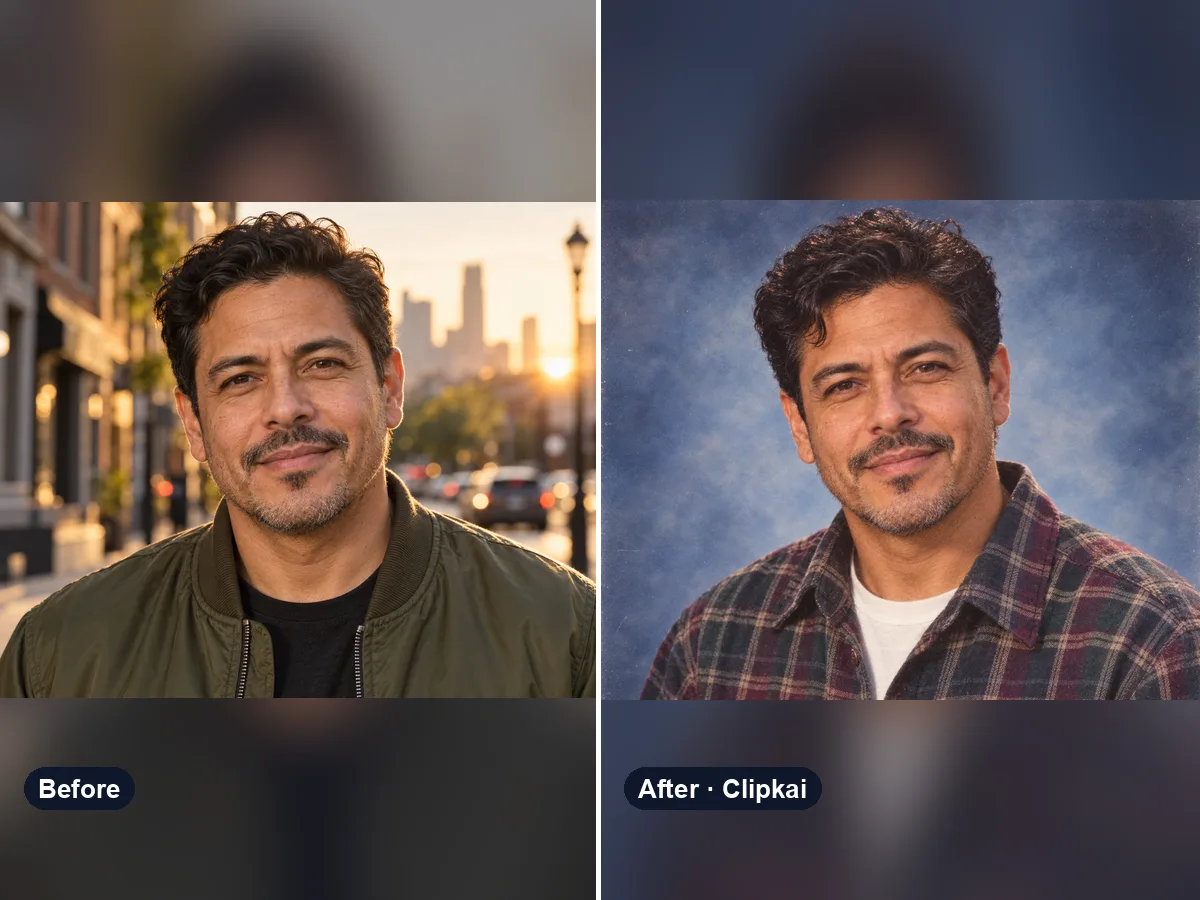
Upload a selfie, get your 90s yearbook portrait.
12 credits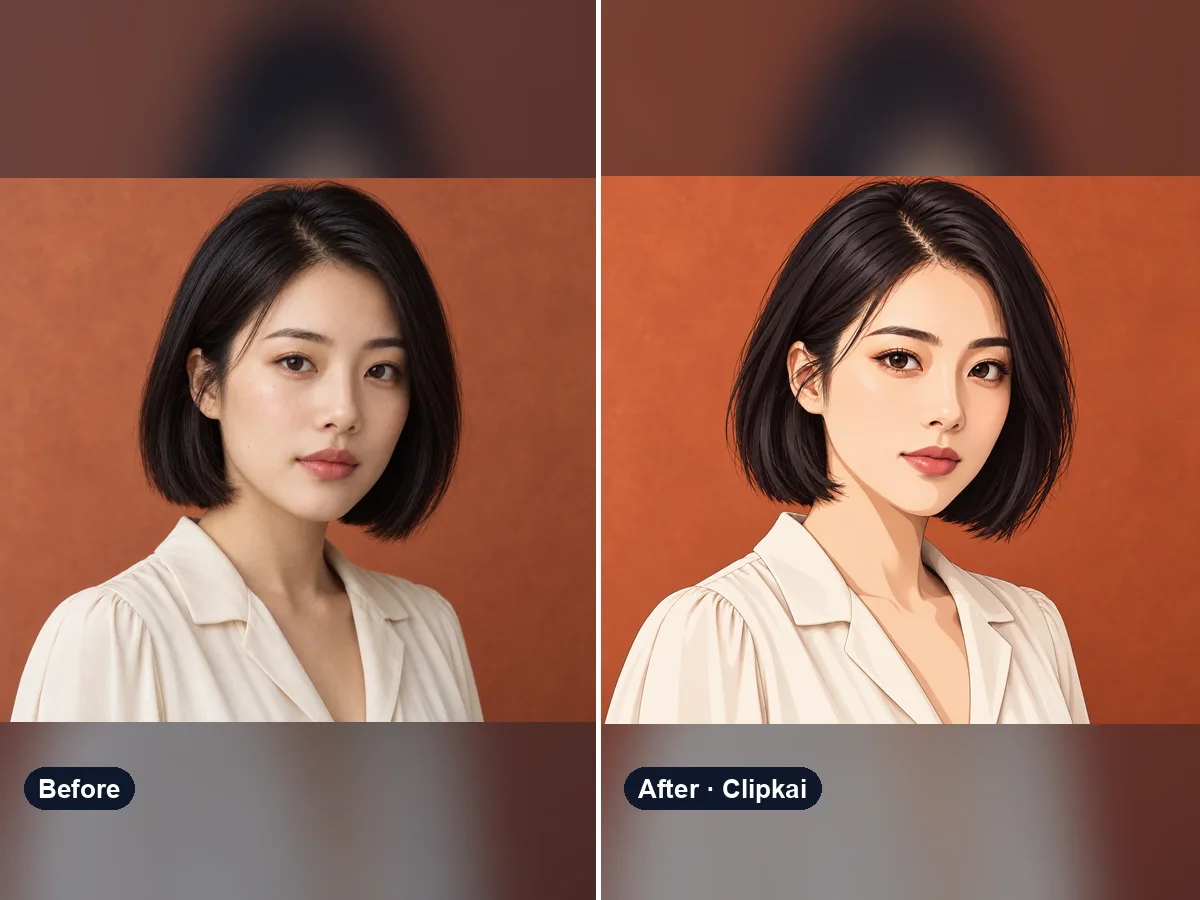
Upload a photo, get an anime version of you.
12 credits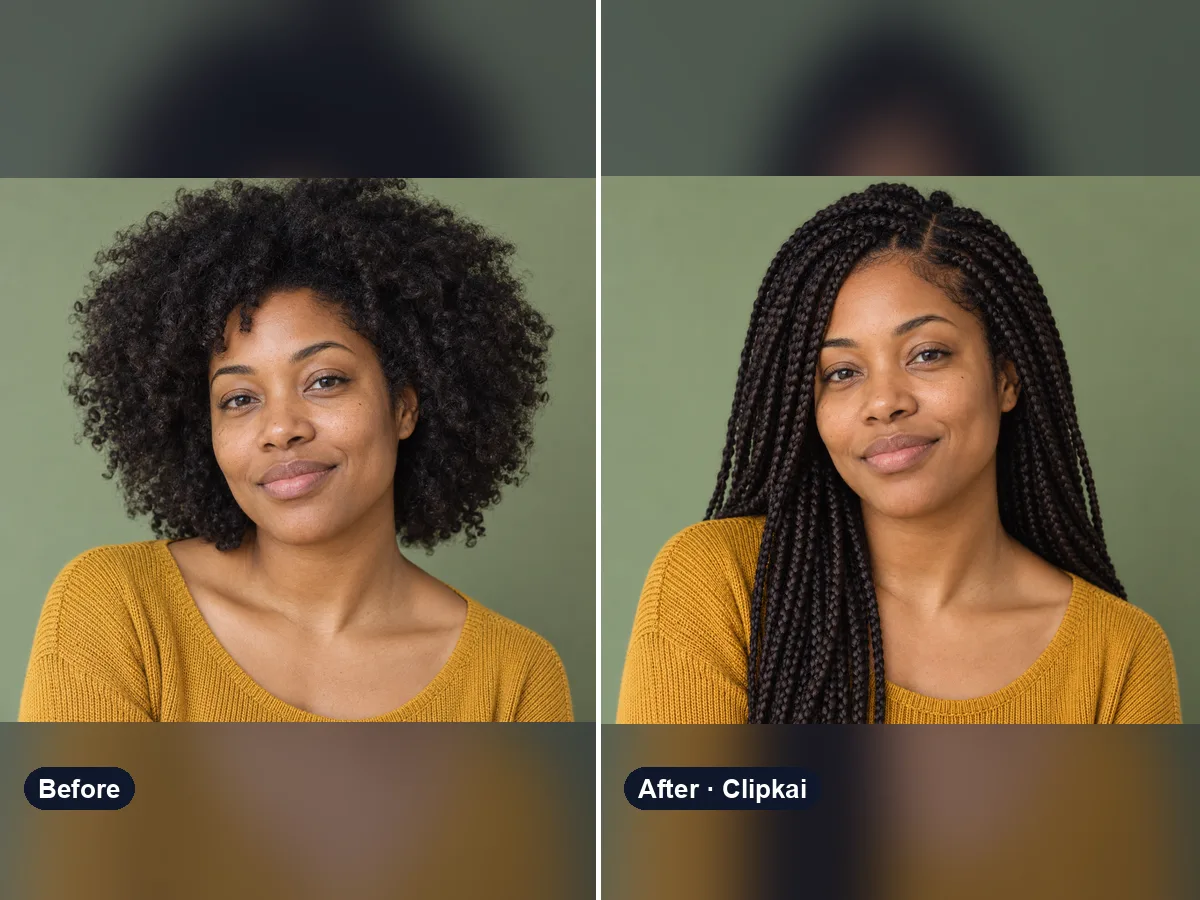
Upload a selfie, describe a style, see your new hair.
12 credits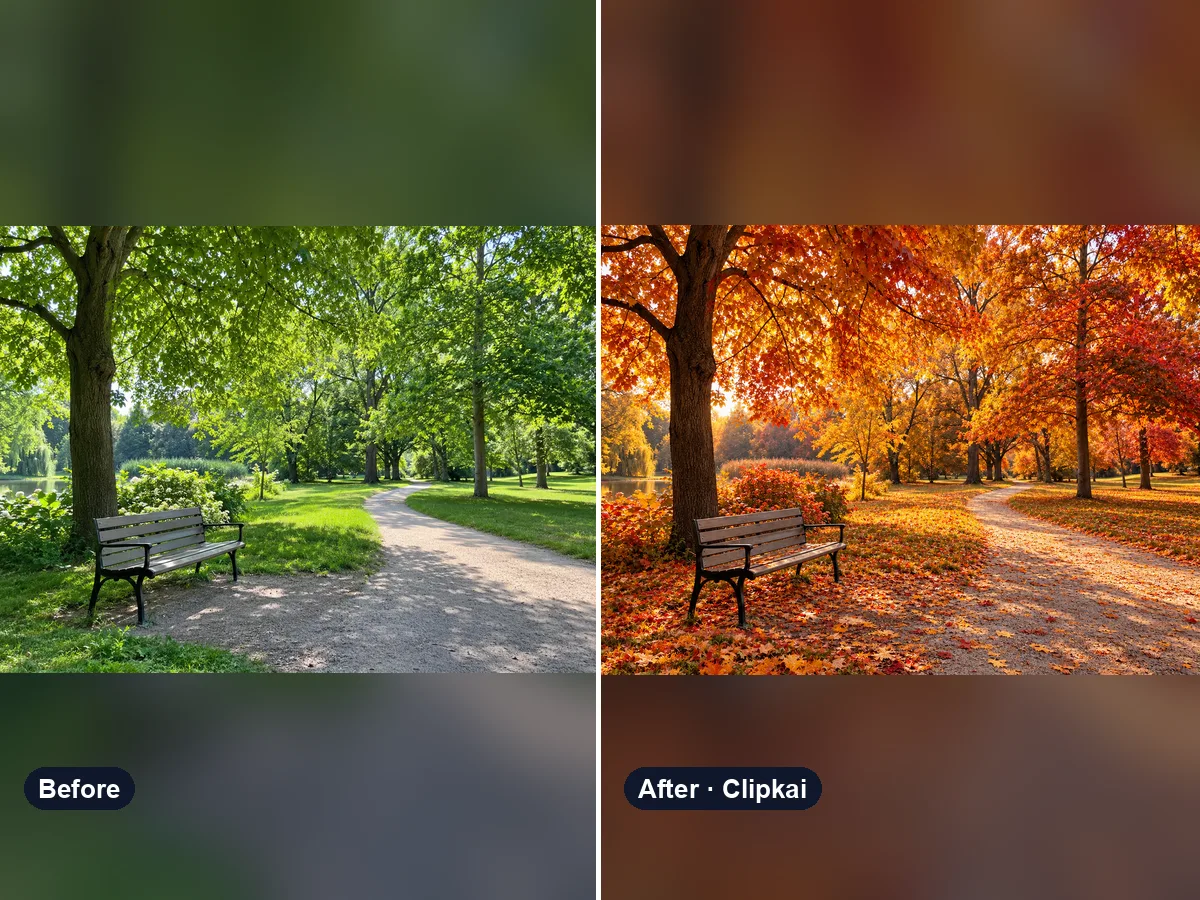
Upload a summer photo, get the same place in full autumn color.
12 credits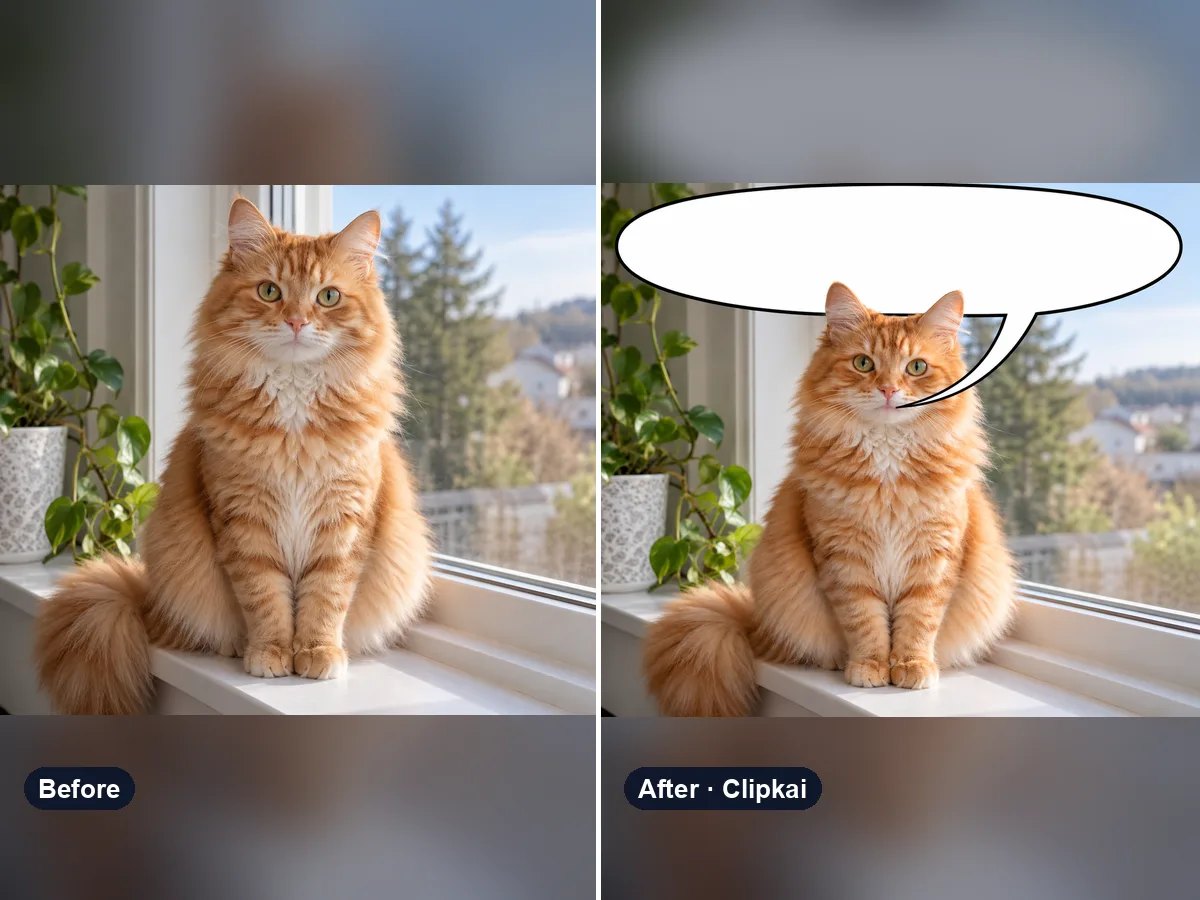
Upload a picture, get a speech bubble meme.
12 credits