Picsart Alternatives for AI Photo Editing (2026)
Picsart alternatives for AI photo editing in 2026: what Picsart Pro and Ultra cost, what the free plan and terms say, and when a single-task photo tool fits.
 Clipkai Team
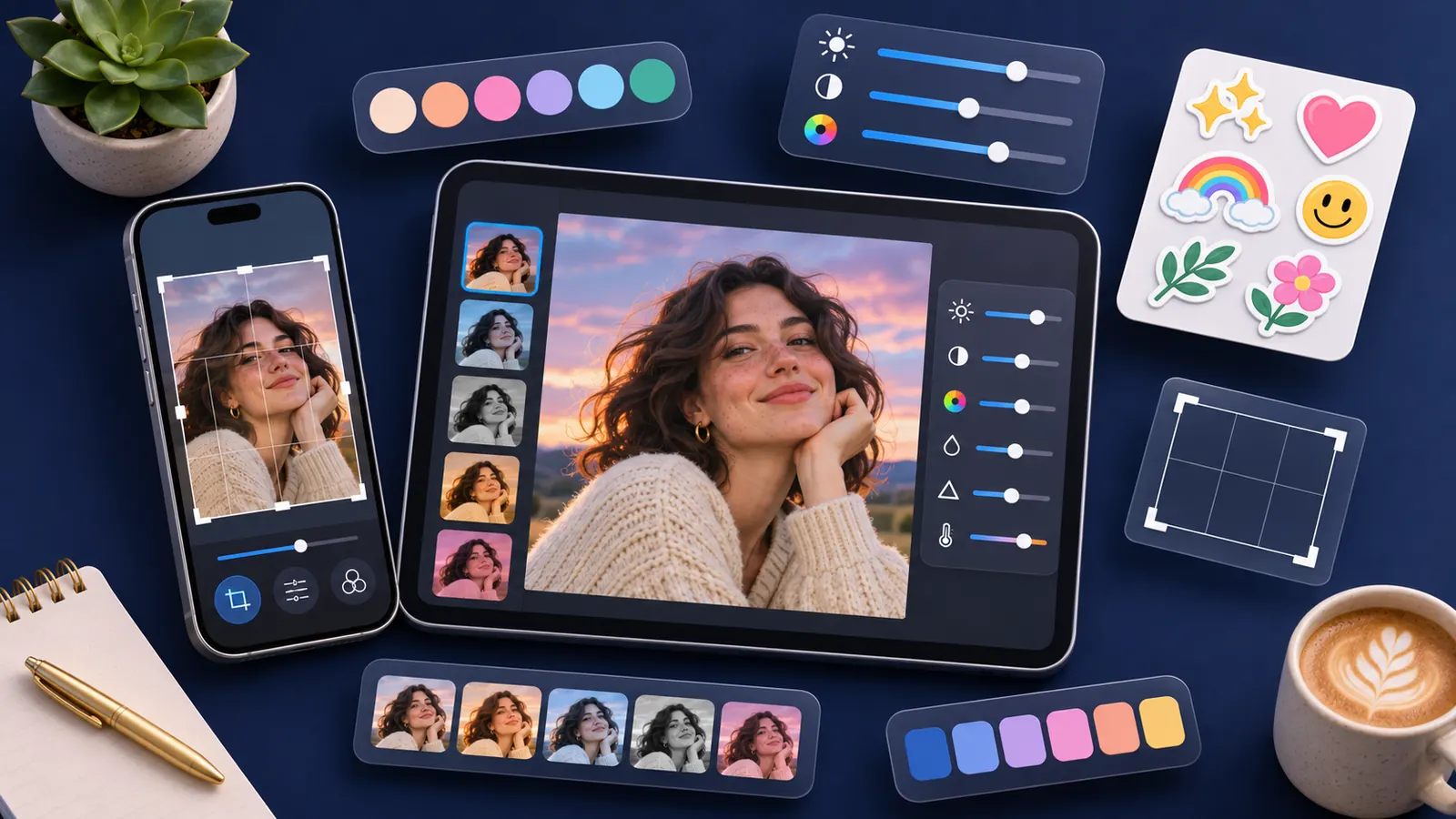
Short answer: Picsart is an all-in-one creative platform with templates, asset libraries, editing tools and AI generation. Its paid plans are Pro at $10.5/month and Ultra at $55/month, both billed yearly. If you mainly use Picsart for templates and design layouts, look for another full editor. If you only need single AI photo edits, such as removing a filter, enhancing a photo or changing a background, a task-specific photo tool may be all you need.
The Picsart facts below come from its pricing page, terms of use and help center as published on November 9–10, 2026. Plans change, so check the live page.
What Picsart includes
Picsart describes itself as an all-in-one AI creative platform for images, video and audio. Its homepage lists:
- AI image and video generation and editing;
- background removal;
- Flow workflows;
- Aura, an editing agent;
- templates;
- asset libraries;
- effects.
The pricing page names these AI models: GPT Images 2.5 Sunburst, Seedance 2.0 / 2.5, Nano Banana Pro, MiniMax H3, Kling 3.0 and "Flex.2 Klein" (spelled as on the page).
Picsart pricing
| Plan | Price (billed yearly) | Struck-through price shown | Credits per month | Image | Video |
|---|---|---|---|---|---|
| Pro | $10.5/month | $15 | 250 | Nano Banana Pro up to 4K | MiniMax H3 2K, 15s; Kling 3.0 4K, 15s; Seedance 2.0 4K, 15s |
| Ultra | $55/month | $75 | 1,500 | Nano Banana Pro up to 4K | MiniMax H3 2K, 15s; Kling 3.0 4K, 15s; Seedance 2.5 1080p, 30s |
Notes:
- Monthly billing was not verified. The struck-through prices appear next to the yearly prices. We did not switch the page to monthly billing.
- Credit numbers were read from a screenshot. The page animates its credit counters. 250 and 1,500 are the values visible on the default selection.
- Parallel video generations are listed, but the exact number is not.
- Picsart's help center (updated October 7, 2026) confirms Pro and Ultra, and says the live pricing page is the source of truth for prices, credits and features.
Is there a free Picsart plan?
Yes. Picsart's terms describe a "Picsart Free" tier and say most services are free. We did not find the free credit allowance, so we can't say how many AI generations a free account gets. We also found no statement on whether free exports carry a watermark.
Limits and things to check
Watermark. Not stated on the pricing page for free or paid plans.
Commercial use depends on the content. Picsart's terms say Picsart and licensor content is generally for personal, non-commercial use. Content marked as "Commercial Use Picsart Content" can be used commercially within the feature's scope, and content tagged #freeforbusiness allows commercial use. We did not find a general rule for AI-generated outputs, so check the label on each asset you use.
Refunds. The terms say all payments are non-refundable, and cancellation doesn't earn a refund or credit for a partial period.
Cancellation. Cancel in your account. If you subscribed through an app store, you may need to cancel there. You keep access until the period ends, then the account moves to Picsart Free. Cancel before renewal to avoid the next charge.
Reviews. On November 9, 2026, Picsart's Trustpilot page showed 4.4 out of 5 from 1,813 reviews.
Who Picsart suits
Picsart fits people who:
- design social posts, thumbnails or flyers from templates and need an asset library;
- want editing, AI generation, background removal and effects in one editor;
- edit regularly enough to use a yearly plan.
You might not need it if your work is a few one-off fixes, like cleaning up a photo or swapping a background, and you don't use templates.
Picsart alternatives
Pick by the job
| What you use Picsart for | What to look for |
|---|---|
| Template-based design and layouts | Another full design editor with templates and stock assets |
| One-off AI photo fixes | Single-task photo tools that take one upload and return one result |
| AI image generation | An image generator with the models you prefer |
| Short AI video clips | Text-to-video or image-to-video with the models you need |
Clipkai
Clipkai is an AI image and video generator with 50+ single-task photo tools. It is not a template-based design editor, and it has no Picsart-style template library.
Photo tools that cover common Picsart edits:
- Remove filter from photo
- Photo enhancer
- Change photo background
- Remove person from photo
- Background remover
For image generation, Clipkai has GPT Image 2.6 / 2.5 / 2, Nano Banana Pro / 2.1, Seedream 5.0 Pro, FLUX 2 and Qwen Image 3.0. For video, it has text-to-video, image-to-video and one-tap video effects, with models such as Seedance, Kling 3.0, Veo 3.1, Wan 3.0 and MiniMax H3.
Pricing is one-time credit packs, with no subscription and no auto-renewal: Single video $6.99 (700 credits), Starter $9.9 (1,200), Pro $29.9 (4,000) and Ultimate $69.9 (10,000). Purchased credits are valid for one year. New accounts may also get welcome credits worth one photo-tool image, while daily welcome-credit grants last; welcome credits expire after 30 days. See pricing.
- Pros: you pay only when you need an edit and nothing renews. Results have no watermark, and the terms allow commercial and non-commercial use of outputs, provided you have the rights to what you upload and follow the terms and applicable law. Failed generations return credits automatically, and refund requests go through support within 14 days where the law allows.
- Cons: no template library or design editor of the Picsart kind, no team seats and no API. GPT Image 2.6 is 1K only on Clipkai.
OpenArt
If you want more image generation and editing in one subscription, OpenArt's homepage lists image editing, expanding, background changes and upscaling to 4K. Plans start at $13/seat/month billed annually with 4,000 credits a month. Commercial use is granted on Plus and above under its terms. See our OpenArt review.
FAQ
How much does Picsart cost?
Pro is $10.5/month and Ultra is $55/month, both billed yearly. The page also shows struck-through prices of $15 and $75. We did not verify monthly-billing prices.
Is Picsart free?
There is a Picsart Free tier, and the terms say most services are free. The AI credit allowance for free accounts is not published on the pages we checked.
How many AI credits does Picsart Pro include?
250 credits a month on Pro and 1,500 on Ultra, based on the default selection shown on the pricing page.
Can I use Picsart content commercially?
It depends on the asset. Content marked "Commercial Use Picsart Content" or tagged #freeforbusiness can be used commercially. Other Picsart content is generally personal and non-commercial. We found no general rule for AI outputs.
Can I get a Picsart refund?
The terms say all payments are non-refundable, including partial periods.
What is a good Picsart alternative for one-off photo edits?
A single-task tool works well if you don't need templates. Clipkai's photo tools are paid with one-time credits, so there's no subscription.
Sources (checked November 10, 2026)
Prices and plan details change. Always confirm on the official pages.
- Picsart pricing
- Picsart terms of use: subscription and billing
- Picsart terms of use: content
- Picsart help: which plan is right for me
- Picsart homepage
- Trustpilot: Picsart
- OpenArt pricing
- Clipkai pricing, refund policy and terms of service
Picsart, OpenArt and the model names above are trademarks of their respective owners. Clipkai is not affiliated with them.